
Your Browsing History
- Free 30-day Returns
$196.78

Meet Your Seller

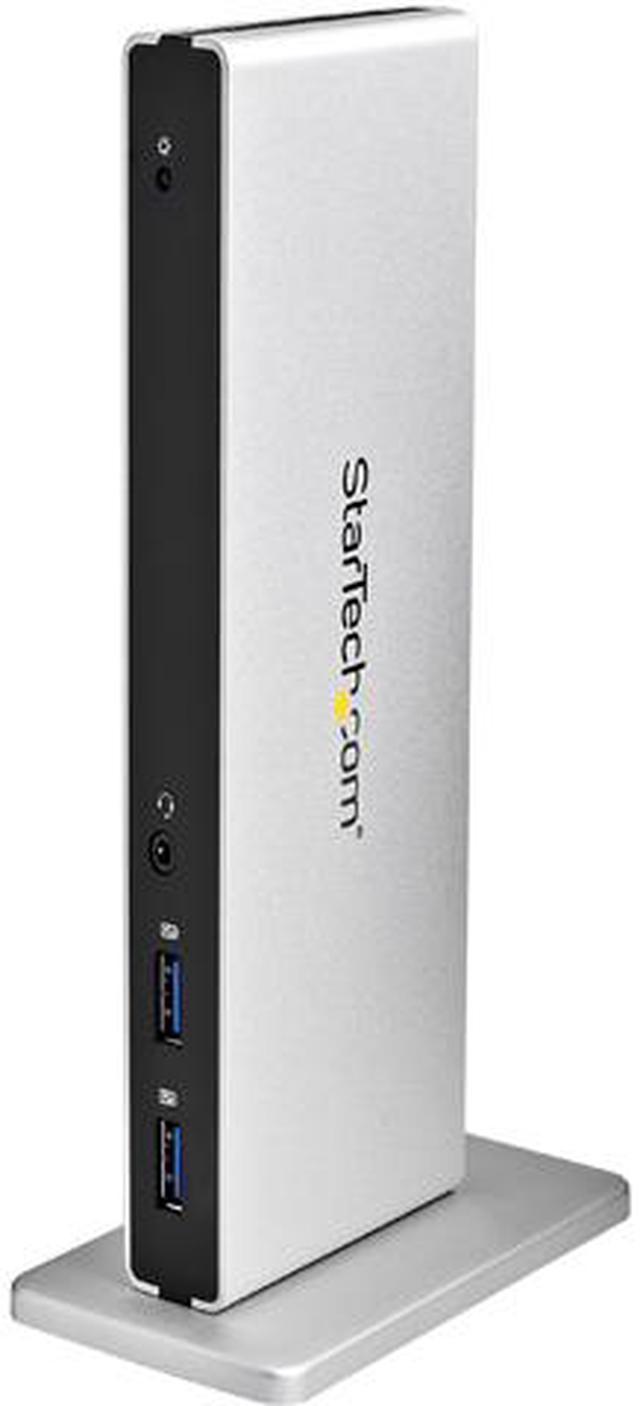
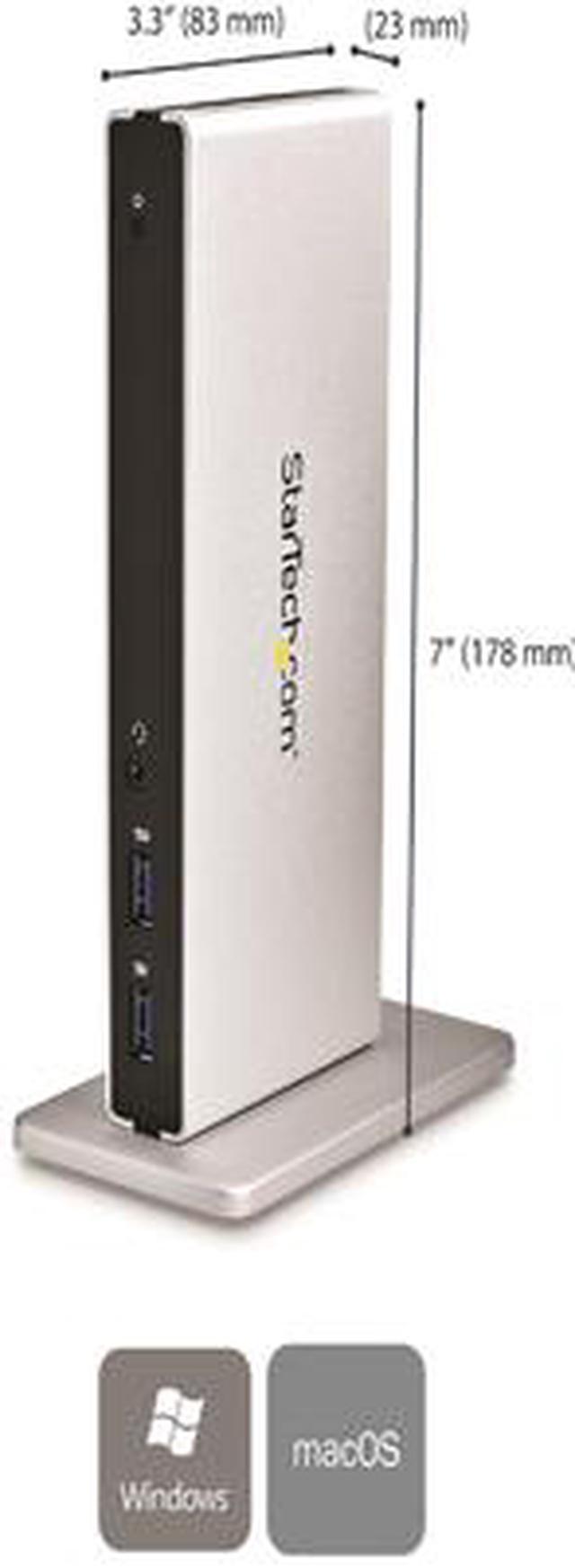
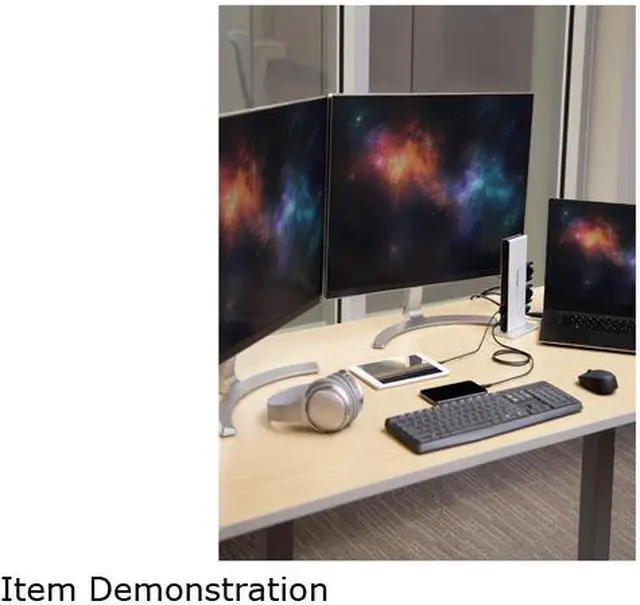
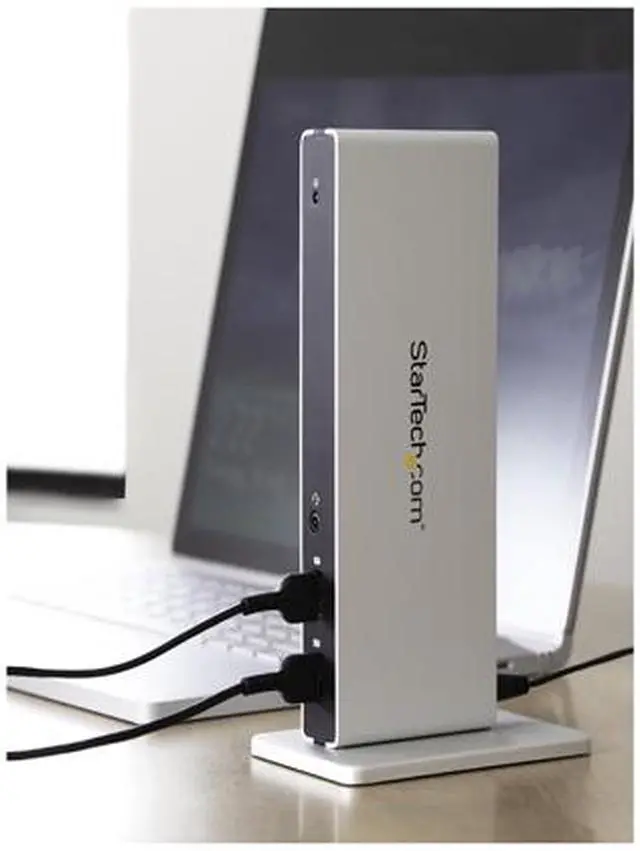
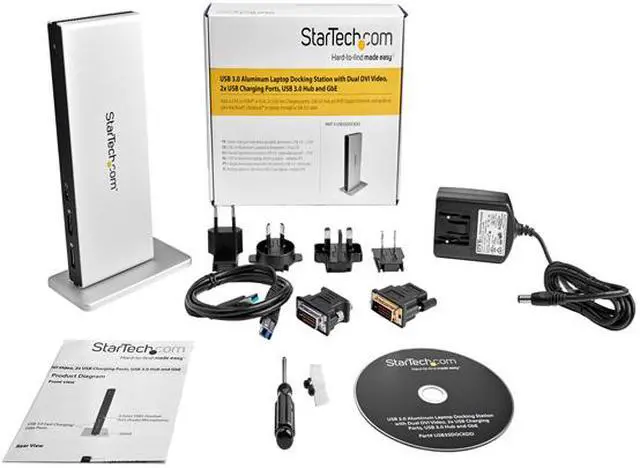


StarTech.com USB3SDOCKDD DVI Dual Monitor Docking Station / 5 x USB 3.0 / Ethernet / HDMI / VGA Adapters / Laptop Docking Station / USB 3.0 Dock
- Dual-monitor USB 3.0 docking station lets you connect your Mac or Windows laptop to two monitors
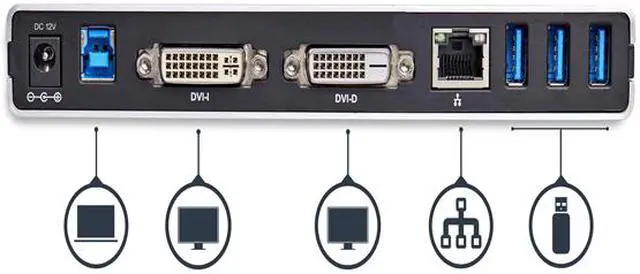
- USB 3.0 dock supports your existing displays two display adapters (DVI to VGA and HDMI) included
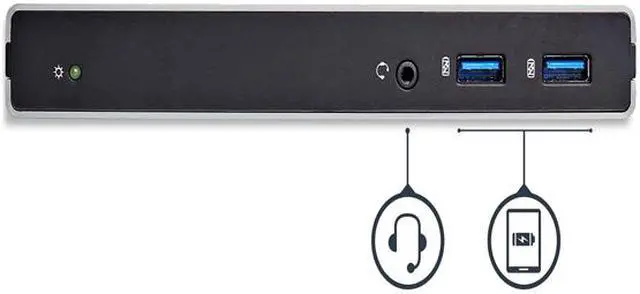
- USB 3.0 port replicator features two front facing USB ports that are USB-fast charge ports to charge your mobile devices faster
- Dual DVI docking station has 5x USB 3.0 (AKA USB 3.1 Gen 1) ports and a GbE port
- Dual monitor docking station backed by a 3-year warranty and free lifetime tech support
+
+
Overview
Specs
Reviews (24)
Expand your MacBook Ultrabook or laptop into a powerful office workstation or hot desk via a single USB 3.0 cable. Compatible with Lenovo X1 Carbon. Comparable to Lenovo 0A33970. 2x USB 3.0 Fast Charge Ports. Stylish Brushed Aluminum Finish.
Warranty & Returns
Warranty, Returns, And Additional Information
Warranty
- Please contact the Seller directly for warranty information. Warranty information may also be found on the Manufacturer's website.
- Read full details
- CONTACT
Return Policies
- Return for refund within: 30 days
- Return for replacement within: 30 days
- This item is covered by OneDealOutlet Canada Return Policy
Manufacturer Contact Info
- For a directory of all our manufacturers, please click below.
- Manufacturers Directory
LOADING...
LOADING...