
Your Browsing History
- Free 30-day Returns
$59.59

Meet Your Seller


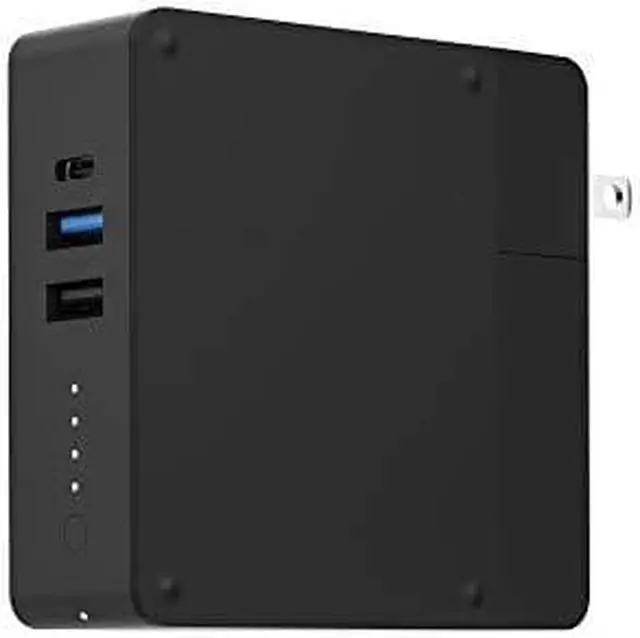
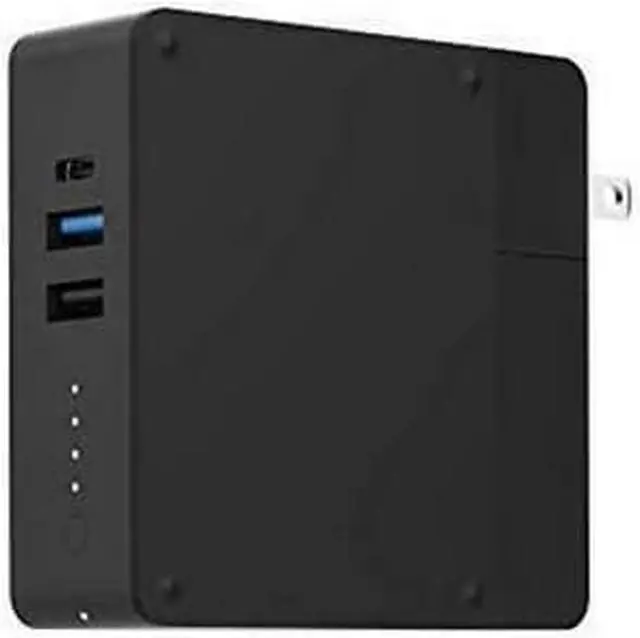
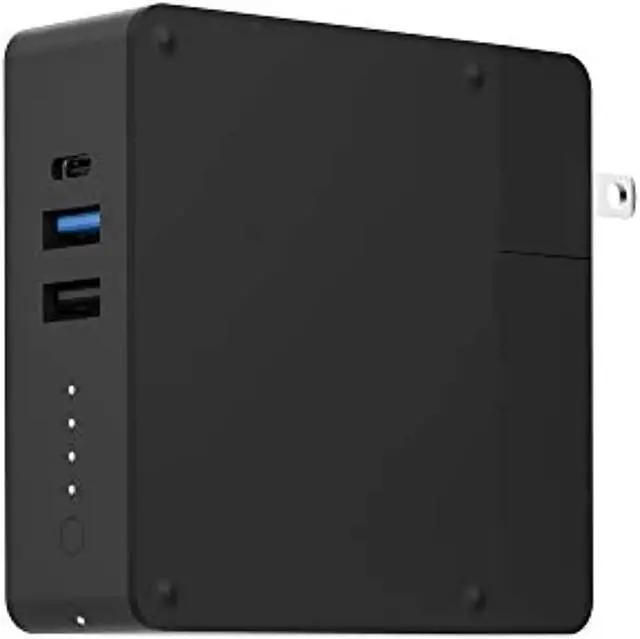
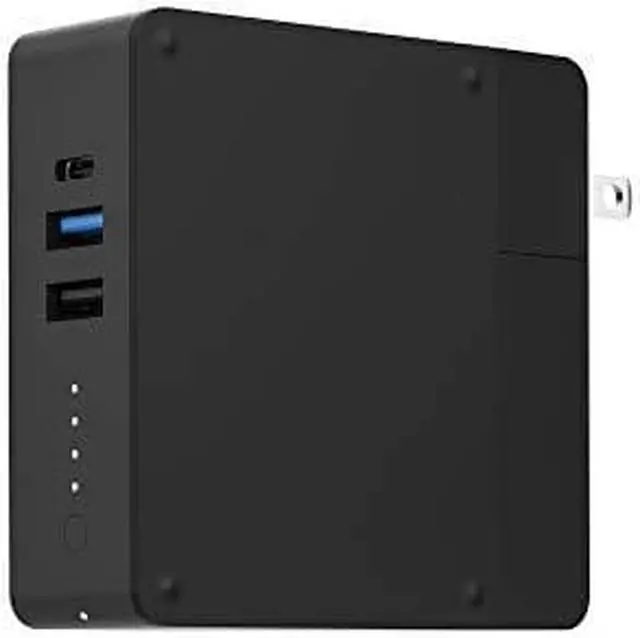
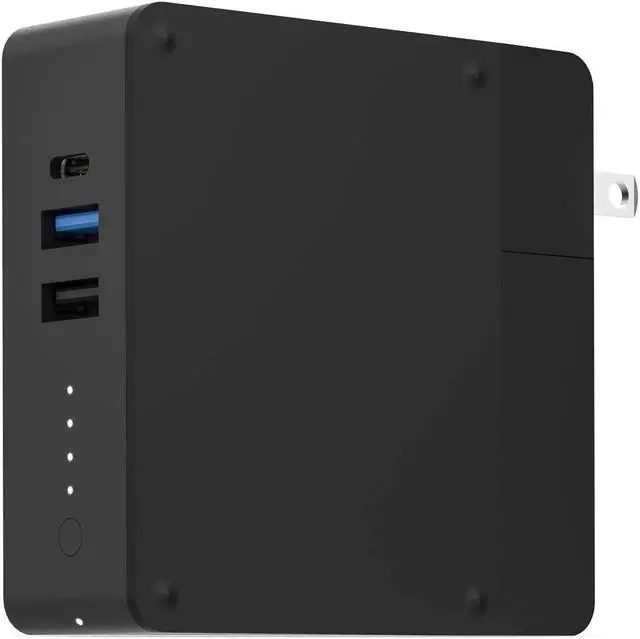


Mophie 6000mAh 5V DC 3 Port Powerstation Hub 401102474
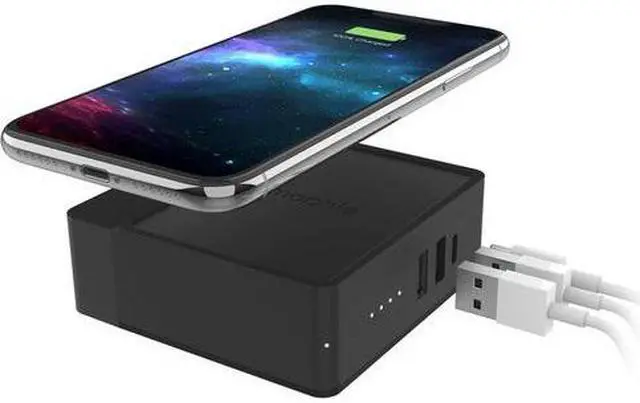
- 18W fast charge portable hub with Qi-enabled 5W wireless charging.
- Contains a 6,000mAh internal battery
- Fast Charge Portable Battery Hub for On-The-Go Charging
- Fast Charge USB-C PD
- AC Power Prongs
- Wireless Charging
- Charge Multiple Devices
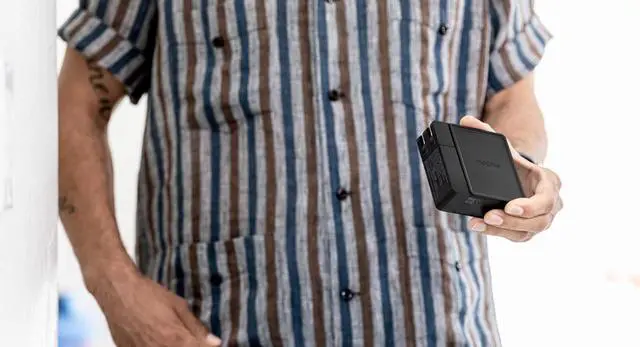
- Compact and Portable Design
- Check Your Status and Save Battery
+
+
Overview
Specs
Reviews
Fast Charge Portable Battery Hub for On-The-Go Charging
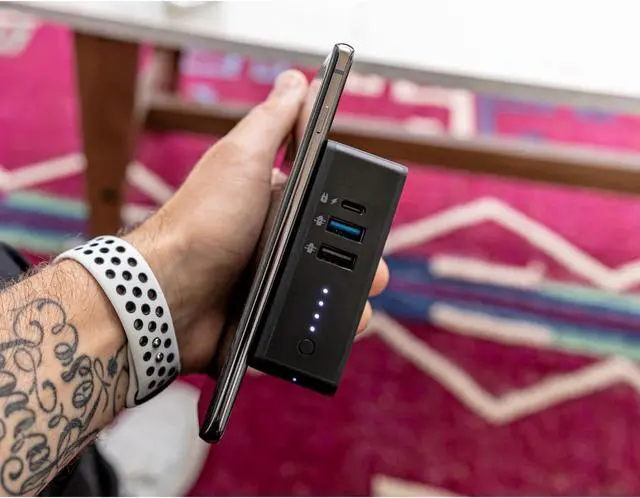
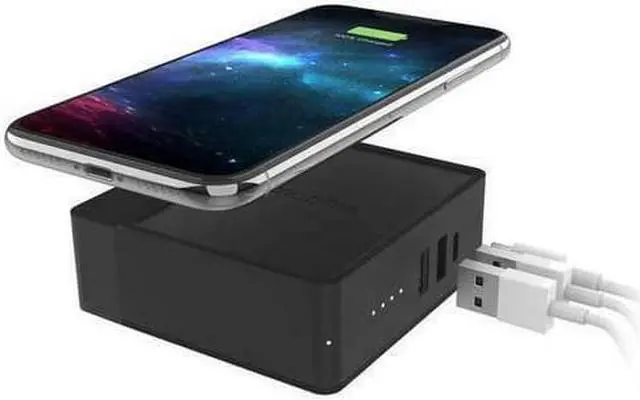
Versatile and portable, the powerstation hub is your new go-to for power. At home or in the office, foldable AC power prongs let you use the powerstation hub as a wall charger when you're near an outlet. When you're headed to the gym or on vacation, the built-in 6, 000mAh battery keeps your smartphone charged through the day. A built-in wireless charging surface lets you use the powerstation hub as a wireless, portable battery.
Fast Charge USB-C PD
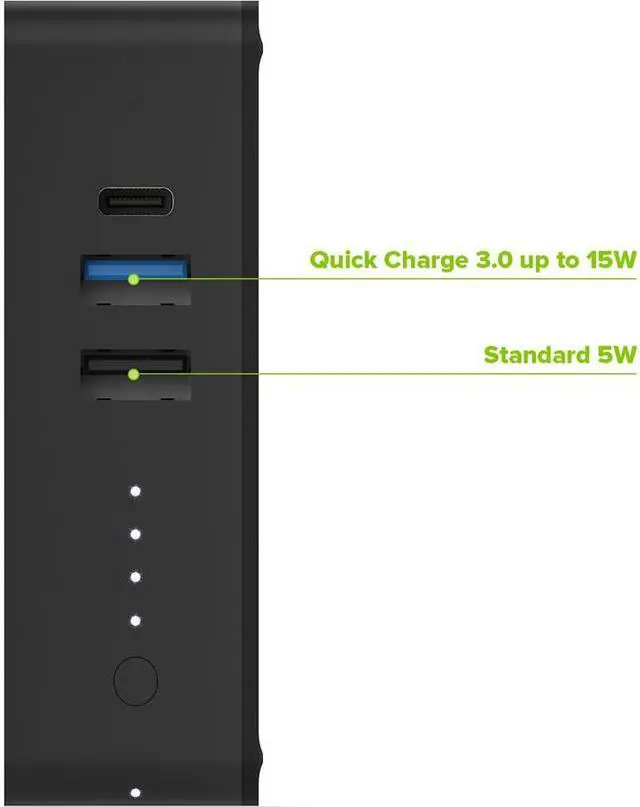
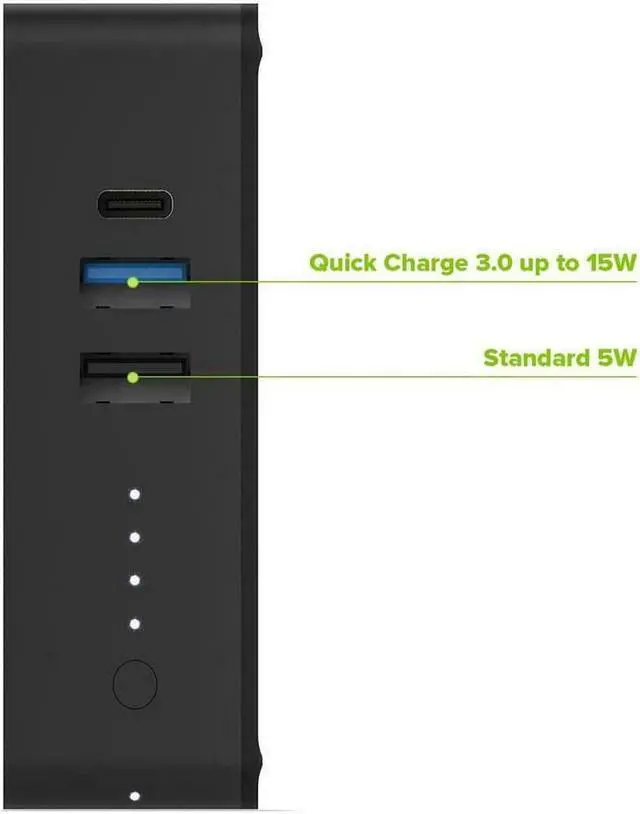
Use the USB-C PD port to recharge the powerstation hub, or use that same port to charge a device at the fastest speed possible.
AC Power Prongs
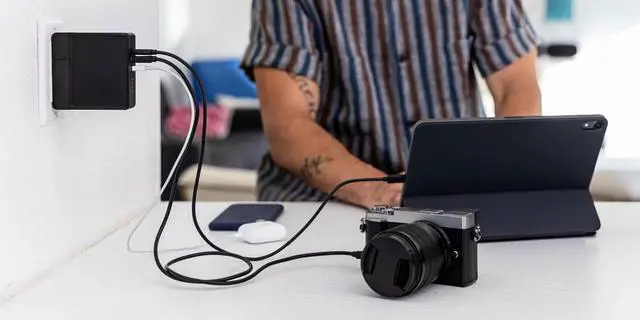
No cable needed to charge this powerstation. With the built-in AC power prongs, you can recharge the powerstation hub simply by plugging into any wall outlet.
Wireless Charging
Never fuss with cables again. Simply place you QI-enabled smartphone on the powerstation hub's charging surface and push the button to power to your device.
Charge Multiple Devices
Conveniently charge multiple devices simultaneously with the two USB-A ports, USB-C PD port, and wireless charging surface.
Compact and Portable Design
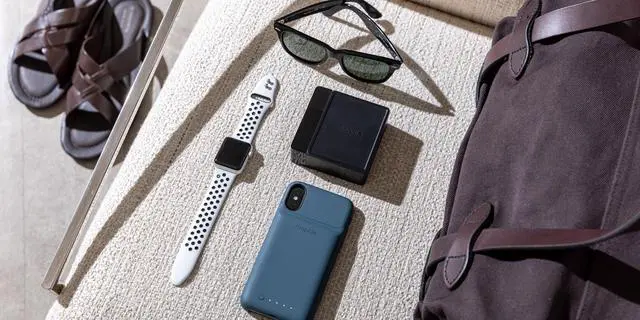
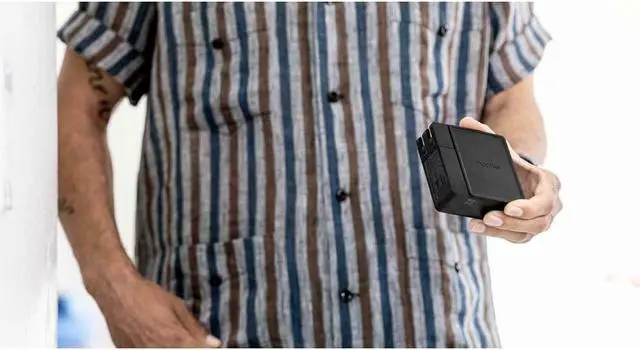
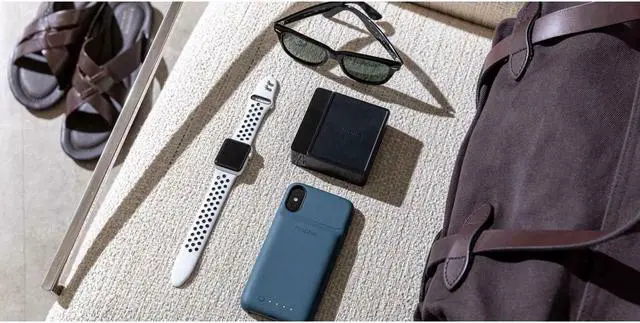
The ultra-portable design allows the powerstation hub to fit easily in your bag so it can charge your devices anywhere.
Check Your Status and Save Battery
Turn the powerstation on and off with the LED Status Indicator button, or press it to display its battery levels or charge status.
Warranty & Returns
Warranty, Returns, And Additional Information
Warranty
- Please contact the Seller directly for warranty information. Warranty information may also be found on the Manufacturer's website.
- Read full details
- CONTACT
Return Policies
- Return for refund within: 30 days
- Return for replacement within: 30 days
- This item is covered by OneDealOutlet Canada Return Policy
Manufacturer Contact Info
- For a directory of all our manufacturers, please click below.
- Manufacturers Directory
LOADING...
LOADING...