










4K USB Gaming Capture Card
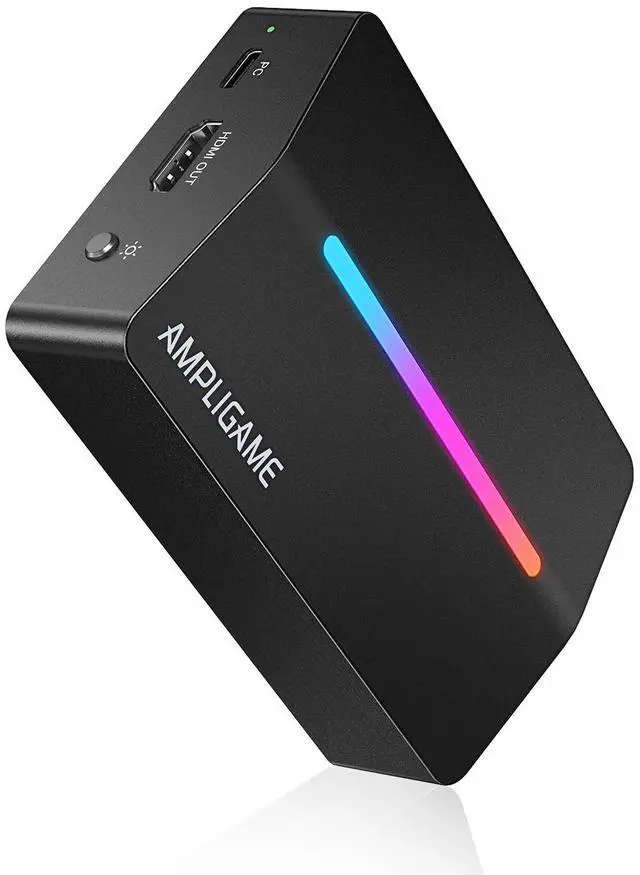
Fifine Ampligame V3-Gaming Video Capture Card
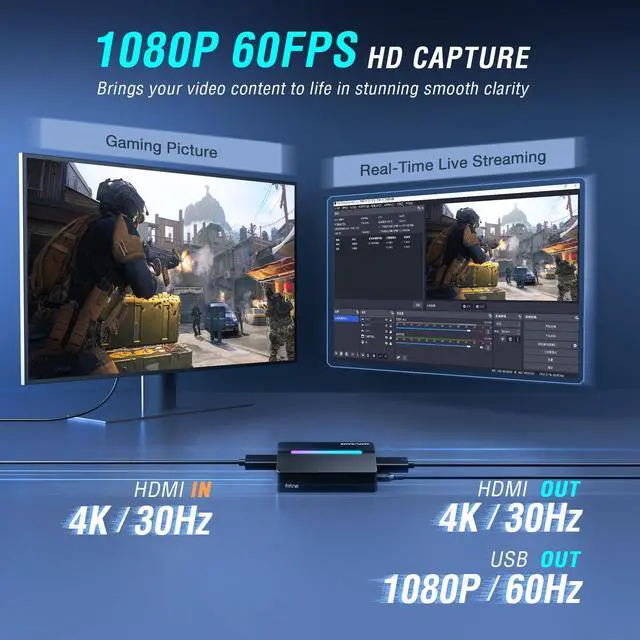
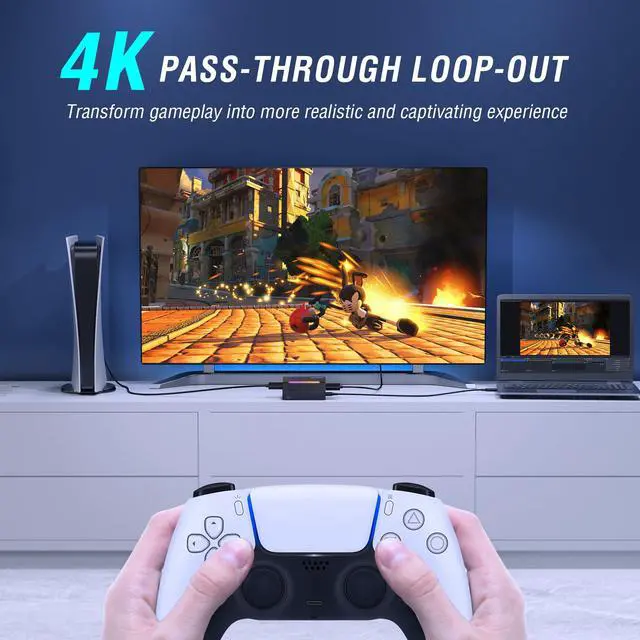
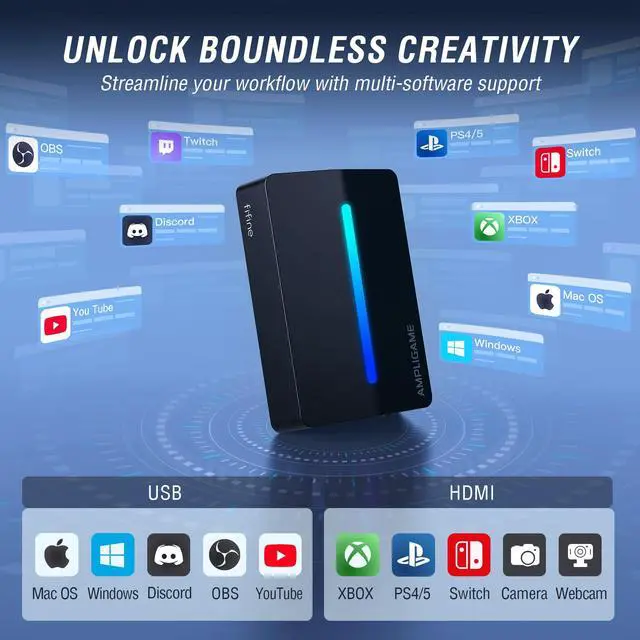
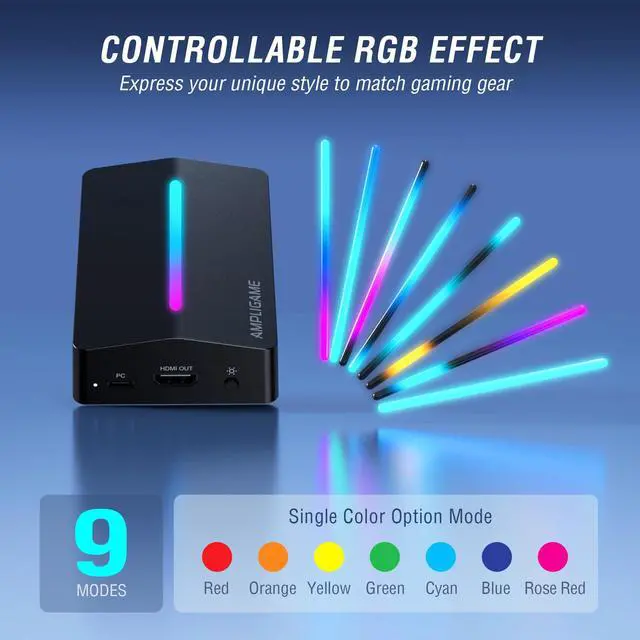
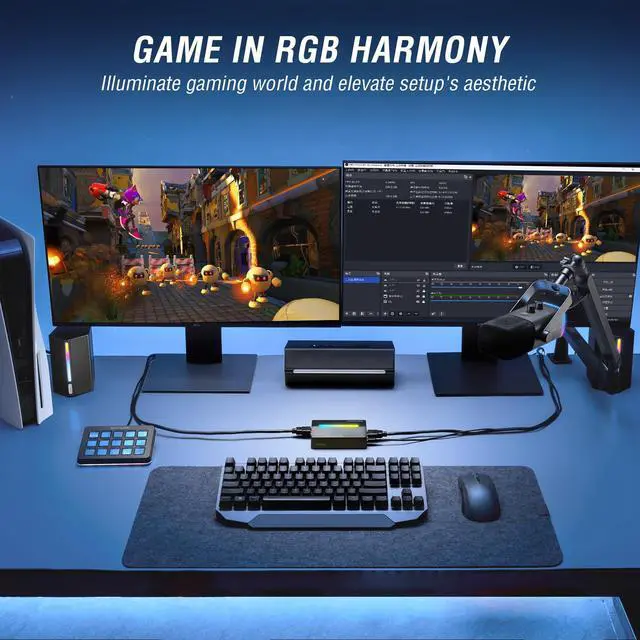
Capture and stream with ease! Our video capture card gaming offers 1080P/60fps video, audio HD recording quality and 4K/30fps pass-through for stunning visuals. Effortless to connect and simple to use via USB Type-C connectivity and featured with stable USB3.0 high speed transmission. With wide compatibility across devices and software, our switch capture card is a versatile choice. The controllable RGB lighting effects adapt to your gaming immersion, enhancing your video streaming experience.
Video Capture Card V3
Merchant Video


What devices is this capture card compatible with?
The capture card is compatible with PC, Laptops,PS4/5, Xbox and Switch.
Does V3 capture card require an external power supply?
This capture card requires no external power supply. It draws power directly from your computer or device via the USB connection. For optimal performance, please connect it to a USB 3.0 or higher port.
How do I use V3 capture card for game recording and streaming on my PS4 or PS5?
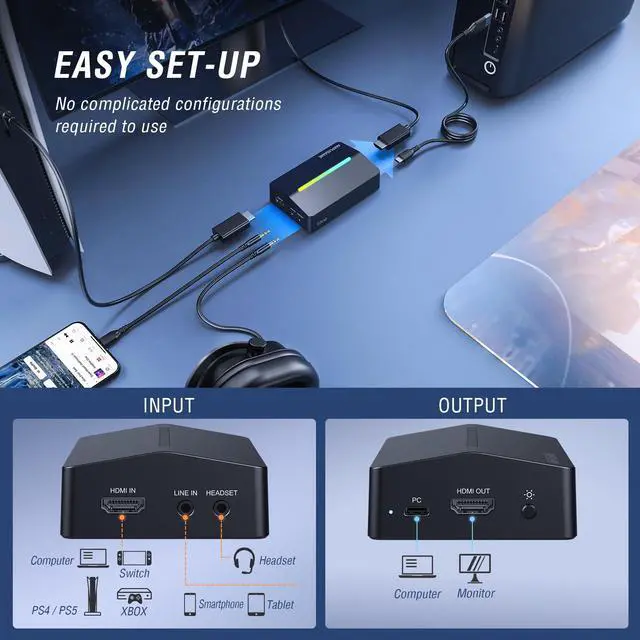
Connect your PS4/PS5 to the capture card's HDMI IN port, then link the card's HDMI OUT to your monitor. Finally, plug the card into your computer via USB. Before recording, please disable HDCP in your PlayStation settings.


Video Capture Card V3
Merchant Video4K USB Gaming Capture Card
Fifine Ampligame V3-Gaming Video Capture Card
Capture and stream with ease! Our video capture card gaming offers 1080P/60fps video, audio HD recording quality and 4K/30fps pass-through for stunning visuals. Effortless to connect and simple to use via USB Type-C connectivity and featured with stable USB3.0 high speed transmission. With wide compatibility across devices and software, our switch capture card is a versatile choice. The controllable RGB lighting effects adapt to your gaming immersion, enhancing your video streaming experience.


What devices is this capture card compatible with?
The capture card is compatible with PC, Laptops,PS4/5, Xbox and Switch.
Does V3 capture card require an external power supply?
This capture card requires no external power supply. It draws power directly from your computer or device via the USB connection. For optimal performance, please connect it to a USB 3.0 or higher port.
How do I use V3 capture card for game recording and streaming on my PS4 or PS5?
Connect your PS4/PS5 to the capture card's HDMI IN port, then link the card's HDMI OUT to your monitor. Finally, plug the card into your computer via USB. Before recording, please disable HDCP in your PlayStation settings.
FIFINE AmpliGame Series
Keep Leveling Up for Your Game Victory
FIFINE Gaming Products
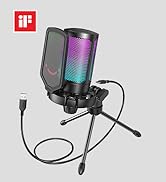
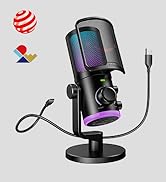
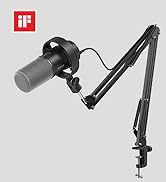
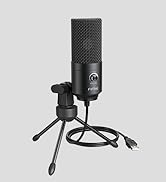
FIFINE Streaming Microphone
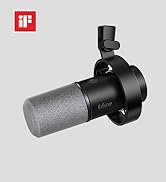
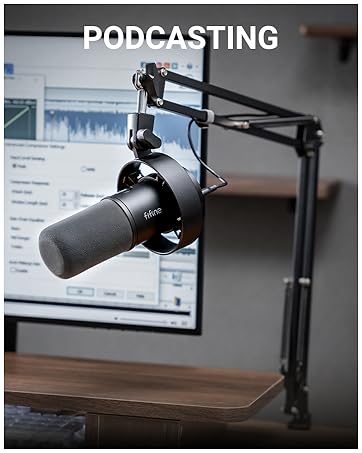
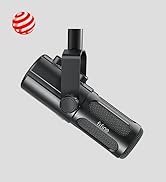
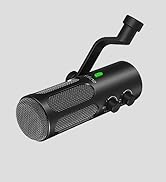
FIFINE Podcasting Microphone
