





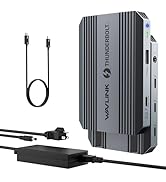
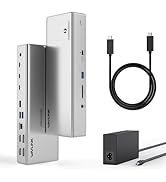
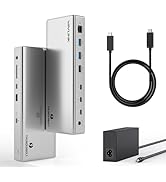



Laptop Docking Station
Merchant Video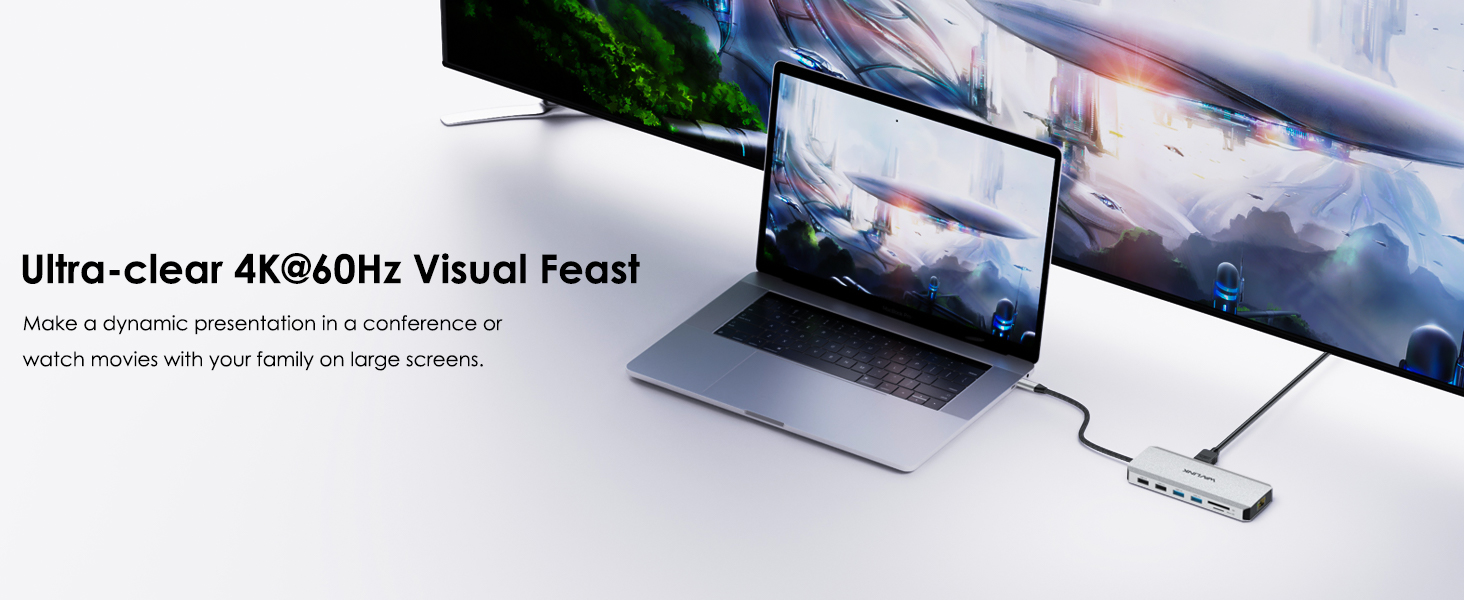

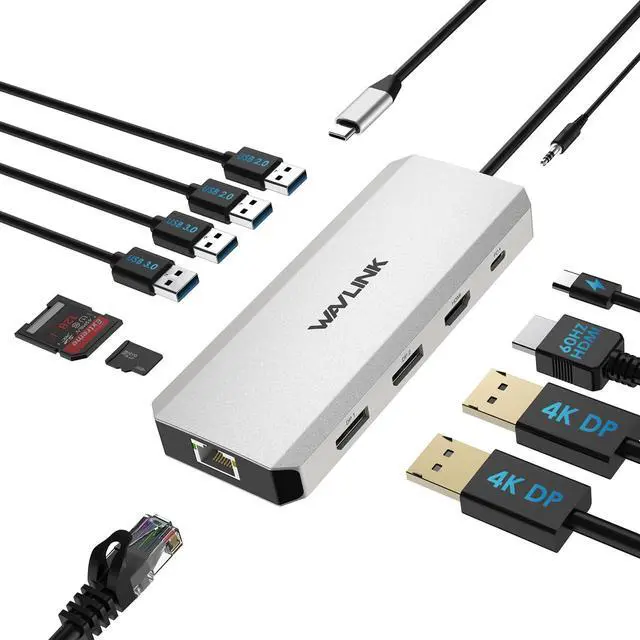
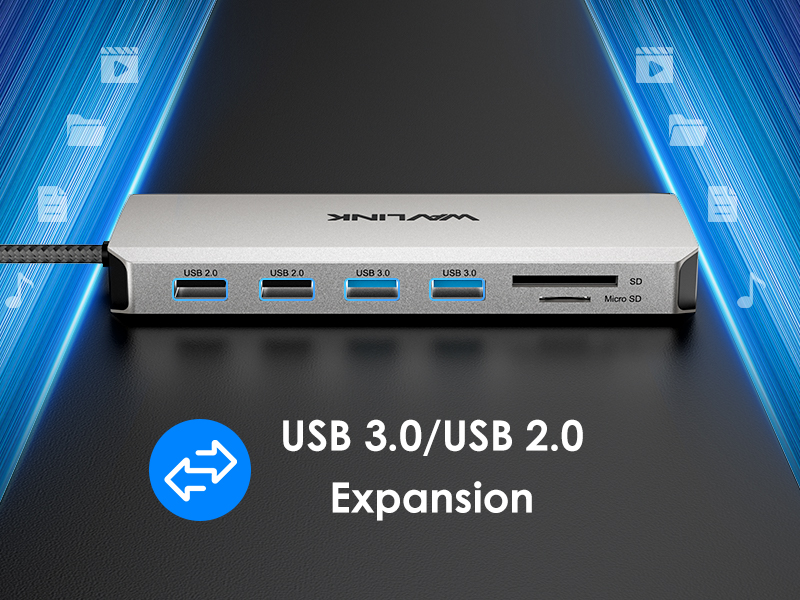
USB 3.0/USB 2.0 Expansion
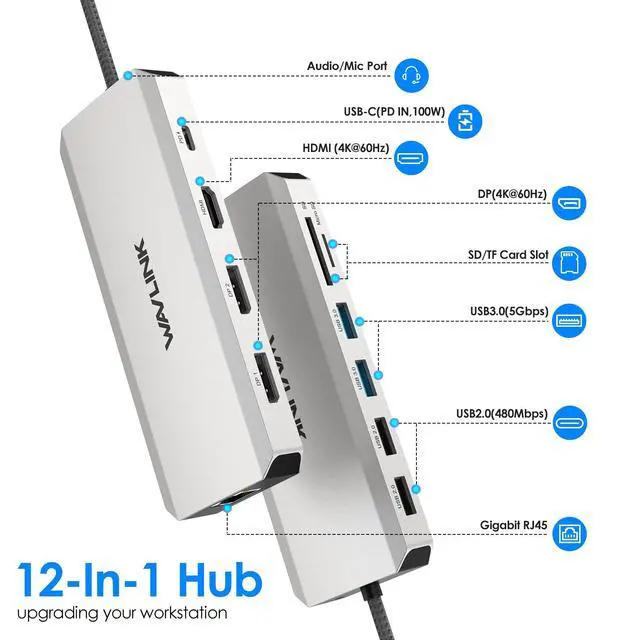
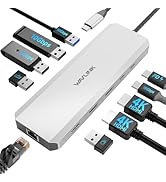
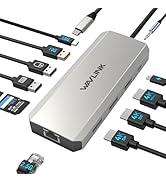
2 USB 3.0-A ports allow you to transfer movies or large files at speed up to 5Gbps--easy to connect external hard drives and U disks. 2 USB 2.0-A ports let you quickly connect your keyboard, mouse, or printer with ease.
Why buy this docking station ?
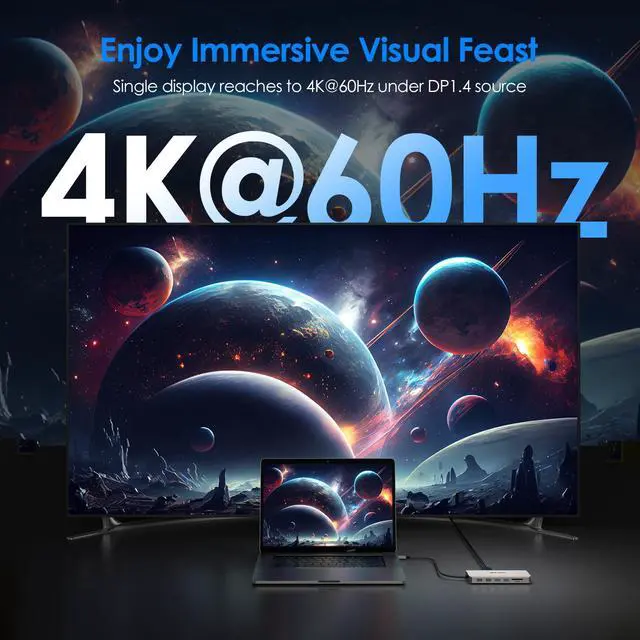
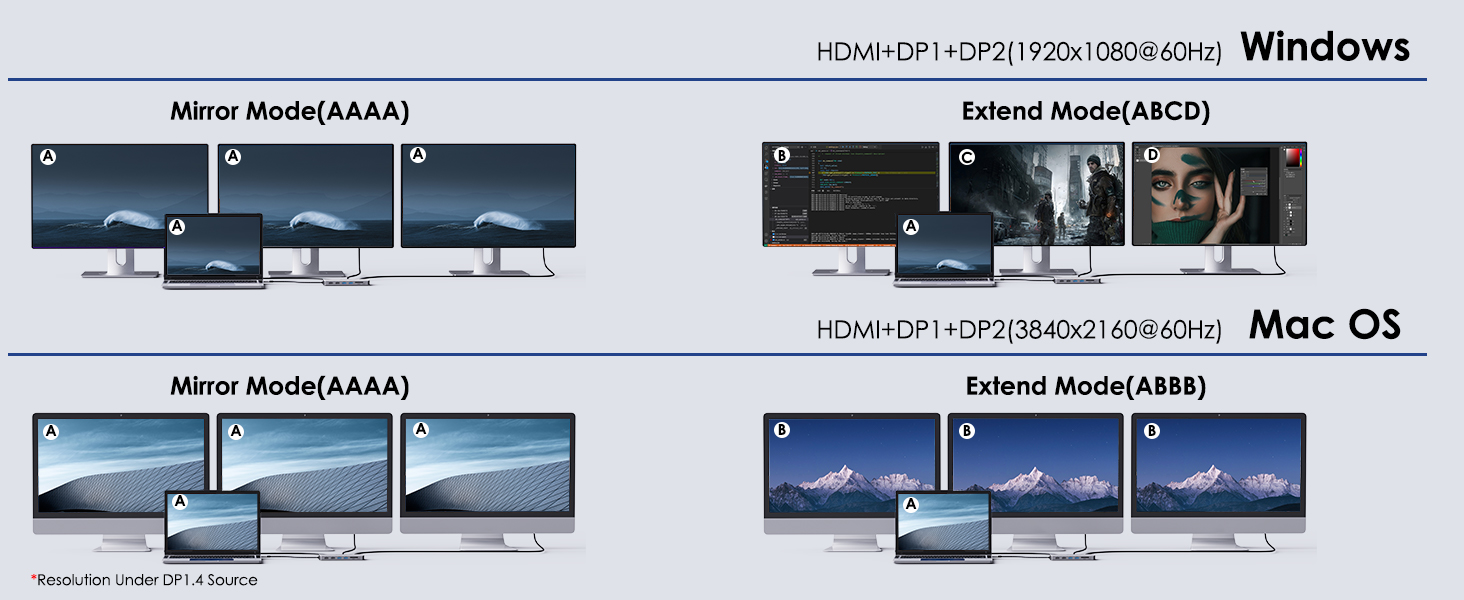
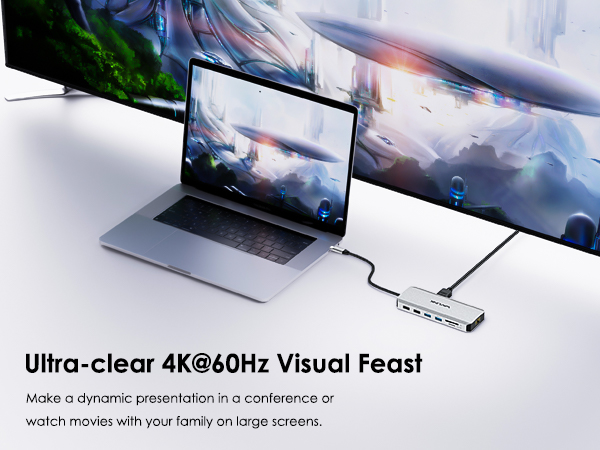
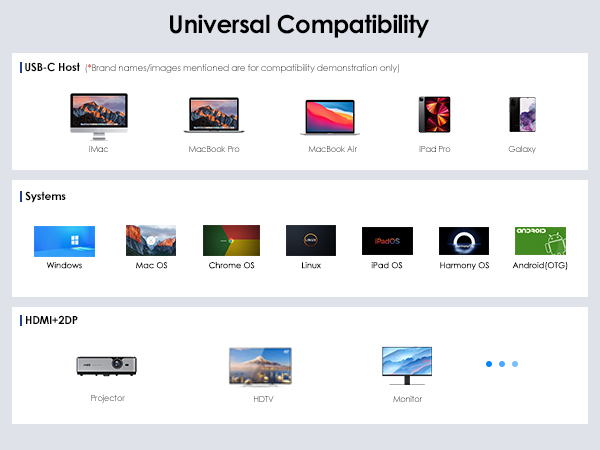
Docking station for Professional Creative Work - lf you are a designer,editor, or photographer who frequently uses professional software such as PS? PR? AE, do what u need.lt single 4K@60Hz display, Supports up to three extended displays.
How to use this product ?
1. Connect: Plug the docking station into your computer, then connect the monitor to the docking station.
2. Power: Plug in the docking station's power cable.
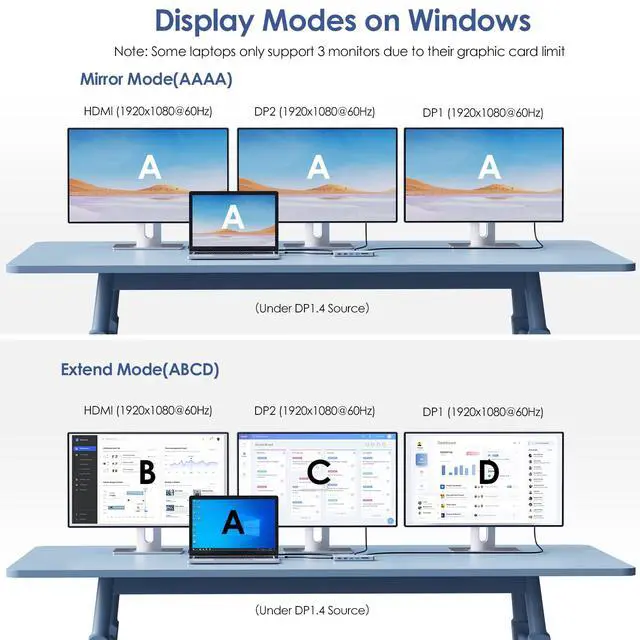
3. Settings: On Windows, right-click the desktop ? select [Extend/Mirror these displays].
Does Mac OS support extending to different screens ?
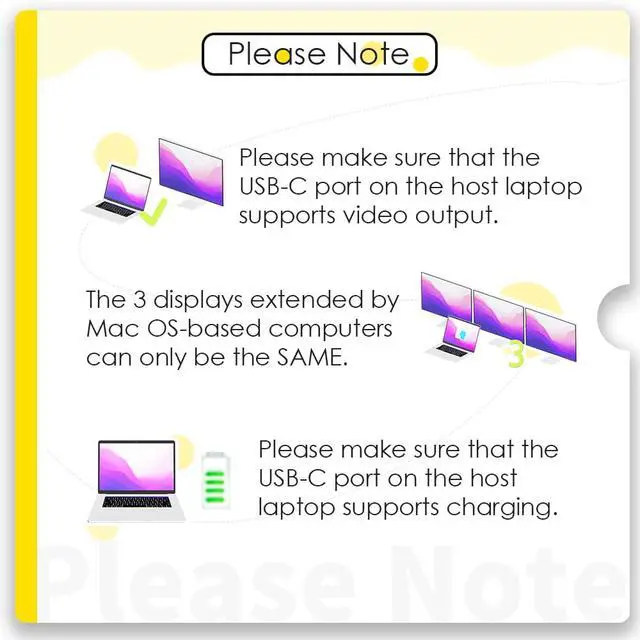
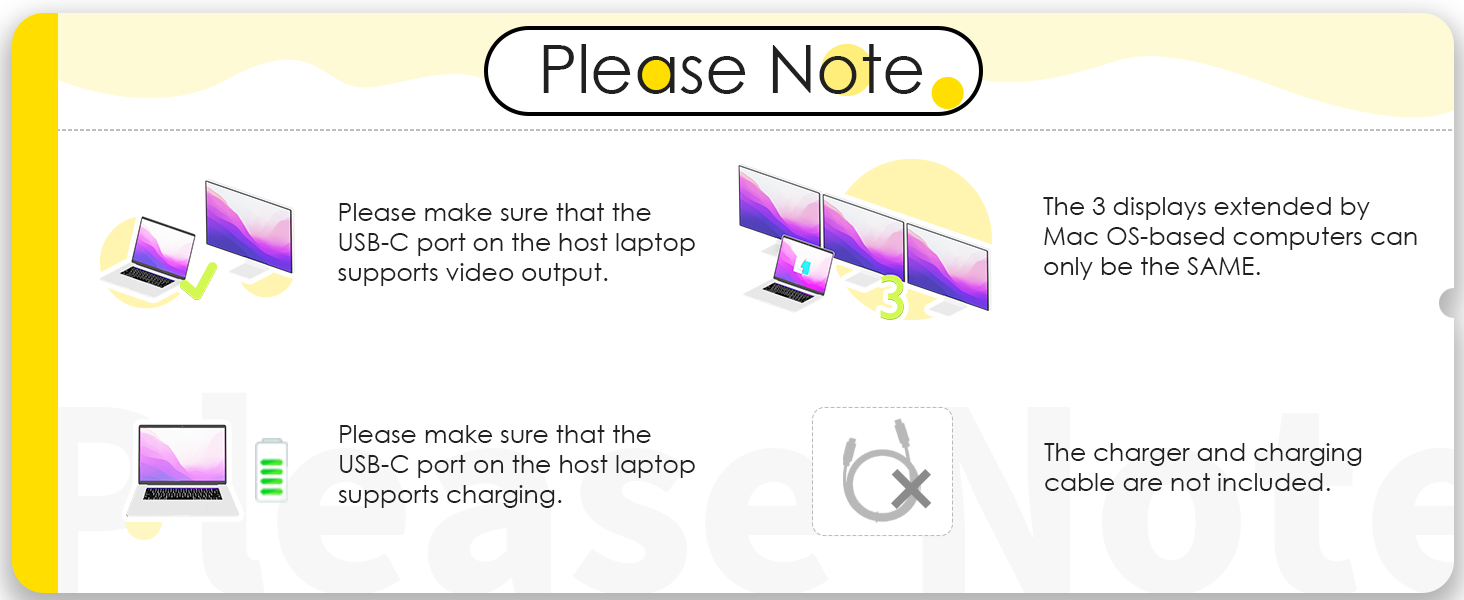
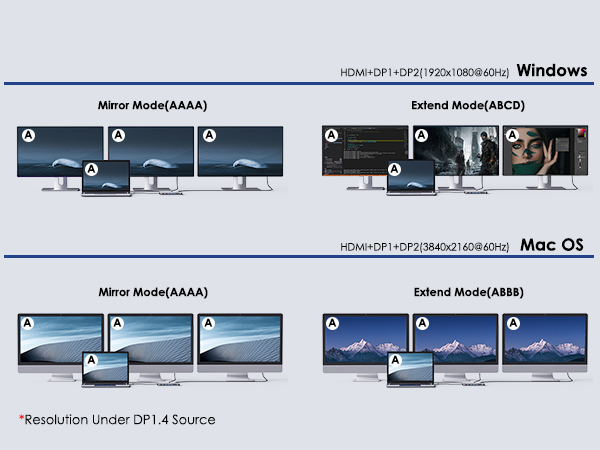
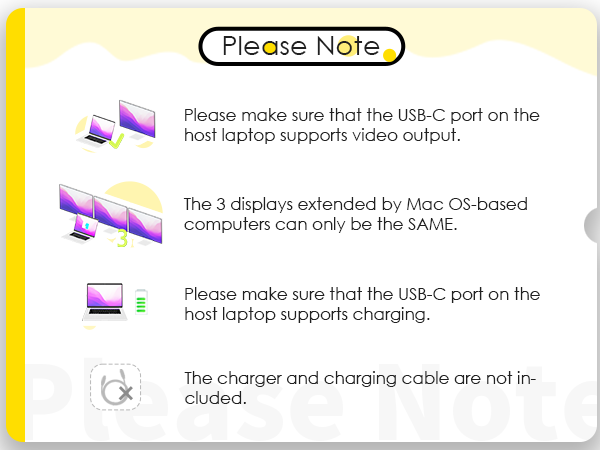
No! Due to limitations of the Mac OS chip, all extended displays will be identical.
Why isn't my monitor responding ?
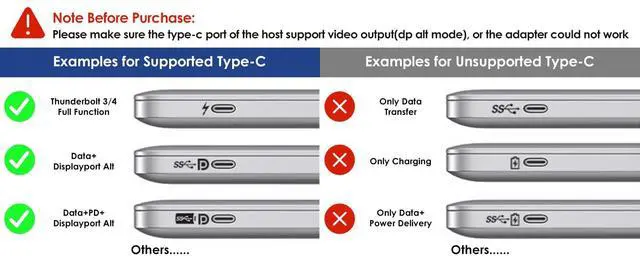
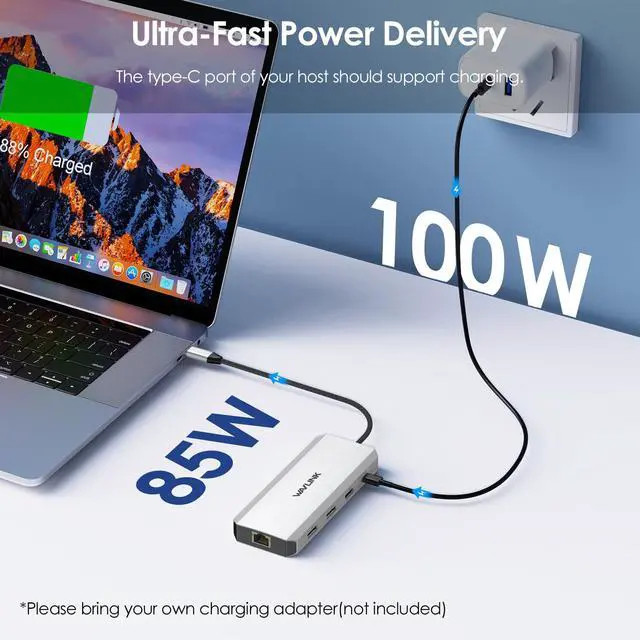
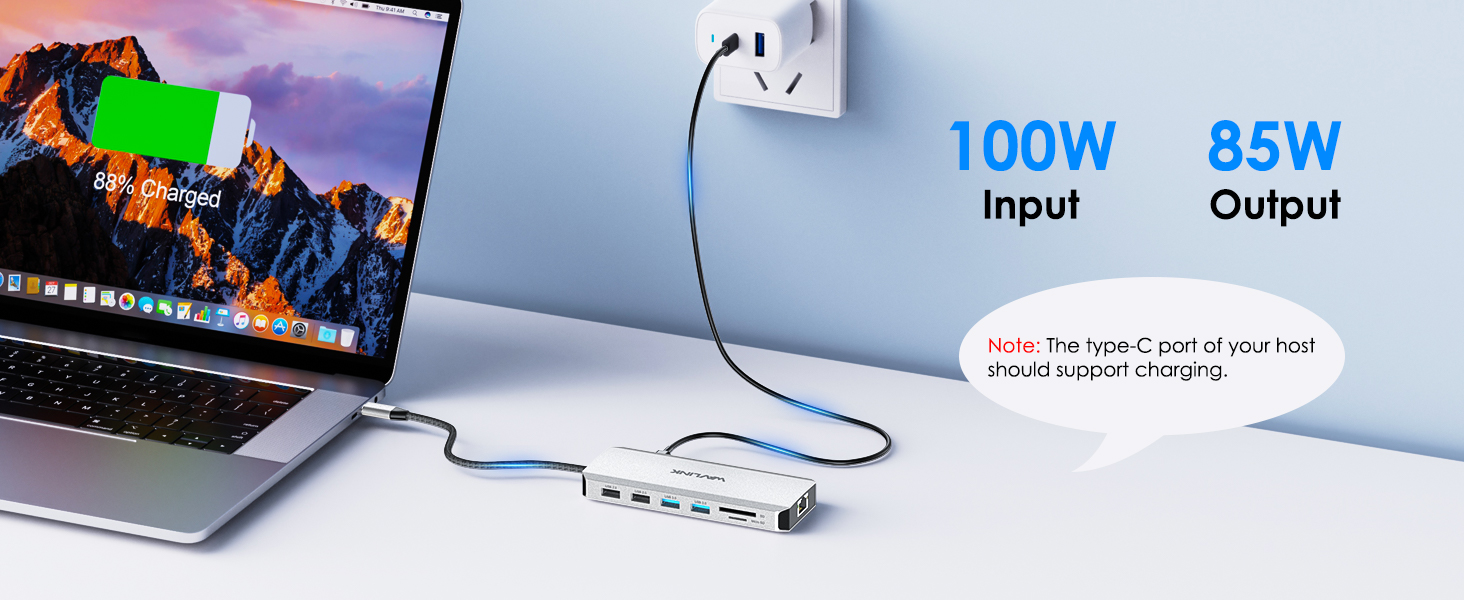
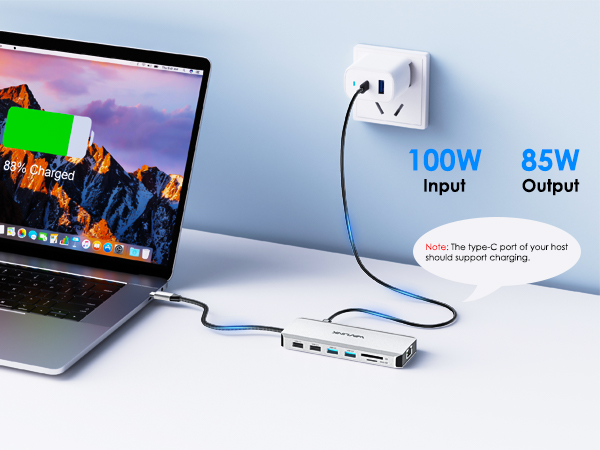
Please ensure the USB-C port on your host laptop supports video output and charging functionality.
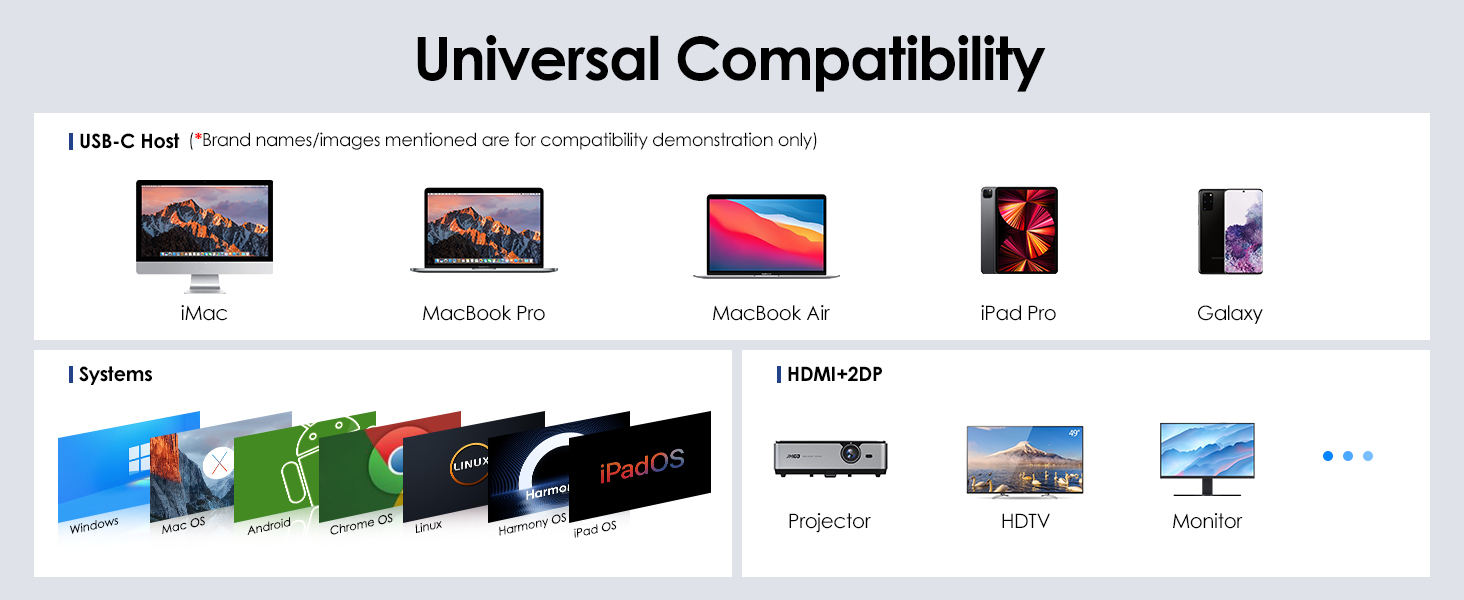
If you're unsure, you can check the product detail page images or provide us with your laptop model.
WAVLINK
 2*DP+HDMI Dock |  Dual HDMI dock |  2*DP+HDMI Dock |  2*DP+HDMI+VGA Dock |  2*HDMI+DP Dock |  M.2 hub with HDMI Hub |  Dual HDMI Adapter | |
|---|---|---|---|---|---|---|---|
Customer Reviews | — | — | — | — | — | — | — |
Price | — | — | — | — | — | — | — |
Video Port | 2*DP+HDMI | Dual HDMI | 2*DP+HDM | 2*DP+HDMI+VGA | 2*HDMI+DP | HDMI | Dual HDMI |
Single display | 4K@60Hz | 4K@60Hz | 8K@30Hz | 8K@60Hz | 4K@144Hz | 4K@144Hz | 4K@60Hz |
Charging for laptop | 85W | 85W | 85W | 95W | 95W | 87W | 95W |
USB Port | 4*USB A | 5A+C | 3A+C | 3A | 3A | 2A+C | NO |
USB 10Gb Prot | NO | 2A+C | A+C | NO | NO | A+C | NO |
Ethernet Port | 1Gb | 1Gb | 2.5Gb | NO | NO | NO | NO |
SD/TF Port | Yes | NO | Yes | NO | NO | Yes | NO |
Audio/Mic | Yes | NO | Yes | NO | NO | NO | NO |
M.2 Prot | NO | NO | NO | NO | NO | Yes | NO |
Laptop Docking Station
Merchant VideoTriple Display:
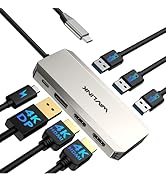
HDMI+DP1+DP2: 3x1080P@60Hz(DP1.4); 2x1080P@60Hz+lower than 1080P@60Hz(DP1.2)

USB 3.0/USB 2.0 Expansion
2 USB 3.0-A ports allow you to transfer movies or large files at speed up to 5Gbps--easy to connect external hard drives and U disks. 2 USB 2.0-A ports let you quickly connect your keyboard, mouse, or printer with ease.
Why buy this docking station ?
Docking station for Professional Creative Work - lf you are a designer,editor, or photographer who frequently uses professional software such as PS? PR? AE, do what u need.lt single 4K@60Hz display, Supports up to three extended displays.
How to use this product ?
1. Connect: Plug the docking station into your computer, then connect the monitor to the docking station.
2. Power: Plug in the docking station's power cable.
3. Settings: On Windows, right-click the desktop ? select [Extend/Mirror these displays].
Does Mac OS support extending to different screens ?
No! Due to limitations of the Mac OS chip, all extended displays will be identical.
Why isn't my monitor responding ?
Please ensure the USB-C port on your host laptop supports video output and charging functionality.
If you're unsure, you can check the product detail page images or provide us with your laptop model.
| Model: | WL-UMD303 |
|---|---|
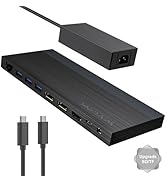
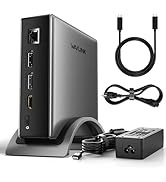
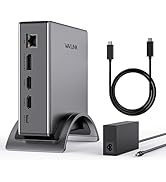
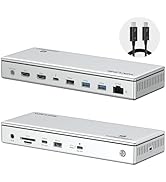
| Ports: | 1x USB-C(PD IN,100W), 1x HDMI (4K@60Hz), 2x DisplayPort(4K@60Hz), 1x Gigabit RJ45, 2xUSB3.0-A(5Gbps), 2 x USB2.0-A(480Mbps), 1x SD Card Slot, 1x TF Card Slot, 1 x Audio/Mic Port |
| Unit Size: | 15.8 x 4.1 x 1.6cm/ 6.2 x 1.6 x 0.6in(L x W x H) |
| Cable Length: | 25cm/9.8in |
| Unit Weight: | 126g/4.4oz |
| Housing Material: | Aluminum |
| Shell Color: | Silver |
| Package: | 1 x USB-C Triple Display MST Docking Station 1 x Quick start guide |
WAVLINK
2*DP+HDMI Dock | Dual HDMI dock | 2*DP+HDMI Dock | 2*DP+HDMI+VGA Dock | 2*HDMI+DP Dock | M.2 hub with HDMI Hub | Dual HDMI Adapter |
|---|---|---|---|---|---|---|
| Customer Reviews | ||||||
| — | — | — | — | — | — | — |
| Price | ||||||
| — | — | — | — | — | — | — |
| Video Port | ||||||
| 2*DP+HDMI | Dual HDMI | 2*DP+HDM | 2*DP+HDMI+VGA | 2*HDMI+DP | HDMI | Dual HDMI |
| Single display | ||||||
| 4K@60Hz | 4K@60Hz | 8K@30Hz | 8K@60Hz | 4K@144Hz | 4K@144Hz | 4K@60Hz |
| Charging for laptop | ||||||
| 85W | 85W | 85W | 95W | 95W | 87W | 95W |
| USB Port | ||||||
| 4*USB A | 5A+C | 3A+C | 3A | 3A | 2A+C | NO |
| USB 10Gb Prot | ||||||
| NO | 2A+C | A+C | NO | NO | A+C | NO |
| Ethernet Port | ||||||
| 1Gb | 1Gb | 2.5Gb | NO | NO | NO | NO |
| SD/TF Port | ||||||
| Yes | NO | Yes | NO | NO | Yes | NO |
| Audio/Mic | ||||||
| Yes | NO | Yes | NO | NO | NO | NO |
| M.2 Prot | ||||||
| NO | NO | NO | NO | NO | Yes | NO |
WAVLINK docking station
WAVLINK docking station
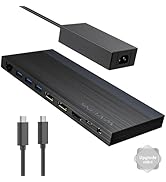
WAVLINK Thunderbolt 4 Dock
WAVLINK Laboratory
Warm Consultation
Modernized Factory