









1. Why does the iPad Pro series not display images?
Due to the tablet's image output mechanism, it needs to identify the USB3.0 device to output images. You can first connect the device to the USB3.0 port of the hub, and then connect the hub to the iPad Pro to display the image.
2. What happens when there is no HDMI image output after the product is connected?
1) Please make sure that the USB-C interface of the laptop supports the video function;
2) Please confirm whether the length and specifications of the connected cable meet the requirements, and whether the interface is firmly plugged;
3) Please adjust the resolution setting of the laptop, the resolution supported by your monitor may be lower than the highest supported resolution of the product;
4) Please select the correct input signal source (some monitors need to manually select the signal source);
5) You can try to restart the laptop, or re-plug the upstream end;
6) If possible, try a different monitor and laptop.
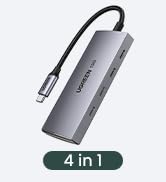
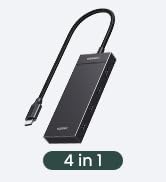
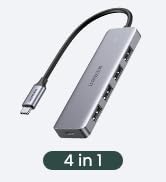
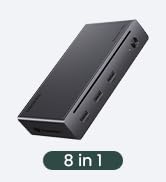
UGREEN Revodok USB C HUB
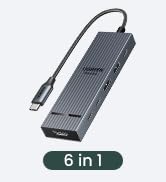
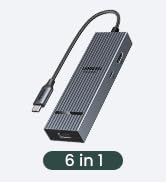
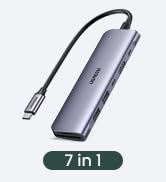
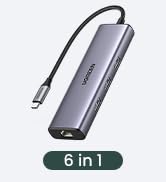
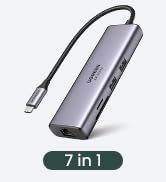
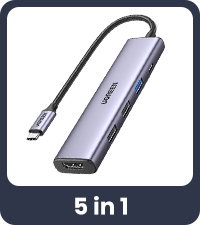 Revodok 5 in 1 | 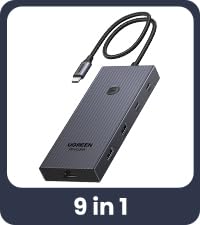 USBC Hub With Screen Lock | 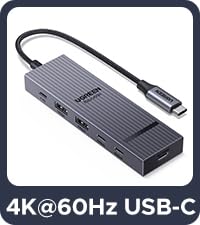 USB C Hub | 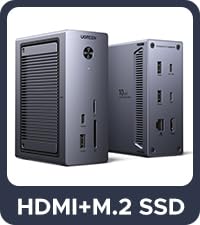 NVMe Docking Station | 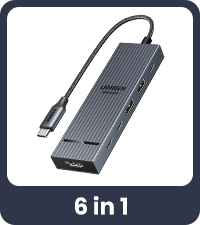 Revodok 10Gbps USB C Hub | 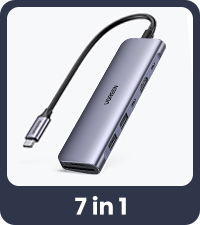 Revodok 7 in 1 | 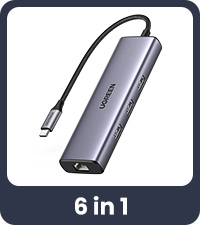 Revodok 6 in 1 | |
|---|---|---|---|---|---|---|---|
Customer Reviews | — | — | — | — | — | — | — |
Price | — | — | — | — | — | — | — |
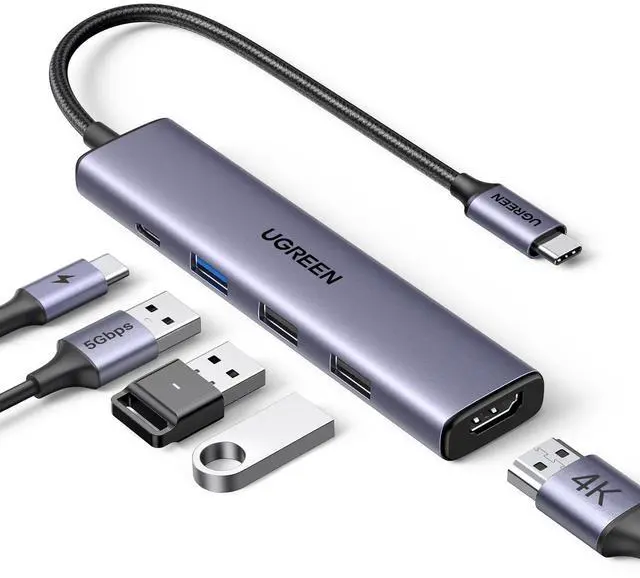
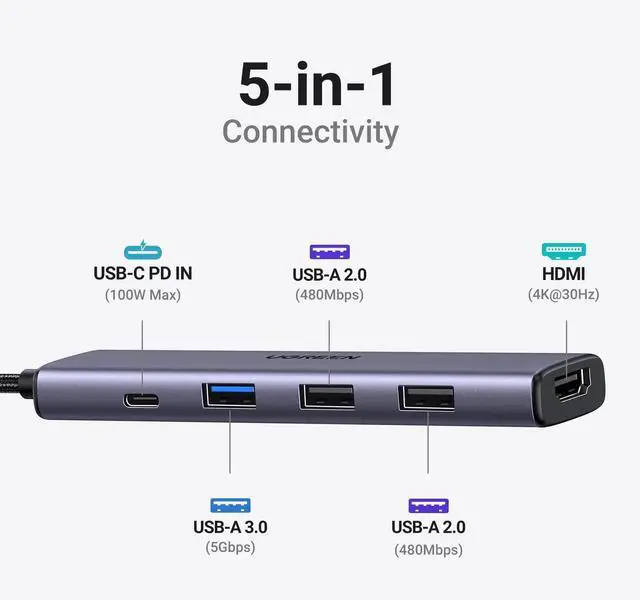
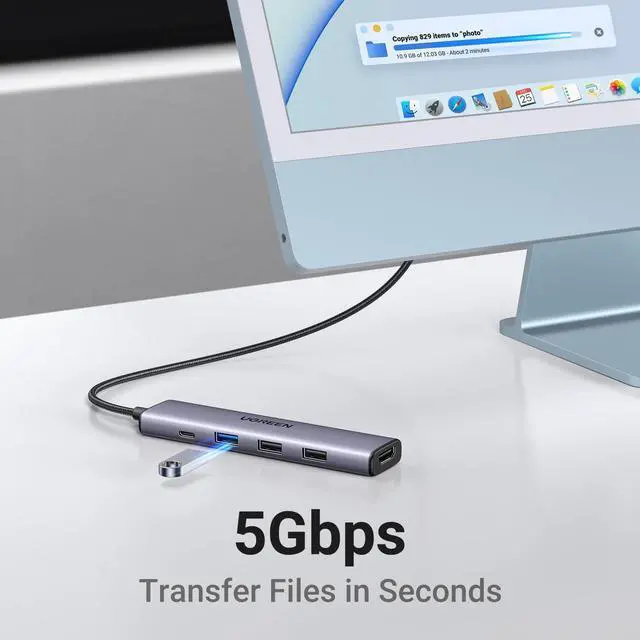
Max Transfer Speed | 5Gbps | 10Gbps | 10Gbps | 10Gbps | 10Gbps | 5Gbps | 5Gbps |
USB Data Ports | 1xUSB A 3.0 + 2xUSB A 2.0 | 2*USB A 3.2+2*USB C 3.2 | 2*USB A 3.2+2*USB C 3.2 | 3*USB A +USB C | 2*USB A 3.2+2*USB C 3.2 | 2xUSB A 3.0 + 1xUSB C 3.0 | 3xUSB-A 3.0 |
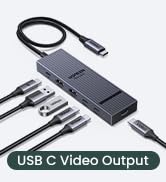
Display Port(s) | HDMI | HDMI | USB C | HDMI | HDMI | HDMI | HDMI |
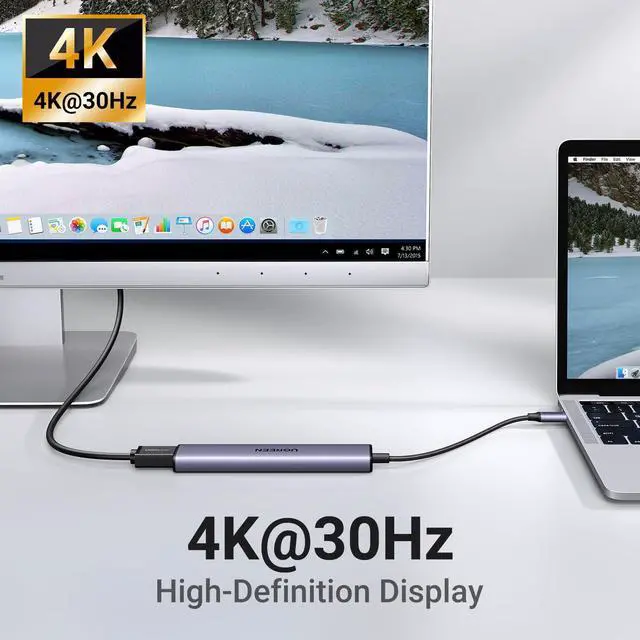
Max Display Resolution | 4K@30Hz | 4K@60Hz | 4K@60Hz | 4K@60Hz | 4K@60Hz | 4K@30Hz | 4K@30Hz |
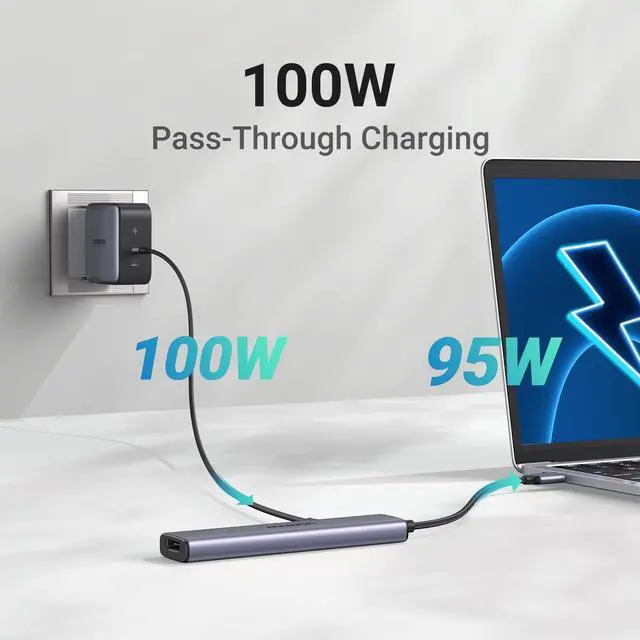
Charging Port | 100W | 100W | 100W | 100W | 100W | 100W | 100W |
Ethernet Port | × | 1Gbps | × | × | × | × | 1Gbps |
SD/TF Card Reader | ? | ? | ? | ? | ? | ? | ? |
Plug & Play | ? | ? | ? | ? | ? | ? | ? |


1. Why does the iPad Pro series not display images?
Due to the tablet's image output mechanism, it needs to identify the USB3.0 device to output images. You can first connect the device to the USB3.0 port of the hub, and then connect the hub to the iPad Pro to display the image.
2. What happens when there is no HDMI image output after the product is connected?
1) Please make sure that the USB-C interface of the laptop supports the video function;
2) Please confirm whether the length and specifications of the connected cable meet the requirements, and whether the interface is firmly plugged;
3) Please adjust the resolution setting of the laptop, the resolution supported by your monitor may be lower than the highest supported resolution of the product;
4) Please select the correct input signal source (some monitors need to manually select the signal source);
5) You can try to restart the laptop, or re-plug the upstream end;
6) If possible, try a different monitor and laptop.
UGREEN Revodok USB C HUB
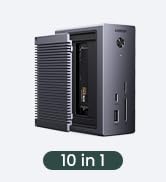
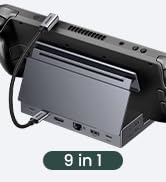
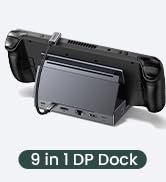
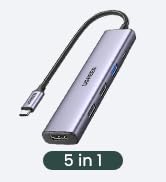
Revodok 5 in 1 | USBC Hub With Screen Lock | USB C Hub | NVMe Docking Station | Revodok 10Gbps USB C Hub | Revodok 7 in 1 | Revodok 6 in 1 |
|---|---|---|---|---|---|---|
| Customer Reviews | ||||||
| — | — | — | — | — | — | — |
| Price | ||||||
| — | — | — | — | — | — | — |
| Max Transfer Speed | ||||||
| 5Gbps | 10Gbps | 10Gbps | 10Gbps | 10Gbps | 5Gbps | 5Gbps |
| USB Data Ports | ||||||
| 1xUSB A 3.0 + 2xUSB A 2.0 | 2*USB A 3.2+2*USB C 3.2 | 2*USB A 3.2+2*USB C 3.2 | 3*USB A +USB C | 2*USB A 3.2+2*USB C 3.2 | 2xUSB A 3.0 + 1xUSB C 3.0 | 3xUSB-A 3.0 |
| Display Port(s) | ||||||
| HDMI | HDMI | USB C | HDMI | HDMI | HDMI | HDMI |
| Max Display Resolution | ||||||
| 4K@30Hz | 4K@60Hz | 4K@60Hz | 4K@60Hz | 4K@60Hz | 4K@30Hz | 4K@30Hz |
| Charging Port | ||||||
| 100W | 100W | 100W | 100W | 100W | 100W | 100W |
| Ethernet Port | ||||||
| × | 1Gbps | × | × | × | × | 1Gbps |
| SD/TF Card Reader | ||||||
| ? | ? | ? | ? | ? | ? | ? |
| Plug & Play | ||||||
| ? | ? | ? | ? | ? | ? | ? |
UGREEN 10Gbps USB C HUB
UGREEN Hub & Stand
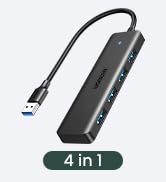
UGREEN USB C Hub
UGREEN USB Hub
UGREEN Multi HDMI Dock
UGREEN 10Gbps USB C HUB
Revodok Basic
Revodok Pro
Revodok Max
