












Before You Use
- Compatibility Notice:Not compatible with iPad Pro or devices that only have USB-C/Lightning ports, Only works with any audio source with a 3.5mm headphone jack.
- Turn OFF your phone’s Bluetooth before pairing.
- Manually set headphones to pairing mode: When pairing, make sure your headphones are actually in pairing mode. Simply turning them on does not mean they are ready to pair. Please refer to your headphones’ official website for detailed pairing instructions.
Frequently Asked Question
Q1: How can I connect the Relay with my headphones?
A1: 1. Plug the Relay into your audio source (airplane jack, or AUX port) ; 2.Turn it on and press and hold the pairing button until the LED flashes red and blue; 3.Put your Bluetooth headphones in pairing mode. (not just powered on); 4. Wait until the Relay LED turns solid blue – connection successful. Note: If you need help, scan the code on the product for a quick pairing guide.
Q2: Why won’t my headphones connect to Avantree Relay?
A2: Most likely, your headphones are still connected to another device such as your phone. Please turn off Bluetooth on your phone or other devices first. Then, make sure both the Relay (red-blue flashing) and your headphones are in pairing mode. Once your headphones are free, they’ll pair automatically within seconds.
Q3: Can I connect two headphones at the same time?
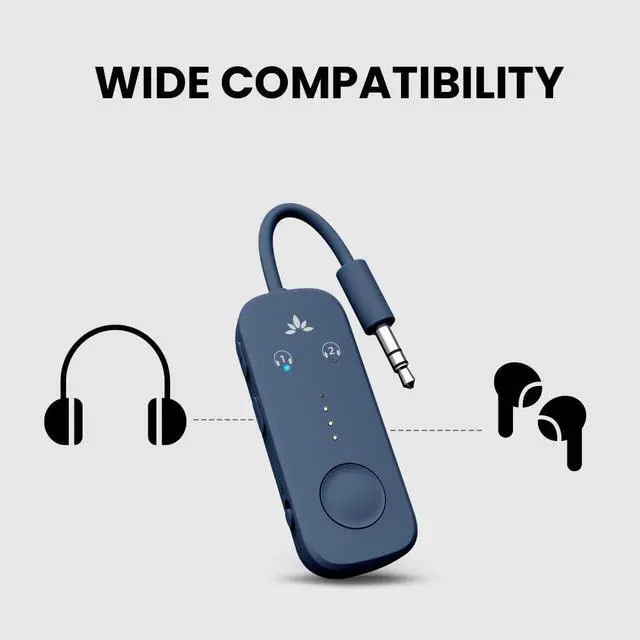
A: Yes, you can pair two Bluetooth headphones to share audio simultaneously.
Q4: Can I use it with my phone or tablet?
A: No, it's a transmitter only, it doesn't receive audio from phones or tablets.
Q5: How is this different from other adapters?
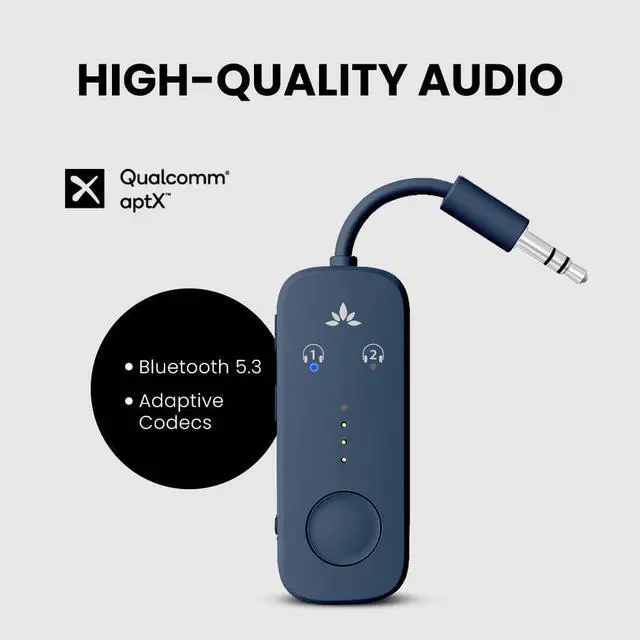
A: It uses a Qualcomm premium chip for better sound, stable connection, low latency, and broad headphone support, unlike basic models with limited performance.


Dual Link
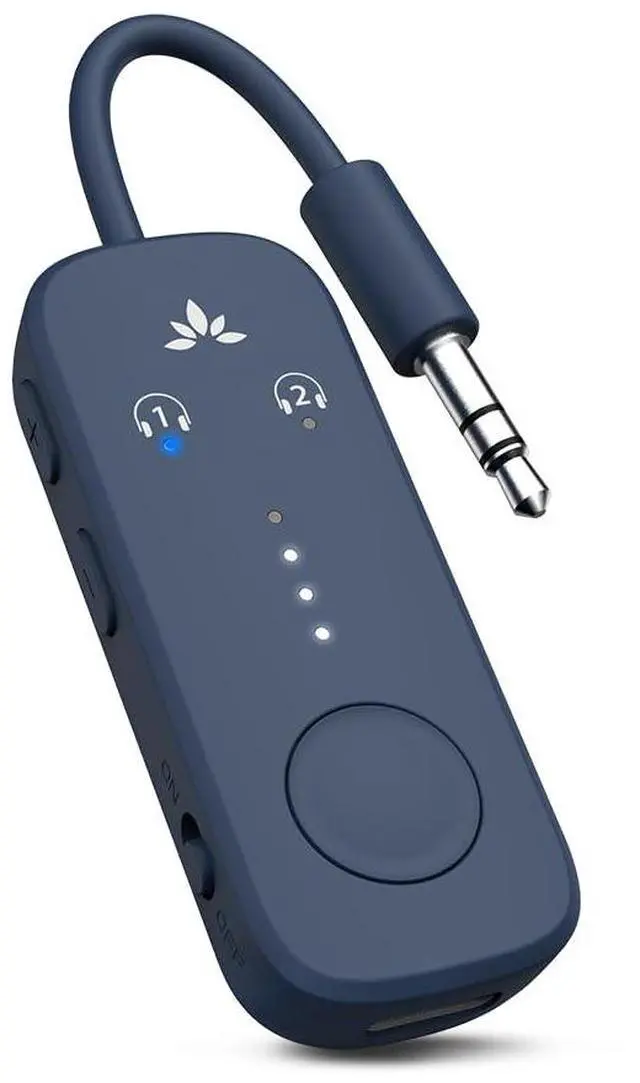
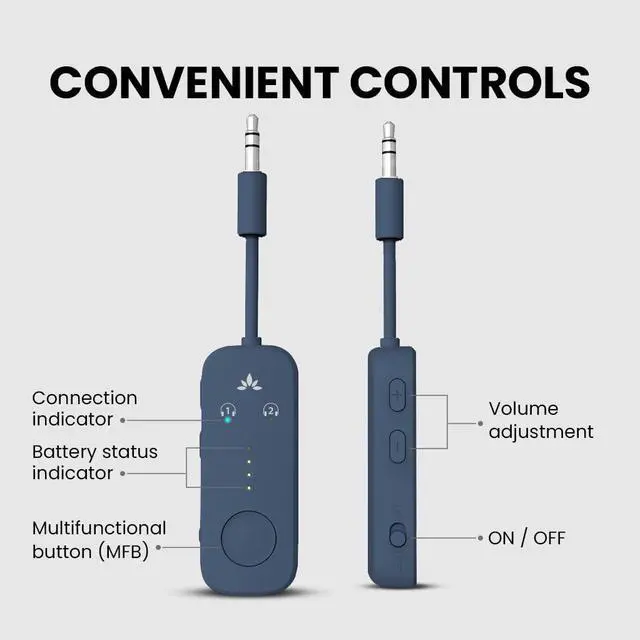
The Relay’s intuitive LEDs allow you to easily connect up to two audio devices and share the audio.
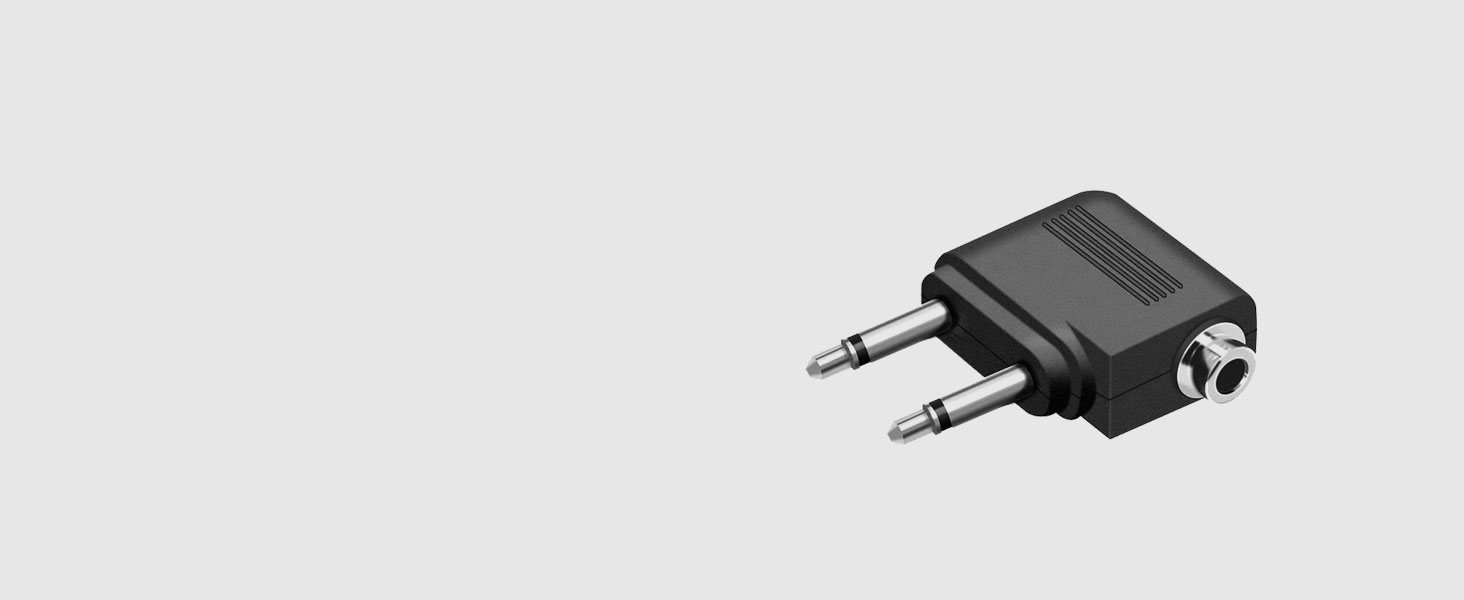
Included Adapter
Connect to any plane with the double 3.5mm adapter – no need to purchase separately.
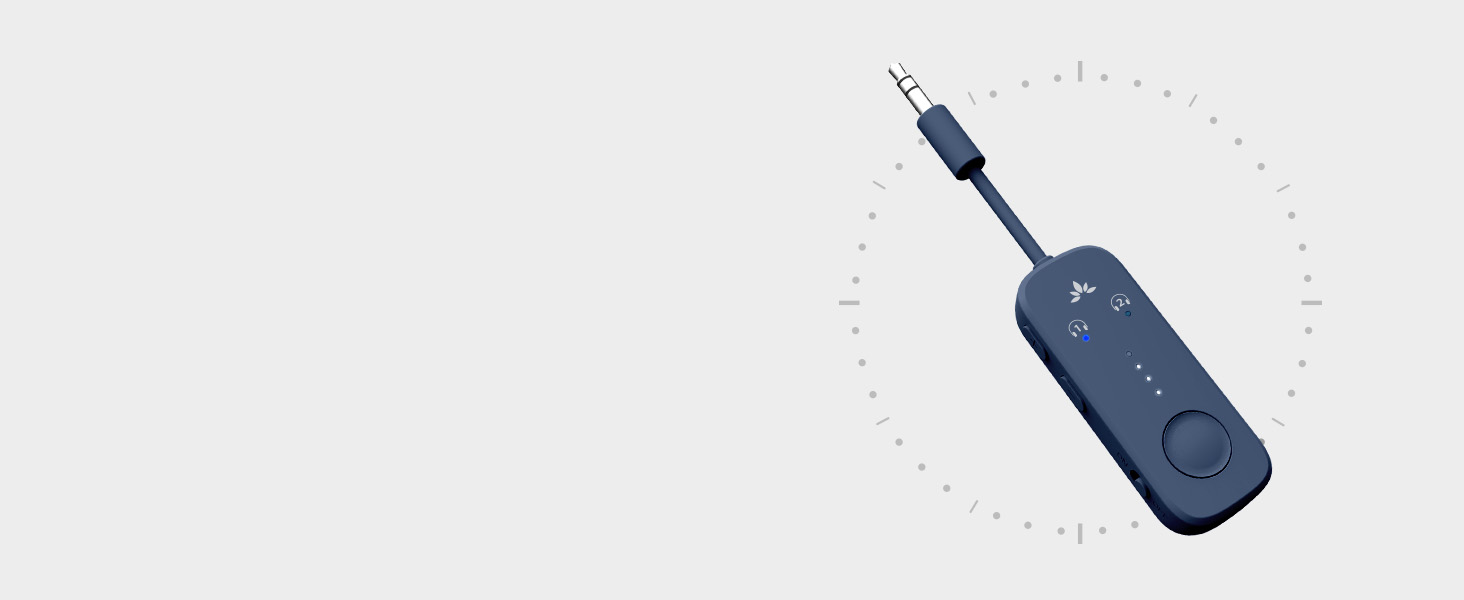
Extended Playtime
A battery life of up to 20 hours provides sufficient battery life to last you through any flight.
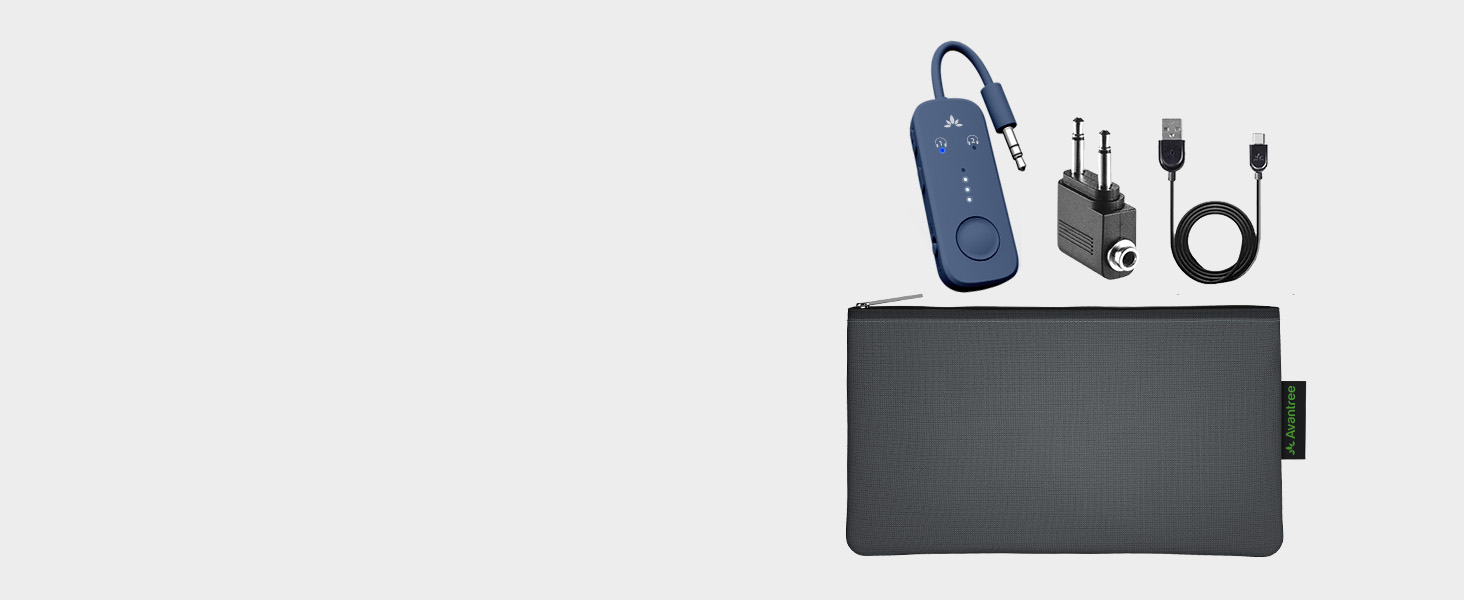
Easy Portability
Store the compact adapter, its accessories, and even your earbuds in the pouch for easy portability.
Easy Setup

Plug
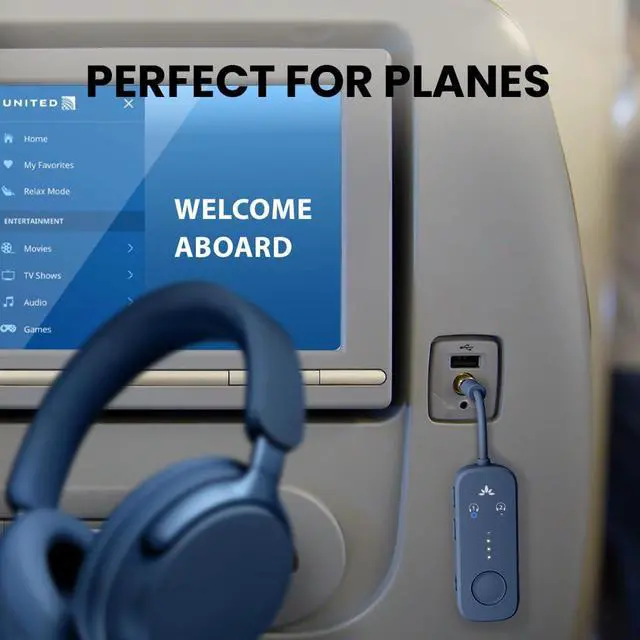
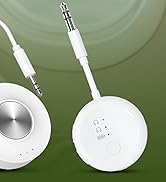
Plug the Avantree Relay into the airplane or TV’s headphone jack (AUX).

Power the relay
Turn it on, then press and hold the pairing button until the LED flashes red and blue – this means it’s in pairing mode.

Pair
- Put your Bluetooth headphones into pairing mode as well (not just powered on).
- Wait until the LED turns solid blue – your devices are now connected.

Key Success Tips
- Make sure the headphones are in pairing mode - this solves 95% of setup problems
- Turn off Bluetooth on your phone or tablet to prevent reconnection.
COMPARISON TABLE
 Avantree Relay |  Avantree Relay |  Avantree SoundJet R1 |  Avantree Voyager | |
|---|---|---|---|---|
Customer Reviews | — | — | — | — |
Price | — | — | — | — |
Supported Audio Codecs | aptX-Adaptive/HD, aptX, SBC | aptX-Adaptive/HD, aptX, SBC | aptX-Adaptive/HD, aptX, SBC | aptX Adaptive & HD, SBC,LC3 |
Included Dual AUX Adapter | ? | ? | ? | ? |
Built-In Volume Controls | ? | ? | ? | ? |
Dual Link | ? | ? | ? | — |
Playtime | Up to 22hr | Up to 22hr | Up to 20hr | Up to 15hr |
Special Feature | 4 battery level LED indicators | 4 battery level LED indicators | Braided Cable | OLED Screen |
Before You Use
- Compatibility Notice:Not compatible with iPad Pro or devices that only have USB-C/Lightning ports, Only works with any audio source with a 3.5mm headphone jack.
- Turn OFF your phone’s Bluetooth before pairing.
- Manually set headphones to pairing mode: When pairing, make sure your headphones are actually in pairing mode. Simply turning them on does not mean they are ready to pair. Please refer to your headphones’ official website for detailed pairing instructions.
Frequently Asked Question
Q1: How can I connect the Relay with my headphones?
A1: 1. Plug the Relay into your audio source (airplane jack, or AUX port) ; 2.Turn it on and press and hold the pairing button until the LED flashes red and blue; 3.Put your Bluetooth headphones in pairing mode. (not just powered on); 4. Wait until the Relay LED turns solid blue – connection successful. Note: If you need help, scan the code on the product for a quick pairing guide.
Q2: Why won’t my headphones connect to Avantree Relay?
A2: Most likely, your headphones are still connected to another device such as your phone. Please turn off Bluetooth on your phone or other devices first. Then, make sure both the Relay (red-blue flashing) and your headphones are in pairing mode. Once your headphones are free, they’ll pair automatically within seconds.
Q3: Can I connect two headphones at the same time?
A: Yes, you can pair two Bluetooth headphones to share audio simultaneously.
Q4: Can I use it with my phone or tablet?
A: No, it's a transmitter only, it doesn't receive audio from phones or tablets.
Q5: How is this different from other adapters?
A: It uses a Qualcomm premium chip for better sound, stable connection, low latency, and broad headphone support, unlike basic models with limited performance.

Dual Link
The Relay’s intuitive LEDs allow you to easily connect up to two audio devices and share the audio.
Included Adapter
Connect to any plane with the double 3.5mm adapter – no need to purchase separately.
Extended Playtime
A battery life of up to 20 hours provides sufficient battery life to last you through any flight.
Easy Portability
Store the compact adapter, its accessories, and even your earbuds in the pouch for easy portability.


Easy Setup
Plug
Plug the Avantree Relay into the airplane or TV’s headphone jack (AUX).
Power the relay
Turn it on, then press and hold the pairing button until the LED flashes red and blue – this means it’s in pairing mode.
Pair
- Put your Bluetooth headphones into pairing mode as well (not just powered on).
- Wait until the LED turns solid blue – your devices are now connected.
Key Success Tips
- Make sure the headphones are in pairing mode - this solves 95% of setup problems
- Turn off Bluetooth on your phone or tablet to prevent reconnection.
COMPARISON TABLE
Avantree Relay | Avantree Relay | Avantree SoundJet R1 | Avantree Voyager |
|---|---|---|---|
| Customer Reviews | |||
| — | — | — | — |
| Price | |||
| — | — | — | — |
| Supported Audio Codecs | |||
| aptX-Adaptive/HD, aptX, SBC | aptX-Adaptive/HD, aptX, SBC | aptX-Adaptive/HD, aptX, SBC | aptX Adaptive & HD, SBC,LC3 |
| Included Dual AUX Adapter | |||
| ? | ? | ? | ? |
| Built-In Volume Controls | |||
| ? | ? | ? | ? |
| Dual Link | |||
| ? | ? | ? | — |
| Playtime | |||
| Up to 22hr | Up to 22hr | Up to 20hr | Up to 15hr |
| Special Feature | |||
| 4 battery level LED indicators | 4 battery level LED indicators | Braided Cable | OLED Screen |
Wireless Headphones for TV
Bluetooth Adapter for Airplane
Explore Now