




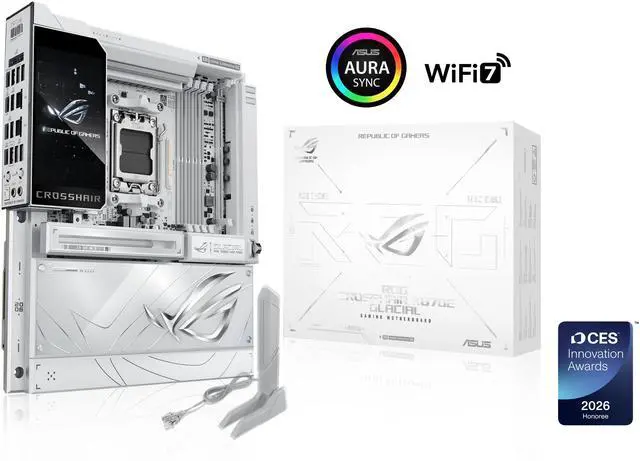
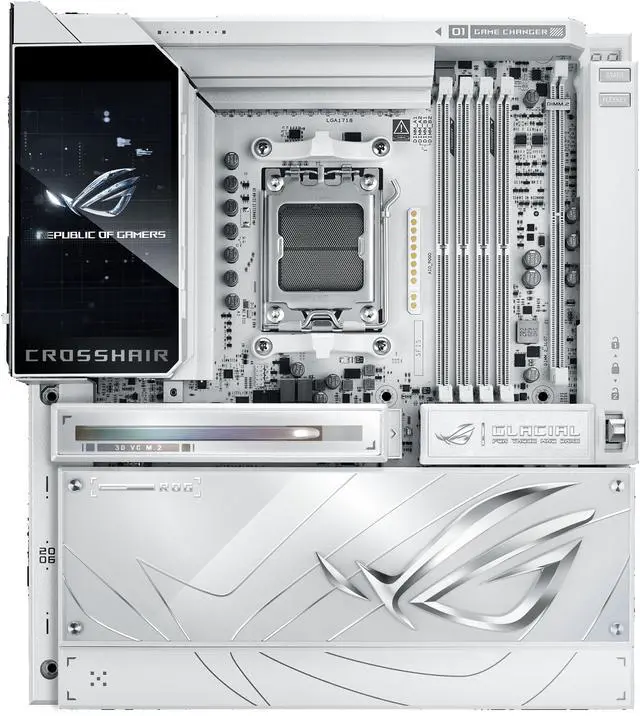
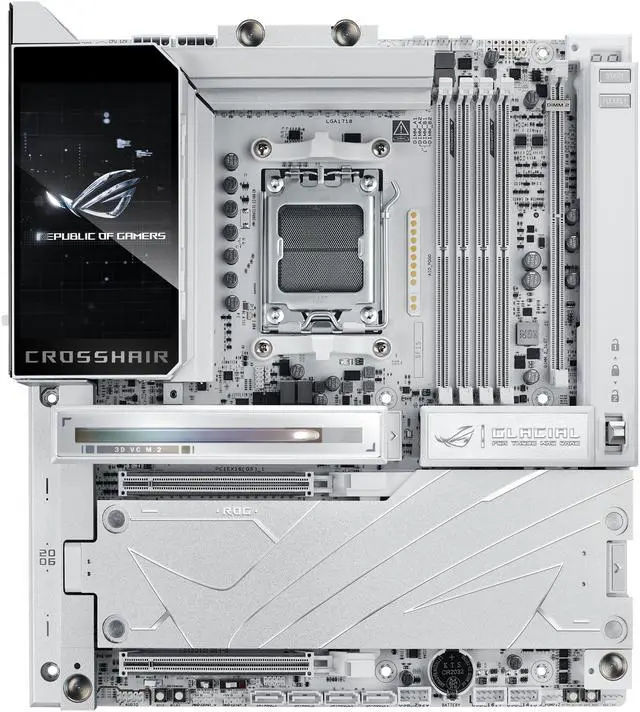
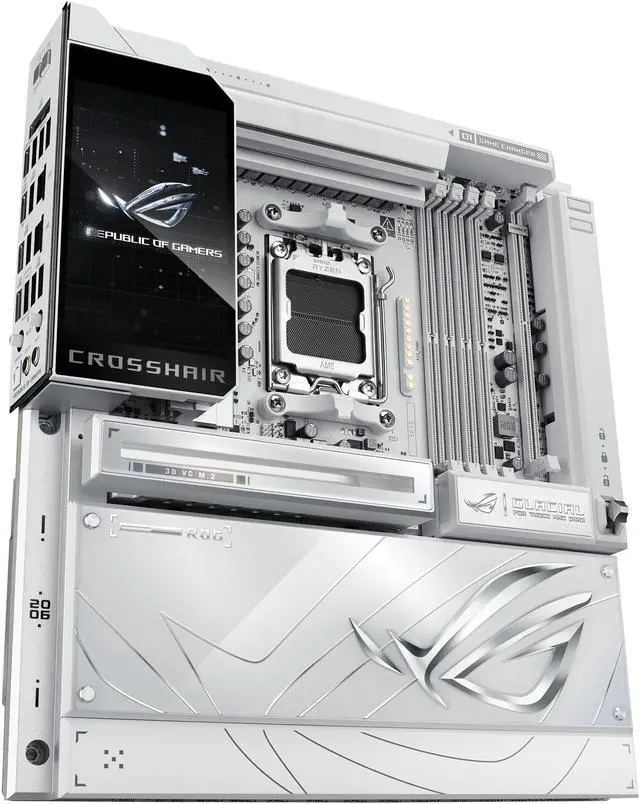
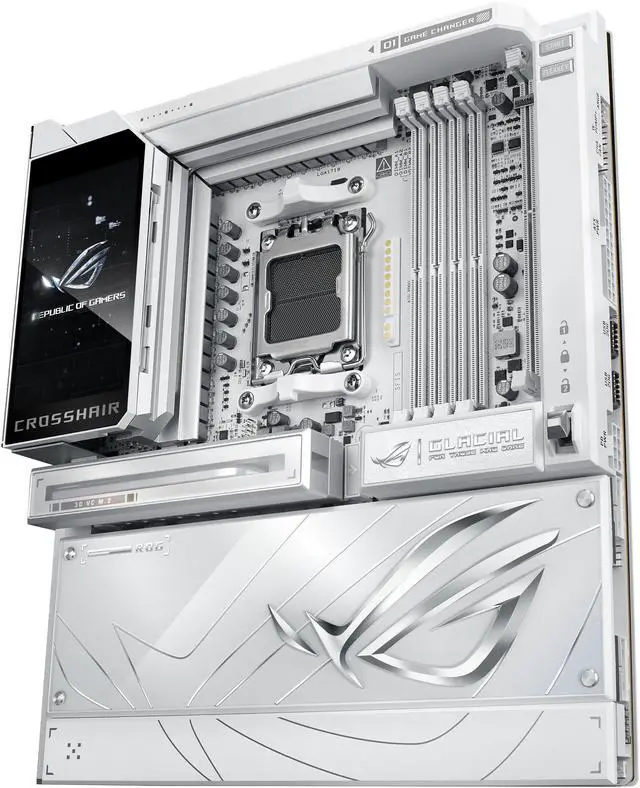
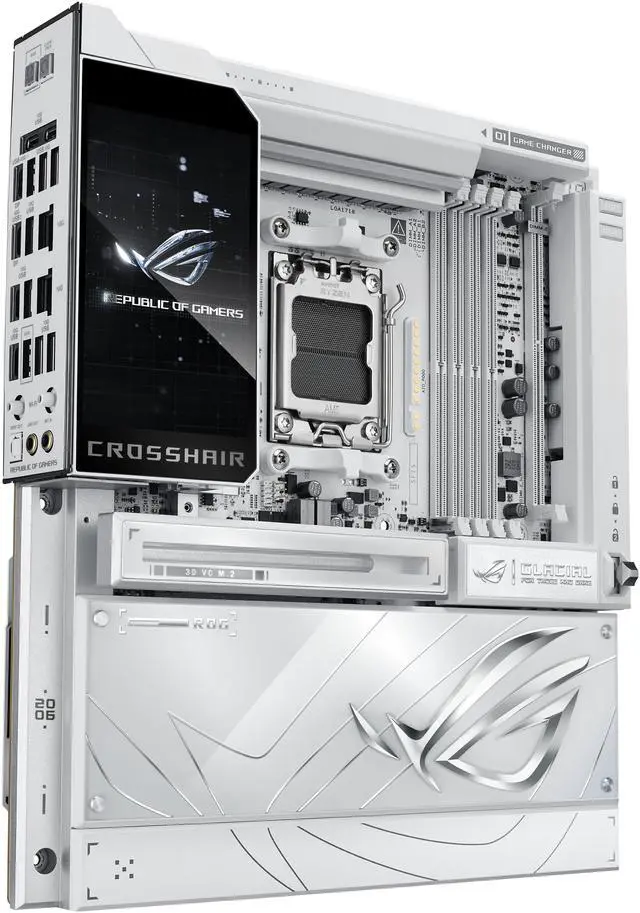
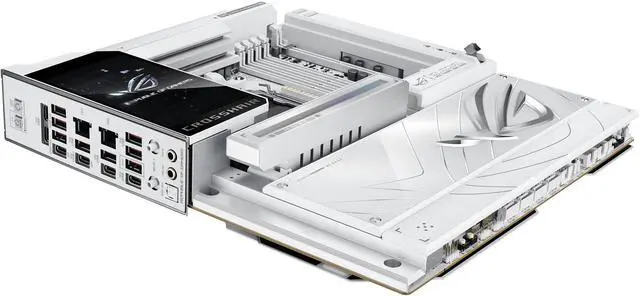
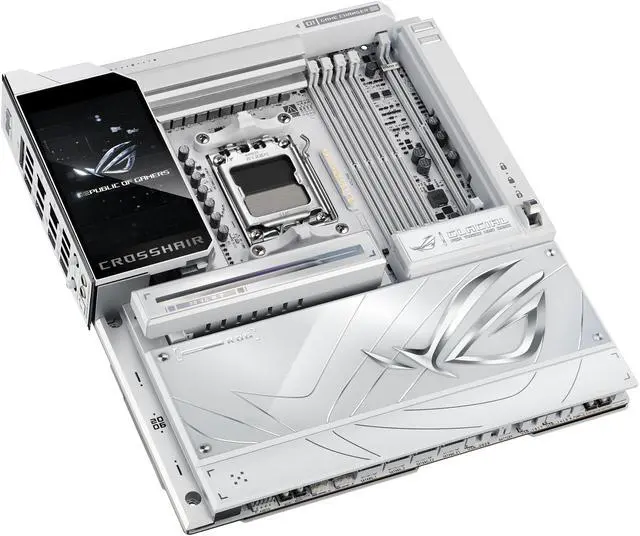
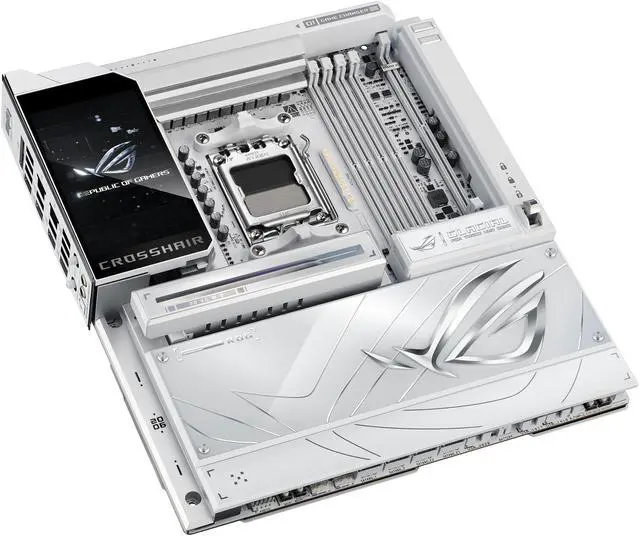
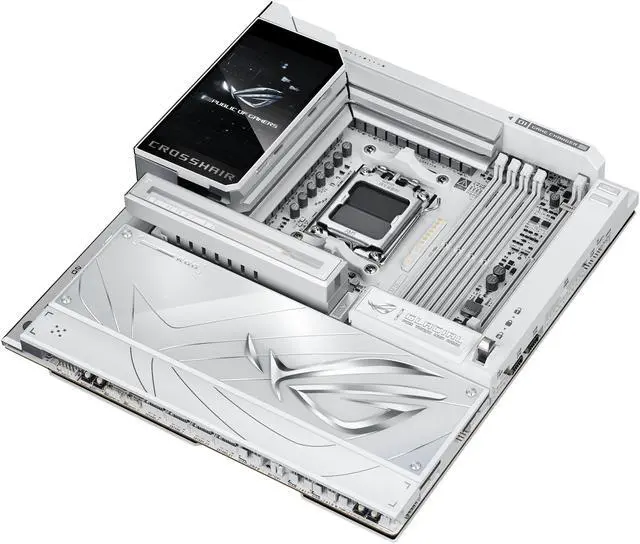
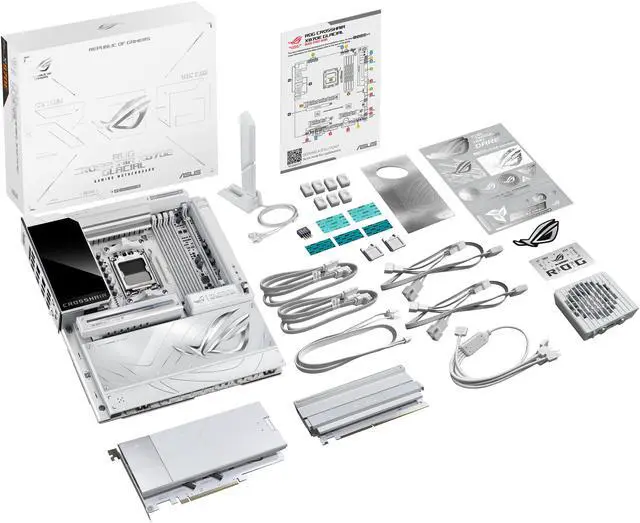


ROG Crosshair X870E Glacial
AM5 AMD X870E Extended ATX Motherboard
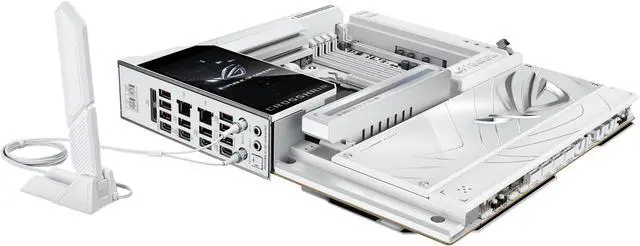
The ROG X870E Glacial is a flagship motherboard engineered for uncompromising performance and sophisticated AI. It boasts a robust 24+2+2 power stage design, Dynamic OC Switcher, and Core Flex for next-generation overclocking control. Meanwhile, advanced memory tuning is unlocked through server-grade DRAM enhancement and NitroPath DRAM technology, and storage scales with support for up to seven M.2 drives. Top-tier connectivity includes two 10G Ethernet ports, two USB4® ports, and two USB 20Gbps Type-C® front-panel connectors. This motherboard also features a 3D VC M.2 heatsink and a 5-inch LCD display, along with AI Cache Boost and AI Advisor for smarter, more intuitive system tuning.


