
Your Browsing History
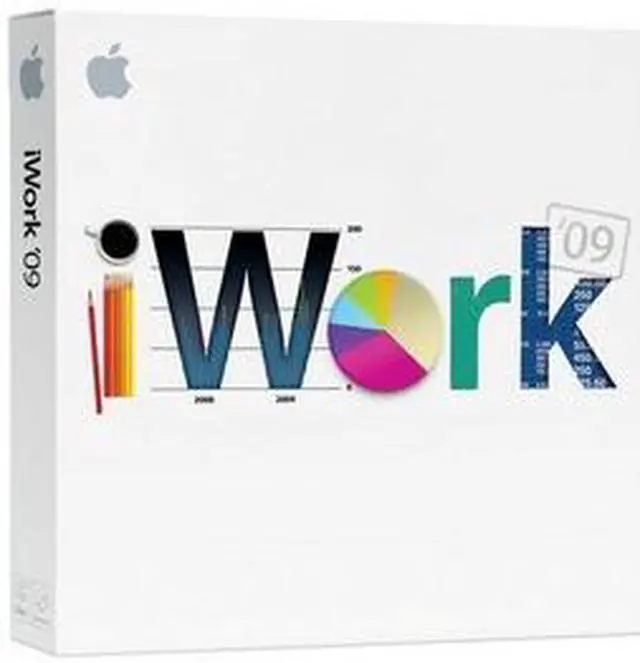


 Pages ’09Creating the perfect brochure, flyer, report, or resume is faster and easier than ever. Choose from 40 new Apple-designed templates (over 180 total). Focus on your writing with new full-screen view. Organize your ideas with dynamic outlines. Customize your documents using mail merge with Numbers. Insert equations with MathType 6 (sold separately). Create bibliographies with EndNote X2 (sold separately). Open, save, and email Microsoft Word files from within Pages.
 Numbers ’09Create spreadsheets, organize data, and write formulas with simple yet powerful tools. Easily create formulas, using visual placeholders with plain language text. Perform calculations using over 250 functions. Organize your data instantly using Table Categories. Check your calculations at a glance with Formula List view. Create two-axis charts and combine line, column, and area series in a single mixed chart.
 Keynote ’09Now creating a show-stopping presentation is surprisingly simple. With iWork, you can easily create sophisticated animations with Magic Move, add dramatic object and text transitions using new visual effects, visualize your data with new styles and animations for 3D charts, create dynamic flowcharts and diagrams using connection lines, and more.