


- This item is not returnable
$11,399.99
Sold by Newegg
Shipped by Newegg
Add to Wish List(Found on 10 wish lists)

Get Educated
Make informed decisions with expert advice. Learn More

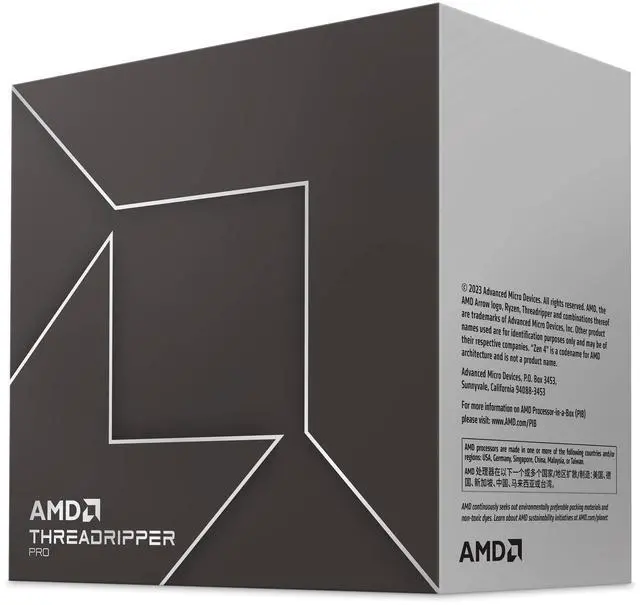
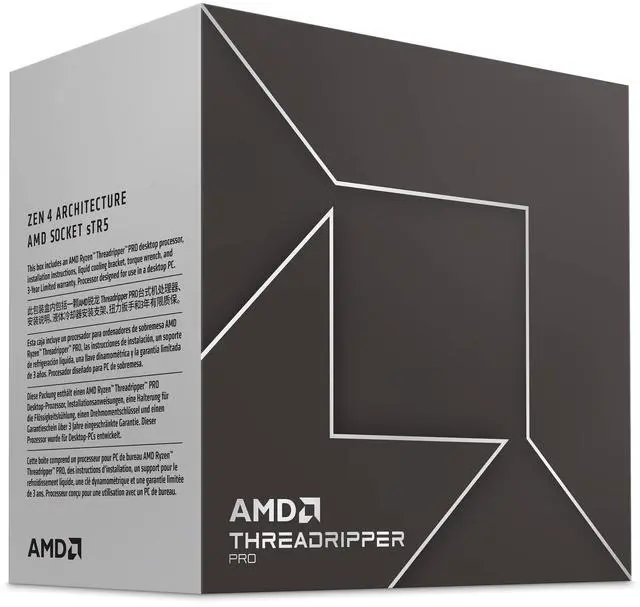
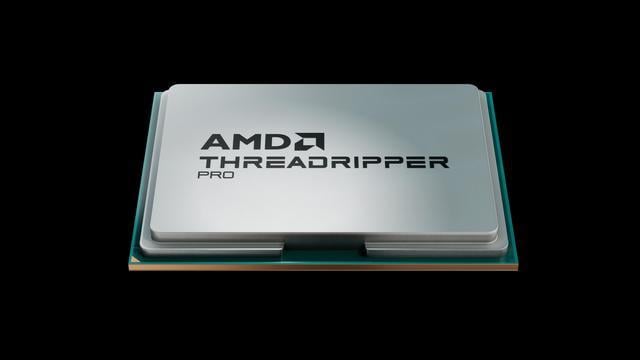
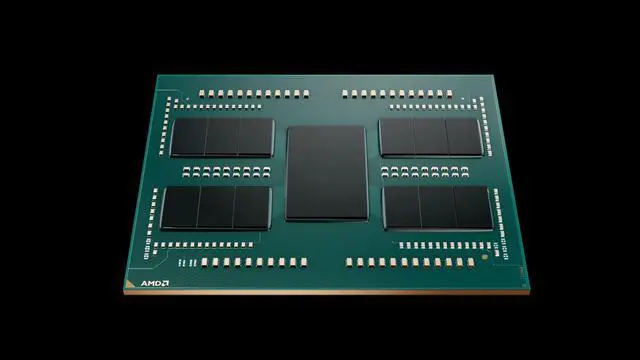
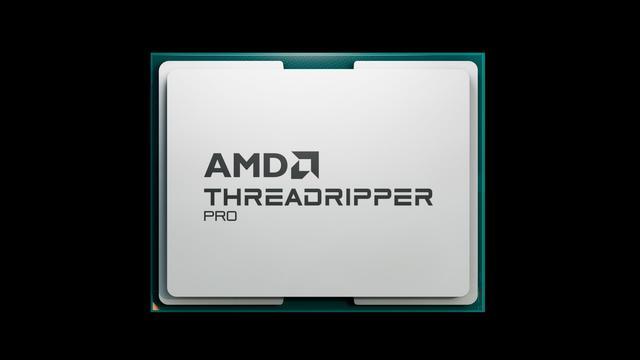
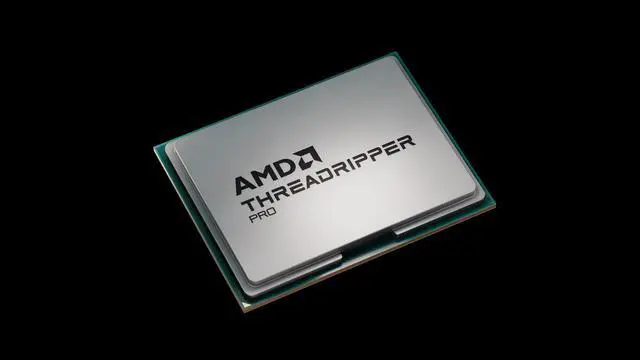


AMD Ryzen Threadripper PRO 7985WX - Ryzen Threadripper 7000 Series Storm Peak (Zen 4) 64-Core 3.2 GHz - Socket sTR5 350W - None Integrated Graphics Processor - 100-100000454WOF
- 350W
- None Integrated Graphics
- Cooling device not included - Processor Only
- Zen 4 - TSMC 5nm FinFET
+
+
Overview
Specs
Reviews
Warranty & Returns
Warranty, Returns, And Additional Information
Warranty
- Limited Warranty period (parts): 3 years
- Limited Warranty period (labor): 3 years
- Read full details
Return Policies
- Return for refund within: non-refundable, this item is Final Sale
- Return for replacement within: non-replaceable, this item is Final Sale
- This item is covered by Newegg.ca's Final Sale Return Policy.
- Read full return policy for details.
Manufacturer Contact Info
- Manufacturer Product Page
- Manufacturer Website
- Support Phone: 1-877-284-1566
- Support Website
- View other products from AMD
LOADING...
The AMD Ryzen Threadripper PRO 7985WX is a 64-core, 128-thread workstation processor for professionals running highly parallel workloads such as rendering, simulation, and software builds; it supports eight-channel DDR5-5200 ECC memory and up to 148 PCIe lanes.
Recommended For
- 3D artists and VFX teams who regularly run CPU-based Blender or V-Ray renders, simulations, or other jobs that keep many CPU cores busy.
- Software developers who frequently compile large codebases, such as Chromium or Unreal Engine, and benefit from shorter compile-and-test cycles on a workstation.
- After Effects artists working with large, complex compositions who use multi-frame rendering and can keep many CPU cores occupied.
- Workstation builders running multiple GPUs and high-speed storage who need substantial PCIe expansion for AI/ML development or other parallel, data-intensive work.
Real-World Use Scenarios
- When a 3D artist renders scenes with a CPU renderer such as V-Ray, the 7985WX can keep many render threads working at once, helping shorten render times on workloads that scale across cores. Actual results depend on the renderer and scene.
- When a developer or technical artist builds a large project with frequent shader compilations, the 7985WX can process many compilation tasks in parallel; in Puget Systems’ shader compile test, it completed the workload faster than the 32-core 7975WX.
- For engineering teams running complex simulations or generative-design workloads, the processor is suited to jobs that can use many CPU threads; long calculations may finish sooner, while performance varies with the software and model.
- When building a workstation for architectural visualization with tools such as 3ds Max and Unreal Engine, the 7985WX can handle CPU-heavy tasks such as compiling shaders and rendering; the graphics card remains responsible for GPU-accelerated viewport and rendering work.
- For a deep-learning workstation with multiple graphics cards, the 7985WX can serve as the CPU host for data and other parallel tasks while the GPUs handle GPU-accelerated model work; the CPU itself does not replace the need for suitable GPUs.
Spec Summary
| Attribute | Value |
|---|---|
| Best For | Workstation computing and heavily threaded workloads, with 64 cores and 128 threads |
| Cores And Threads | 64 cores and 128 threads |
| Clock Speeds | 3.2 GHz base frequency, up to 5.1 GHz turbo |
| Cache And Power | 4 MB L1, 64 MB L2, 256 MB L3 cache; 350 W TDP |
| Socket And Platform | Socket sTR5; compatible with AMD TRX50 and WRX90 chipsets; Storm Peak architecture, Zen 4 on TSMC 5 nm FinFET |
| Memory Support | DDR5-5200, 8-channel memory, with ECC support |
| PCI Express | PCIe 5.0; 148 total lanes, 144 usable, including 128 PCIe 5.0 lanes |
| Graphics And Cooling | No integrated graphics; cooling device not included |
| Operating System Support | Windows 11 64-bit, RHEL x86 64-bit, and Ubuntu x86 64-bit; support may vary by motherboard manufacturer |
| Processor Technologies | Supports AMD EXPO, AMD PRO, and AMD Ryzen technologies; 64-bit instruction set |
| Model Identifiers | AMD Ryzen Threadripper PRO 7985WX, Ryzen Threadripper 7000 Series; model 100-100000454WOF |
Reference Q&A
Q: Should I buy the Threadripper PRO 7985WX or the newer 9985WX?
A: Choose the 9985WX if you want a newer 64-core PRO processor and your budget supports it: it uses Zen 5, while the 7985WX uses Zen 4. Puget Systems’ content-creation testing found the 9985WX faster than the 7985WX in its Premiere Pro benchmark. The 7985WX may suit buyers who find it at a lower total platform cost; compare current CPU, motherboard, and memory pricing before deciding.
Q: Threadripper PRO 7985WX or Threadripper 7980X: which should I choose?
A: Both have 64 cores and 128 threads, but the 7985WX is aimed at workstation builds that benefit from PRO platform capabilities, including eight-channel memory and up to 128 PCIe 5.0 lanes. The 7980X is the high-end desktop option; choose it when its platform features meet your needs and you do not need the PRO configuration. Check motherboard compatibility before buying, since the 7985WX supports TRX50 or WRX90 chipsets.
Q: Is the 64-core Threadripper PRO 7985WX worth choosing over the 32-core 7975WX?
A: Choose the 7985WX when your work can use many CPU cores—for example, heavily parallel rendering, simulation, or compilation. The 7975WX has 32 cores and a higher listed maximum boost frequency, so it can be a better fit when your workloads benefit less from 64 cores. Both are 350W PRO processors; select based on measured performance in your applications and the value of the complete workstation build.
Q: Should I step up from the 7985WX to the 96-core 7995WX?
A: Choose the 7995WX if your professional workloads scale efficiently beyond 64 cores and the added core capacity justifies the higher system cost. The 7985WX provides 64 cores and 128 threads; the 7995WX provides 96 cores and 192 threads, with both listed at 350W TDP. For lightly threaded or core-limited workloads, compare application-specific benchmarks rather than assuming the extra cores will shorten every task.
Q: Who is the Ryzen Threadripper PRO 7985WX suitable for?
A: It is intended for workstation builds that can use its 64 cores and 128 threads, such as heavily parallel processing, rendering, simulation, or other demanding professional tasks. Its 350W power rating and workstation platform make it a specialized choice rather than a typical office or general-purpose upgrade.
Q: Which motherboards are compatible with this processor?
A: The product specifications list AMD TRX50 and WRX90 chipsets and an sTR5 socket. Check the motherboard maker’s CPU support list and BIOS requirements before purchasing, since socket fit alone does not confirm support.
Q: Does the 7985WX include a cooler or integrated graphics?
A: No. This is a processor-only product with no cooler included, and the specifications list no integrated graphics. Plan for a compatible cooling solution and a separate graphics card if your system needs display output.
Q: What memory should I plan for with this CPU?
A: The listed specifications support DDR5-5200, ECC memory, and eight memory channels. For a workstation build, verify the memory type, supported speed, and slot-population guidance against the chosen motherboard’s specifications.
Q: Is the Ryzen Threadripper PRO 7985WX suitable for a multi-GPU workstation?
A: It is a fit to consider for multi-GPU workloads that can use many CPU cores and PCIe lanes. It has 64 cores, 128 threads, and 148 total PCIe lanes; the complete system still depends on the motherboard, GPUs, power supply, and chassis. A Reddit build discussion describes using it with two RTX 4090s for a deep-learning workstation and notes space and power-planning trade-offs.
Q: What cooling and power planning does a 7985WX build need?
A: Plan for a compatible CPU cooler and adequate system power: this processor is rated at 350W, and the cooler is not included. Reddit build discussions also flag airflow and component placement as practical considerations, especially in multi-GPU systems.
Q: What motherboard should I pair with the 7985WX?
A: The product specifications list AMD TRX50 and WRX90 as compatible chipsets. Confirm CPU support and memory compatibility on the specific motherboard’s support list before buying; Reddit discussions show that distinguishing Threadripper and Threadripper PRO platform compatibility can be confusing.
Q: What should I check when choosing memory for a 7985WX system?
A: Check the motherboard’s memory support list and the memory kit’s supported speed. The processor supports eight memory channels, DDR5-5200, and ECC; a Reddit build discussion also reports instability with memory settings above the processor’s rated speed, so faster settings should not be assumed stable.