


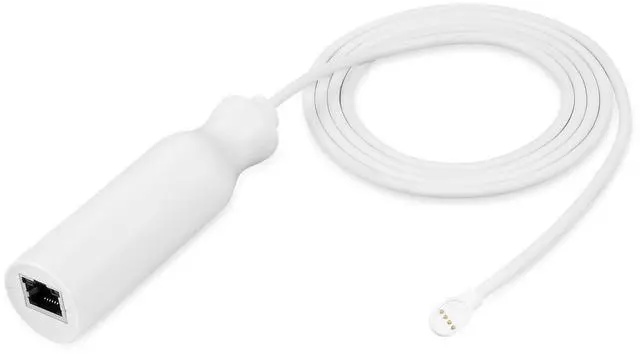
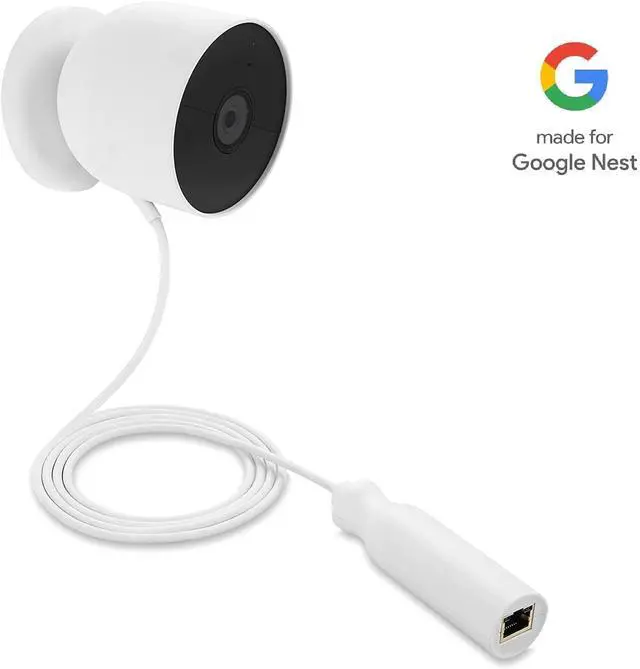
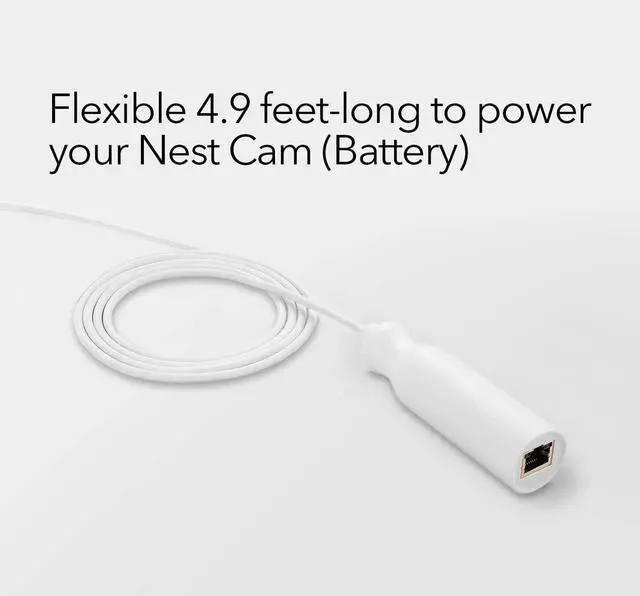
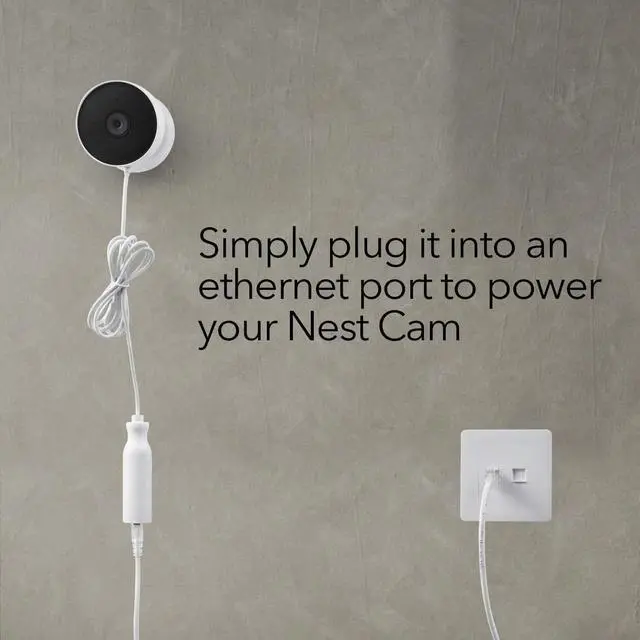
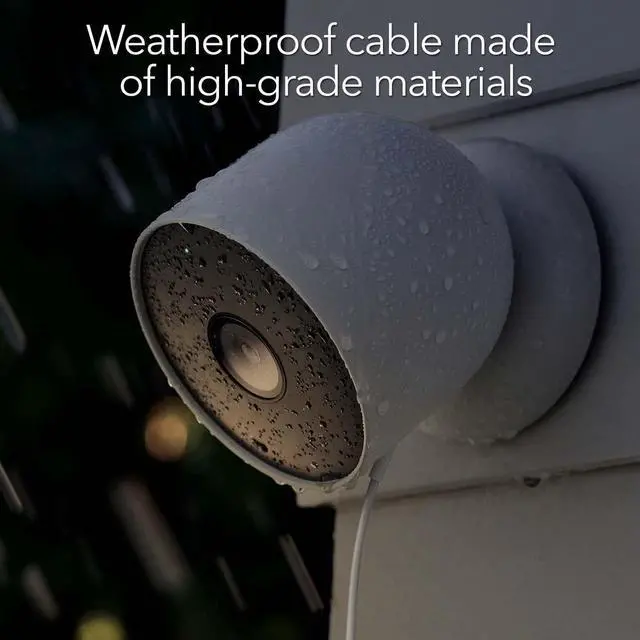
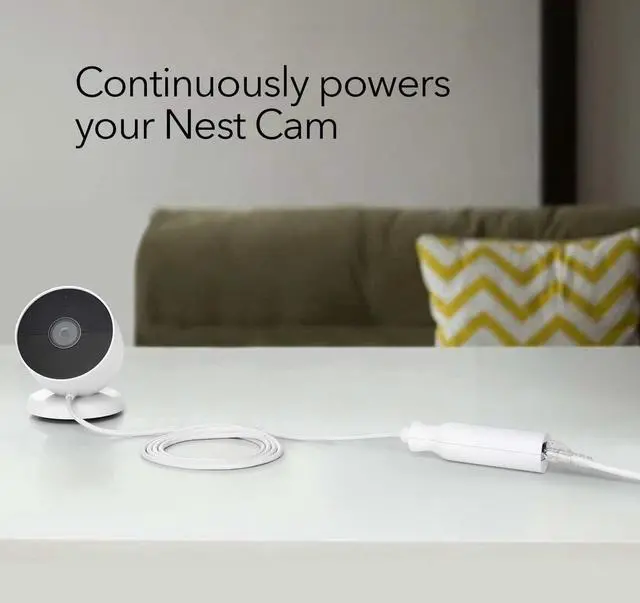
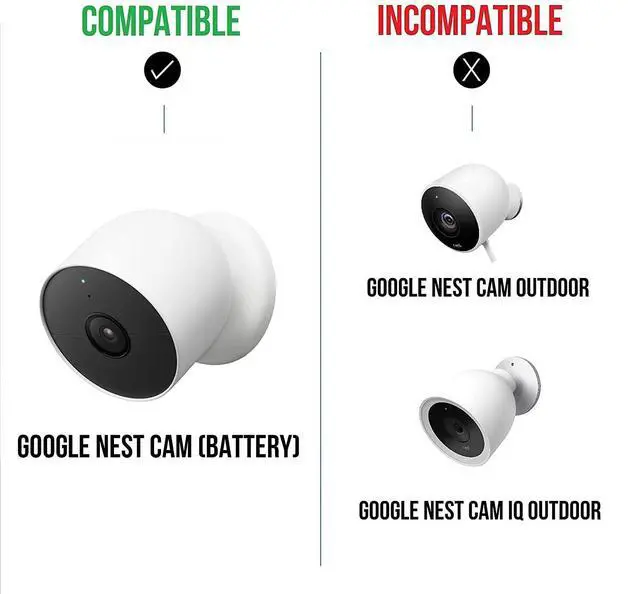


Easy to Install

Step 1
Connect the LAN cable to the PoE adapter

Step 2
Connect the other end of the PoE adapter to the camera

Step 3
Plug the LAN cable into the socket
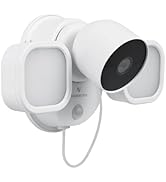
 Anti-Theft Mount |  PoE Adapter |  Charging Station | |
|---|---|---|---|
| Customer Reviews | — | — | — |
| Price | — | — | — |
| Compatible with | Google Nest Cam (battery) | Google Nest Cam (battery) | Google Nest Cam (battery) |
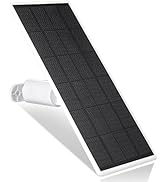
| Used for | Secure Mounting | Ethernet Charging | Dual Charging |
| Made for Google | ? | ? | no data |

Wasserstein - Thoughtful Products for Your Smart Home

Wasserstein is the leading manufacturer of smart home accessories. Our mission is to make smart home products easier to use, and available to everyone.
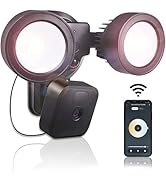
We are an official Made for Google and Made for Fitbit product partner, and also make solar panels, floodlights, camera mounts, doorbell mounts, and other smart home products, compatible with Ring, Blink, Arlo, Wyze, Oculus, Eufy, Apple, and other popular smart home brands.
Wasserstein Family
Easy to Install
Step 1
Connect the LAN cable to the PoE adapter
Step 2
Connect the other end of the PoE adapter to the camera

Step 3
Plug the LAN cable into the socket
Anti-Theft Mount | PoE Adapter | Charging Station | |
|---|---|---|---|
| Customer Reviews | — | — | — |
| Price | — | — | — |
| Compatible with | Google Nest Cam (battery) | Google Nest Cam (battery) | Google Nest Cam (battery) |
| Used for | Secure Mounting | Ethernet Charging | Dual Charging |
| Made for Google | ? | ? | no data |
Wasserstein - Thoughtful Products for Your Smart Home
Wasserstein is the leading manufacturer of smart home accessories. Our mission is to make smart home products easier to use, and available to everyone.
We are an official Made for Google and Made for Fitbit product partner, and also make solar panels, floodlights, camera mounts, doorbell mounts, and other smart home products, compatible with Ring, Blink, Arlo, Wyze, Oculus, Eufy, Apple, and other popular smart home brands.
Wasserstein Family