
Your Browsing History

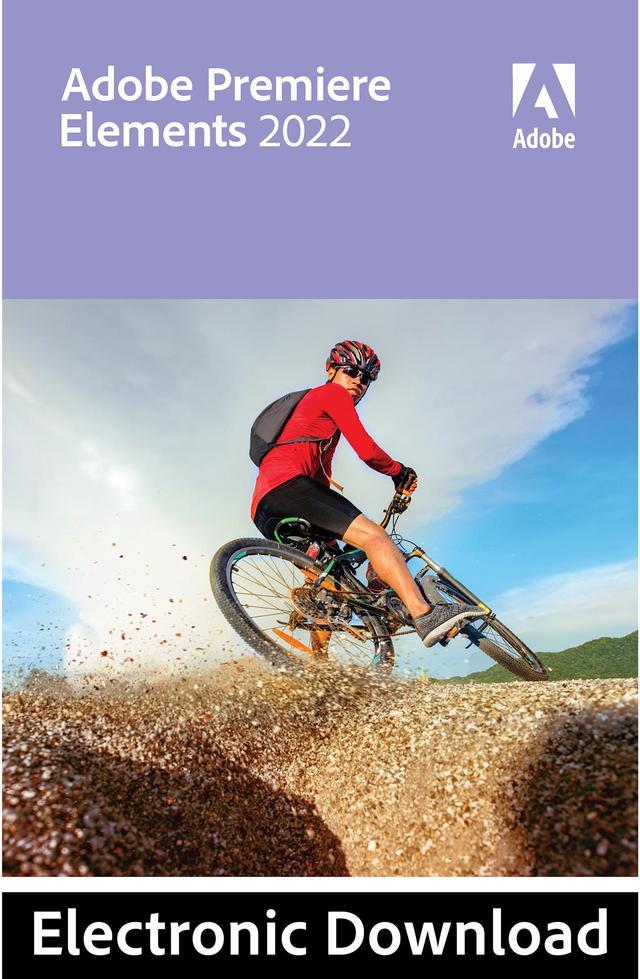

Adobe Premiere Elements 2022 for Windows - Download
- Easy video editing software
- AI and automated editing options for incredible videos
- 27 step-by-step Guided Edits to walk you through the process
- Personalized creations like slideshows and video collages
- One-time purchase — no subscription required
- US Region Only
+
+
Specs
Reviews
Learn more about the Premiere Elements 2022 for Windows - Download
| Brand | Adobe |
|---|---|
| Model | 65319175 |
| Name | Premiere Elements 2022 for Windows - Download |
|---|---|
| Type | Graphics & Publishing |
| Operating Systems Supported | Windows |
| System Requirements | Windows - Intel 6th Generation or newer processor or AMD equivalent with SSE4.1 support - Microsoft Windows 10 version 2004 or later (version 21H1 recommended); 64-bit versions only; Windows 7, Windows 8.1 not supported - HEIF/HEVC import supported only on Windows 10 version 1903 or later. Visit www.adobe.com/go/preheifinfo. - 6.7GB of available hard-disk space to install applications; additional 13GB to download all optional content; additional free space required during installation (cannot install on a volume that uses a case-sensitive file system or on removable flash storage devices) - Microsoft DirectX 12 compatible sound and display driver - Windows Media Player (required if importing/exporting Windows Media formats) - Compatible DVD burner required to burn DVDs - 8GB of RAM - 1280x800 display resolution (at 100% scale factor) - DVD-ROM drive (for installation from DVD) - Internet connection required for product activation and content download - Recommended specifications: -- Intel 7th Generation or newer processor or AMD equivalent with SSE4.1 and AVX support -- 16GB of RAM for HD media -- 32GB or more of RAM for 4K media -- 4GB of GPU VRAM* -- Fast internal SSD for app installation and cache -- Additional high-speed drive(s) for media Adobe Premiere Elements supported import/export formats include: AVCHD (import only), DV-AVI (import/export on Windows), DVD (Windows only), H.264, HEVC, HDV, MPEG-1 (import only), MPEG-2, MPEG-4, MP3, QuickTime (limited codecs), Windows Media (Windows only), and many more * For a list of recommended GPU cards, visit www.adobe.com/go/pregpu. |
| Packaging | Download |
| First Listed on Newegg | October 07, 2021 |
|---|
Warranty & Returns
Warranty, Returns, And Additional Information
Return Policies
- Return for refund within: non-refundable
- Return for replacement within: non-replaceable
- Read full return policy for details.
Manufacturer Contact Info
- Manufacturer Product Page
- Manufacturer Website
- Support Phone: 1-800-833-6687
- Support Website
- View other products from Adobe
LOADING...