
Your Browsing History
- Shop Category
Featured Brands


Shop Network Attached Storage (NAS)
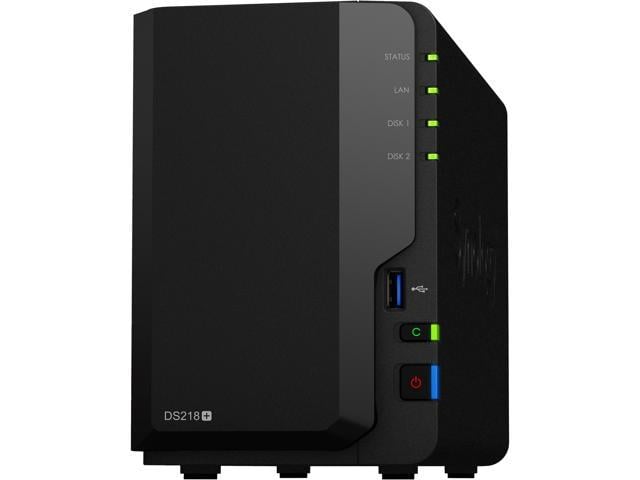
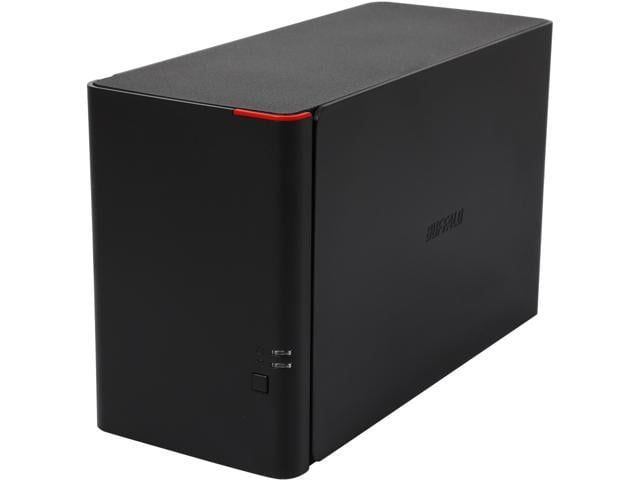
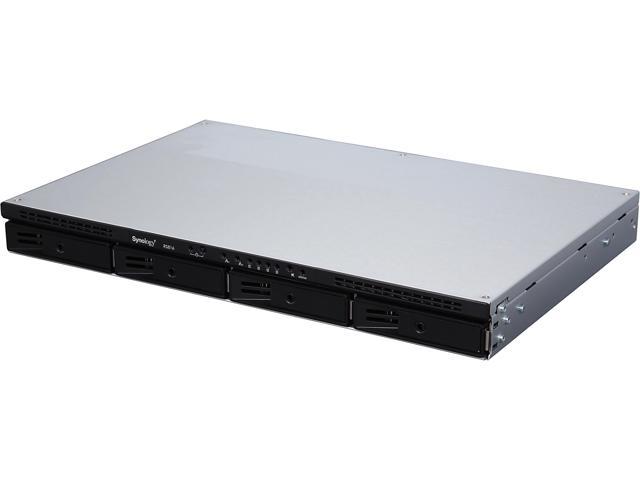
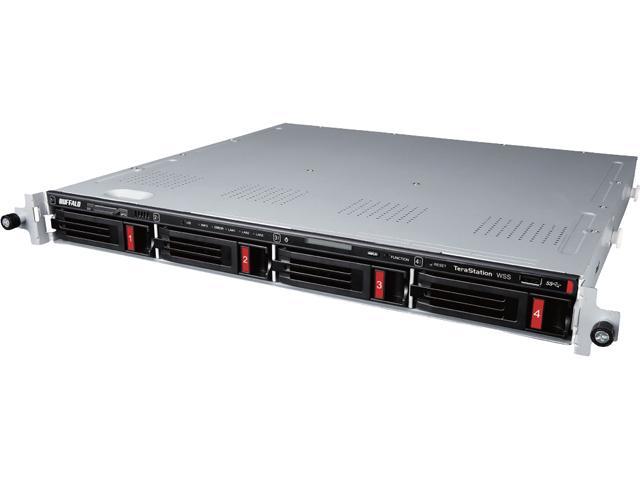
NAS Featured Brands






Whether it’s to navigate your keepsake media collection or stream high-resolution videos in your own personal cloud, or to share and access files securely to other employers with ease as a business owner, an NAS (Network Attached Storage) provides a high-capacity storage solution that connects to your home or office network. With 24/7 access through your mobile device or PC, NAS is a cost-effective way to back up important data without paying a high cloud subscription fee.
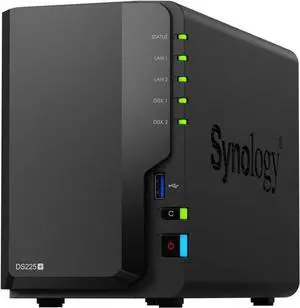
Synology 2-bay DiskStation DS225+ (Diskless)
- Brand: Synology
- Included HDD Capacity: Diskless System
- Form Factor: 2-bay;2GB DDR4
- HDD Interface: 2 x SATA (2 x Bay)
- Model #: DS225+
- Item #: N82E16822108853
- Return Policy: Standard Return Policy
- $529.99 –
- More options from $529.99 - $630.61
- Free Shipping
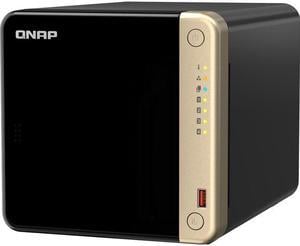
QNAP TS-464-8G-US 4-Bay Diskless Storage System TS-464-8G-US
- Form Factor: 4-Bay
- Port USB: 2 x Type-A
- HDD Interface: 4 x SATA (4 x Bay)
- Processor: Intel Celeron
- Model #: TS-464-8G-US
- Item #: 2HT-0014-000X3
- Return Policy: Standard Return Policy
- $1,049.99 –
- More options from $1,049.99 - $1,345.46
- Free Shipping
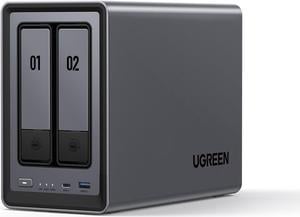
UGREEN NASync DXP2800, 2-Bay NAS with Intel N100 Quad-Core CPU (Up to 3.4GHz) 8GB DDR5, 2x M.2 PCIe Slots, 2.5GbE Port (Diskless)
- Brand: Ugreen
- Included HDD Capacity: Diskless System
- Form Factor: 2-Bay
- Port RJ-45: 1 x 2.5GbE
- Model #: DXP2800
- Item #: N82E16822995001
- Return Policy: Standard Return Policy
- $499.99
- $469.99 –
- Save: 6%
- Free Shipping
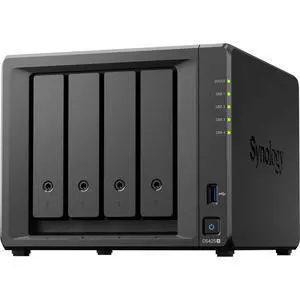
Synology 4-bay DiskStation DS425+ (Diskless)
- Brand: Synology
- Included HDD Capacity: Diskless System
- Form Factor: 4-bay;2GB DDR4 non-ECC
- HDD Interface: 4 x SATA (4 x Bay)
- Model #: DS425+
- Item #: N82E16822108849
- Return Policy: Standard Return Policy
- $879.99 –
- More options from $879.99 - $1,024.36
- Free Shipping
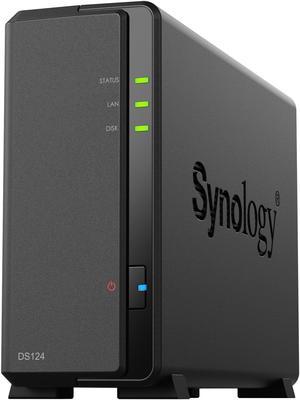
Synology 1-bay DiskStation DS124 (Diskless)
- Form Factor: 1-Bay
- Supported Protocols: SMB, AFP, NFS, FTP, WebDAV, CalDAV, iSCSI, Telnet, SSH, SNMP, and VPN (PPTP, OpenVPN™, L2TP)
- Processor: Realtek RTD1619B
- Installed Memory: 1GB DDR4
- Model #: DS124
- Item #: N82E16822108839
- Return Policy: Standard Return Policy
- $239.99 –
- More options from $239.99 - $275.61
- Free Shipping
UGREEN NASync DXP4800 Plus, 4-Bay NAS with Intel Pentium Gold, 5-Core CPU (Up to 4.40 GHz), 8GB DDR5, 1x 2.5GbE, 1x 10GbE, 2x SD - 12th Gen 5-core Intel Processor (Diskless)
- Brand: Ugreen
- Included HDD Capacity: Diskless System
- Form Factor: 4-Bay
- Port RJ-45: 1 x 10GbE + 1 x 2.5GbE
- Model #: DXP4800 Plus
- Item #: N82E16822995003
- Return Policy: Standard Return Policy
- $854.99
- $807.99 –
- Save: 5%
- Free Shipping
Synology 5-bay DiskStation DS1525+ (Diskless)
- Brand: Synology
- Included HDD Capacity: Diskless System
- Form Factor: 5-Bay;8GB DDR4
- Port USB: 2 x USB 3.2 Gen 1
- Model #: DS1525+
- Item #: N82E16822108850
- Return Policy: Standard Return Policy
- $1,699.99 –
- More options from $1,699.99 - $2,203.11
- Free Shipping
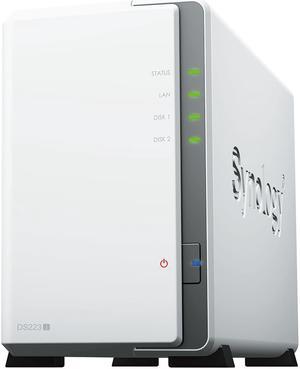
Synology 2-bay DiskStation DS223J (Diskless)
- Form Factor: 2-Bay
- Processor: Realtek RTD1619B
- Installed Memory: 1GB DDR4
- Power: 100-240 VAC 50/60Hz
- Model #: DS223J
- Item #: N82E16822108836
- Return Policy: Standard Return Policy
- $309.99 –
- More options from $309.99 - $463.01
- Free Shipping
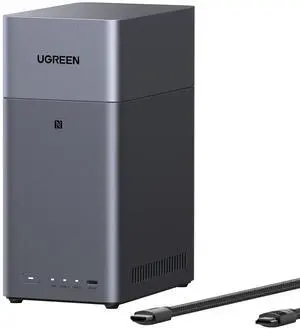
DH2300 UGREEN NASync DH2300 Storage Hub with HDMI Cable 2-bay, Rockchip RK3576 8-Core CPU, 4GB LPDDR4X, 1GB
- Form Factor: 2-Bay
- Port USB: 1 x USB-C (5Gb/s) + 2 x USB-A (5Gb/s)
- HDD Interface: 2 x SATA (2 x Bay)
- Operating System: UGOS Pro
- Model #: DH2300
- Item #: N82E16822995008
- Return Policy: Standard Return Policy
- $299.99 –
- Free Shipping
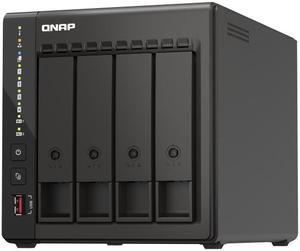
QNAP 4-Bay High-Performance desktop NAS with Intel Celeron 4-Core J6412, onboard 8GB RAM, 2 x 2.5GbE, 1 x HDMI 1.4b, 2 x M.2 PCIe Gen 3 Slots, 2x USB 3.2 Gen2 Type A, long term supply up to 2029
- Form Factor: 4-Bay
- Port RJ-45: 2 x 2.5 GbE
- HDD Interface: 4 x SATA (4 x Bay)
- Processor: Intel® Celeron® J6412 4-core/4-thread processor, burst up to 2.6 GHz
- Model #: TS-453E-8G-US
- Item #: N82E16822099150
- Return Policy: Standard Return Policy
- $1,149.99 –
- More options from $1,149.99 - $1,523.63
- $19.99 Shipping
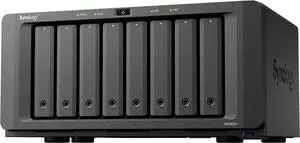
Synology 8-bay DiskStation DS1825+ (Diskless)
- Brand: Synology
- Included HDD Capacity: Diskless System
- Form Factor: 8-Bay
- Port USB: 3 x USB3.2 Gen 1
- Model #: DS1825+
- Item #: N82E16822108851
- Return Policy: Standard Return Policy
- $2,249.99 –
- More options from $2,249.99 - $2,615.61
- Free Shipping
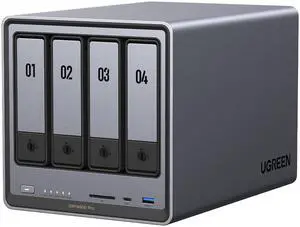
Ugreen DXP4800 PRO NAS
- Brand: Ugreen
- Included HDD Capacity: Diskless System
- Form Factor: 4-Bay
- HDD Interface: 4 x SATA (4 x Bay)
- Model #: DXP4800 Pro
- Item #: N82E16822995009
- Return Policy: Standard Return Policy
- $989.99
- $934.99 –
- Save: 5%
- Free Shipping
Related searches
Network-Attached Storage (NAS) devices provide a convenient means of offloading and creating data backups from computers while maintaining remote access to files. These units store information in a centralized location, and provide access for authorized on-site and network access using secure dedicated IP addresses. NAS devices boast a range of features that are handy and versatile to meet the needs of home users and small and large businesses.
Personal Cloud NAS Solutions Provide Safe Access From Almost Anywhere
Receive and process requests from thousands of authorized employees simultaneously using a NAS device. Cloud-based network-attached storage servers offer access to stored documents and files over an internet connection, making them suitable for businesses with multiple branches. Some personal cloud NAS brands provide access to files even after router or hardware failure, eliminating employee downtime.
Enhance Productivity With Fast Data Transfer Speeds
Choose a model to fit your data needs. Network-attached storage units featuring dual-core and quad-core processors offer faster sequential read-write speeds. Some models feature expandable memory modules for smoother transfers. Other NAS DiskStation devices feature drive bays that hold SSDs, which help reduce system and application startup times while providing near-instantaneous access to files. Models with DLNA® support provide fast streaming, making them a suitable pick if you are building a media server.
Networked Storage Makes Sharing Information Easy
Network-attached storage devices connect to the network using built-in Ethernet ports, which provide improved performance without dropping signals. Units that support Gigabit Ethernet connections offer the robustness and speed necessary for running several hard drives while maintaining fast response times. A NAS device connects to a Wi-Fi® router via cables so it can synchronize with smartphones, tablets and laptops to ensure schedules are up to date across all your devices. Some models feature a built-in Wi-Fi functionality that allows client devices to stream multimedia formats and edit large files. Creating folders on the NAS system makes it easy for colleagues to share project elements, while a streamlined design keeps files organized for easy viewing.
Comprehensive Built-in Security Tools Tackle Threats
Some models operate with a boot authentication management tool, so a stolen unit is not readable in any circumstance. Many desktop NAS units feature Kensington lock compatibility and lockable doors to prevent them from being taken off the premises without a key. AES 256-bit secure encryption prevents the reading of drives if removed from a specific NAS device, while SSH File Transfer Protocol (SFTP) enables secure file transfer between networked hosts.
NAS Devices Grow With Your Business Requirements
Most network-attached storage devices come with a full-function operating system that includes applications that extend their functionality to act as security surveillance, disaster recovery or backup devices. Some units feature multiple drive bays, giving you flexible upgrade options when you require more storage capacity in your server. Some models have a bank of USB ports for attaching several external hard drives and devices without interrupting your current workflow. Hot-swappable drives eliminate the need to shut down for replacing or upgrading to higher-capacity drives, while Rackmount NAS solutions are suitable for use in cabinets and racks that house other devices.
Bestselling Network Attached Storage (NAS) Reviews:
Anonymous
12/5/2025 8:42:38 AM
Great NAS!
“ Great great NAS ”
Synology DS1825+ Diskless System 8-bay DiskStation (Diskless)German Ardila
10/2/2025 8:05:12 PM
Excellent.. Great Product.
“ I buy this NAS for the 2.5 LAN .. I haven't fully tested it yet... but I want to say that the packaging and delivery were EXCELLENT. ”
QNAP TS-216G 2-Bay NAS EnclosureAnonymous
9/6/2025 7:26:26 AM
Great NAS
“ Highly recommend this product and Newegg in general ”
Synology 2-bay DiskStation DS223J (Diskless)Anonymous
11/25/2024 4:11:48 PM
Easy setup for Plex
“ NAS has been running without issue since it was turned on. ”
TERRAMASTER F2-423 2-Bay High Performance NAS for SMB with N5095 Quad-core CPU, 4GB DDR4 Memory, 2.5GbE Port x 2,Network Storage Server (Diskless)Anonymous
10/24/2024 8:41:04 AM
as expected
“ Overall, I'm quite happy with this being my first Nas. ”
Synology 4-Bay NAS DiskStation DS923+Anonymous
10/2/2024 2:07:01 PM
Ecellent!!!
“ Super happy with this product and would highly recommend Synology to anyone looking for a NAS. ”
Synology 4-Bay NAS DiskStation DS923+