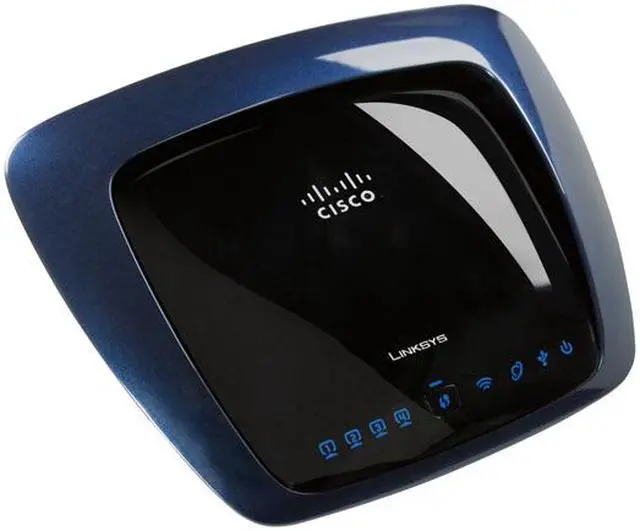
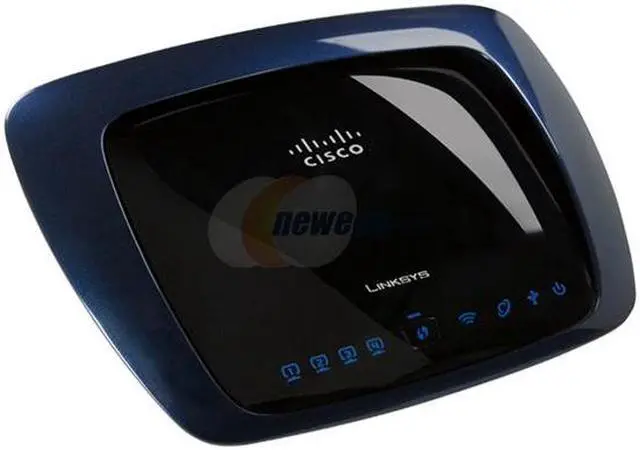
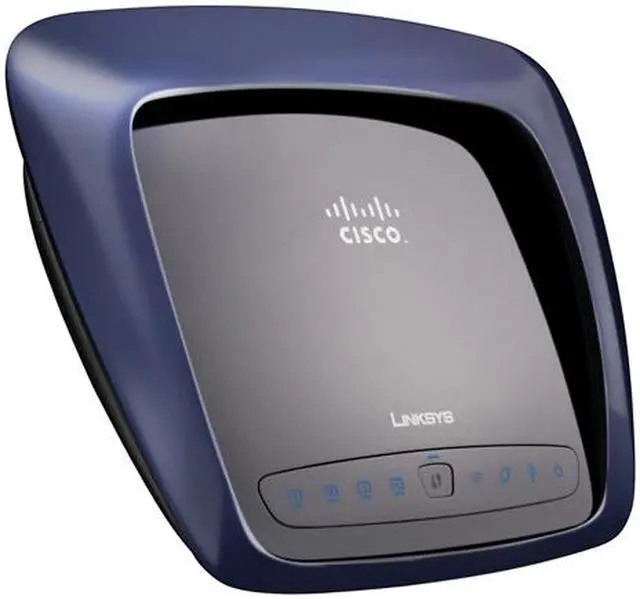
With four wired ports and the wireless connection, you're ready to take on the Internet and all it has to offer. Or maybe you just need a local network off the 'Net for your small office. Maybe you'll hook your desktop up by cable, and carry your wireless laptop to your favorite sitting spot. Control and configuration are easy with browsers like Internet Explorer 8 or Firefox 3.0 (or newer). (It's best to do your configuration from a hard-wired connection, not the wireless.)
Could this be the router for you? That's your decision, not ours. We'll be here, cheerfully waiting for you while you make up your mind.
You just got your high speed modem (it could be cable, DSL, fiber optics . . . something nifty), and you've got your computers, and you've got your wireless interface cards. Now you need the final element: the router.
With four wired ports and the wireless connection, you're ready to take on the Internet and all it has to offer. Or maybe you just need a local network off the 'Net for your small office. Maybe you'll hook your desktop up by cable, and carry your wireless laptop to your favorite sitting spot. Control and configuration are easy with browsers like Internet Explorer 8 or Firefox 3.0 (or newer). (It's best to do your configuration from a hard-wired connection, not the wireless.)
Could this be the router for you? That's your decision, not ours. We'll be here, cheerfully waiting for you while you make up your mind.
 Simultaneous Dual-NThe Linksys WRT610N features Simultaneous Dual-N Band Technology for twice the bandwidth - you can easily share high-speed Internet connections, files and printers using the 2.4GHz radio band, while keeping the less-crowded 5GHz band free for media-intensive applications such as HD video streaming, online gaming and uninterrupted music streaming.
 MIMO TechnologyThe Linksys WRT610N features MIMO technology which uses multiple radios to create a robust signal and reduces dead spots to deliver high speed performance and great coverage.
 Gigabit Network ConnectionThe Linksys WRT610N features 4 Gigabit LAN ports that provide up to 10x faster speeds than most 100M network connections to handle massive data-flow needs.
 High Wireless SecurityThe Linksys WRT610N supports WPA and WPA2 standards for use of the available supreme encryption regardless of client devices and features a built-in SPI firewall to prevent potential attacks from the Internet.
 Storage LinkWith the Storage Link feature, the Linksys WRT610N connects a USB 2.0 hard drive or flash-base USB storage device directly to your network for easy file sharing.






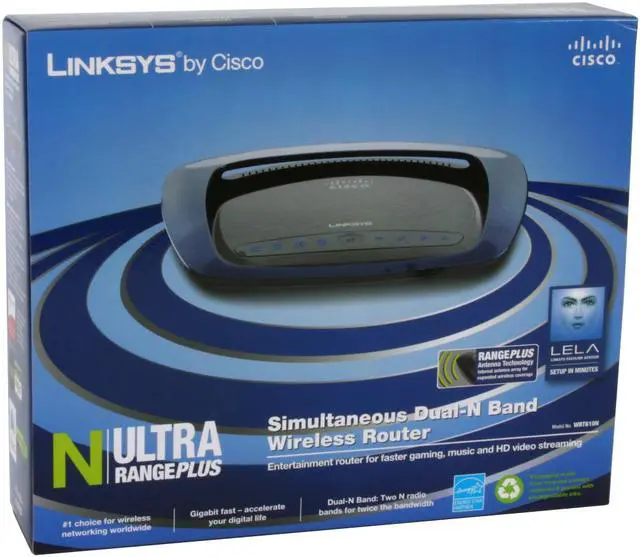



 Simultaneous Dual-NThe Linksys WRT610N features Simultaneous Dual-N Band Technology for twice the bandwidth - you can easily share high-speed Internet connections, files and printers using the 2.4GHz radio band, while keeping the less-crowded 5GHz band free for media-intensive applications such as HD video streaming, online gaming and uninterrupted music streaming.
 MIMO TechnologyThe Linksys WRT610N features MIMO technology which uses multiple radios to create a robust signal and reduces dead spots to deliver high speed performance and great coverage.
 Gigabit Network ConnectionThe Linksys WRT610N features 4 Gigabit LAN ports that provide up to 10x faster speeds than most 100M network connections to handle massive data-flow needs.
 High Wireless SecurityThe Linksys WRT610N supports WPA and WPA2 standards for use of the available supreme encryption regardless of client devices and features a built-in SPI firewall to prevent potential attacks from the Internet.
 Storage LinkWith the Storage Link feature, the Linksys WRT610N connects a USB 2.0 hard drive or flash-base USB storage device directly to your network for easy file sharing.


