
Your Browsing History
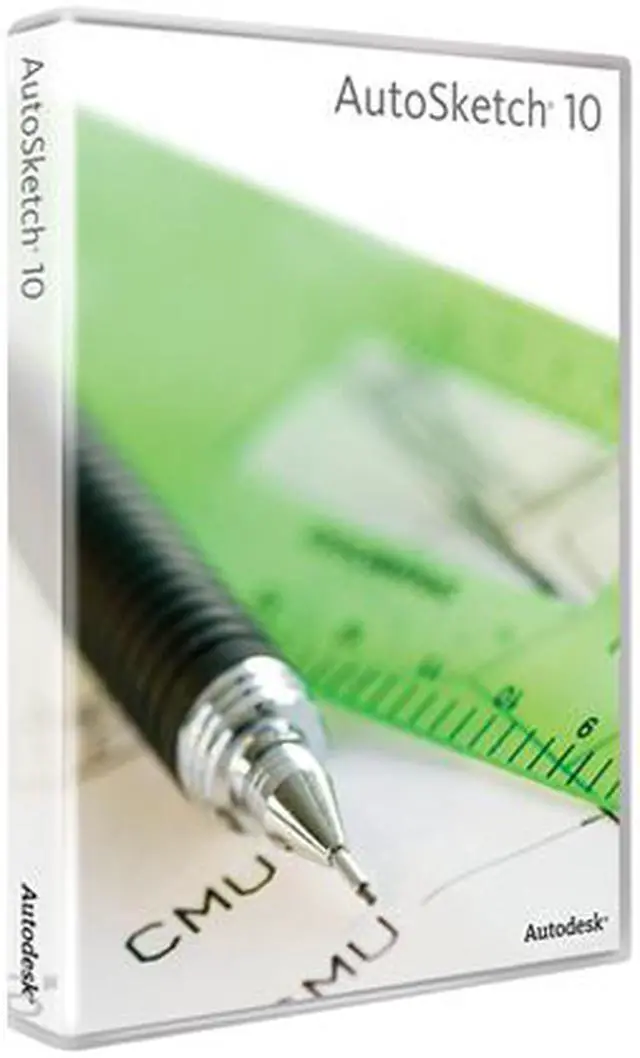


| Brand | Autodesk |
|---|---|
| Model | 003A1-051111-1001 |
| Name | AutoSketch 10 |
|---|---|
| Type | Graphics & Publishing |
| Operating Systems Supported | Windows |
| System Requirements | Minimum System Requirements Intel Pentium III processor or later, 300 MHz Microsoft Windows XP Professional or Home Edition, or Windows 2000 Professional 128 MB RAM 180 MB free disk space for installation 800x600 VGA display with true color Mouse, trackball, or compatible pointing device Microsoft Internet Explorer 6.0 (SP1 or later) CD-ROM drive |
| Packaging | Retail |
| Feature | Fast Startup Application Wizard: The Application wizard provides a variety of drawing types to help you get started quickly. Getting Started Guide: Create professional drawings in no time. Customizable Work Environment Flexible File Management: Open as many drawings as you want at one time, with multiple windows open for each drawing document. Customizable Toolbars: Customize your workspace by turning on additional toolbars and creating your own toolbars. Add any command to custom toolbars. Customizable Grids: Use customizable rectangular, circular, and isometric grids to easily configure the drawing space to the drawing task. Create isometric views with special drawing tools optimized for the isometric drawing grid. Guidelines: Create geometry by snapping to user-defined construction guides. Turn the guides off and on to build on previous work. Powerful Drawing Tools Drawing and Editing: Selecting, moving, and copying are fundamental to any type of drawing. AutoArray: Dynamically populate any area with symbols or symbol groupings. 3D Effects: Access tools for dressing up 2D drawings for presentations from the 3D Effects toolbar. Instant Precision Drawing Content Librarian: Drag a symbol, hatch pattern, or solid fill from the Content Librarian window wherever you want it in a drawing; the area automatically fills in with the pattern or color. Picture Support: Add photographs, scanned images, logos, or any other raster file to your drawings. You have complete control over the size and placement of images, including bitmapped images and annotations. Rich Text: Rich text capabilities support different kinds of formatting in a single block of text. Compatibility DWG Support: Because AutoSketch drawings are DWG format compatible, you can create and view AutoCAD drawings for enhanced collaboration with colleagues and clients. Designed for Windows XP Logo Certification: This logo ensures compatibility with the latest Microsoft OS. |
|---|
| First Listed on Newegg | October 29, 2012 |
|---|