
Your Browsing History





Microsoft Windows 7 Home Premium 64-bit 1-Pack for System Builders - OEM
- Home Version
- OEM
Overview
Specs
Reviews (1,418)
Nowadays, fast-developing communication and information technologies trigger an explosion of data on a scale millions of times larger year-to-year, yet your effort and strain on data management also rises. So you might need to find ways to make your computer both more powerful and easier to use. That is what Microsoft's new Windows 7 Operating System was designed to do.
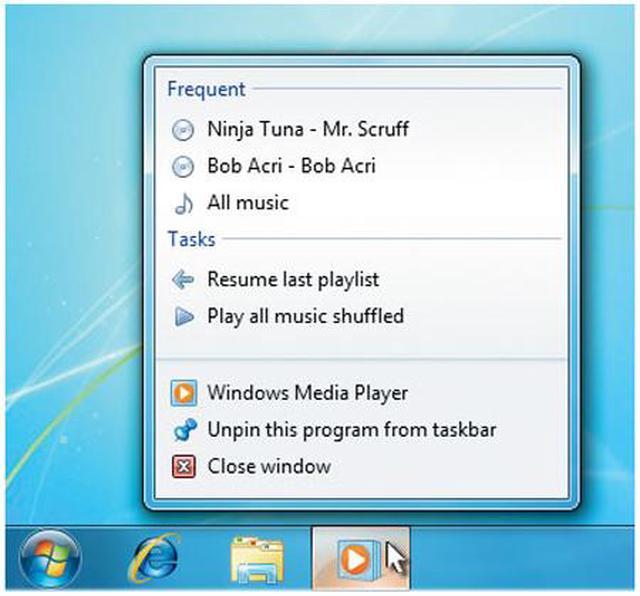
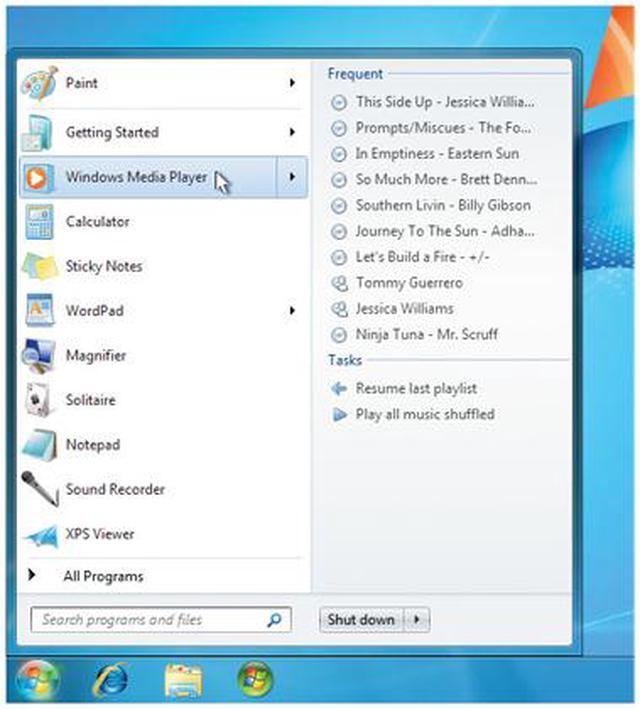
Windows 7 has better ways to find and manage files—like Jump Lists and improved taskbar previews—to help you speed through everyday tasks. It's designed for faster and more reliable performance, so your PC just works the way you want it to. With 64-bit support, you can take full advantage of the latest, most powerful processors. Great features like HomeGroup, Windows Media Center, and Windows Touch make new things possible.
Build a Windows 7 Home Premium system, and explore all the great features today!
Windows 7 has better ways to find and manage files—like Jump Lists and improved taskbar previews—to help you speed through everyday tasks. It's designed for faster and more reliable performance, so your PC just works the way you want it to. With 64-bit support, you can take full advantage of the latest, most powerful processors. Great features like HomeGroup, Windows Media Center, and Windows Touch make new things possible.
Build a Windows 7 Home Premium system, and explore all the great features today!
 Record TV on Your PCWatch, pause, rewind, and record TV, movies, and other video content with Windows Media Center, updated to manage a single TV guide containing both standard and digital high definition TV shows (additional hardware required).
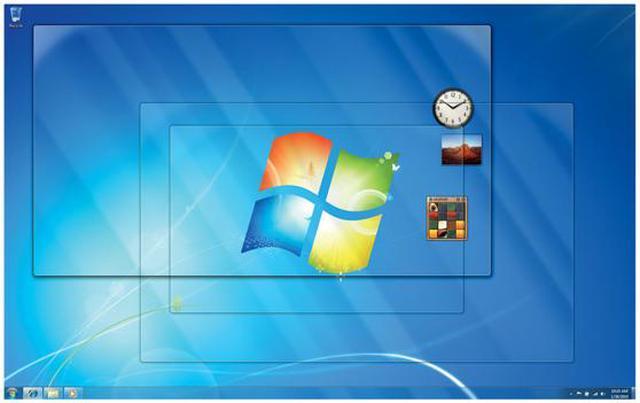
 Personalize Your DesktopEasily change backgrounds, window colors, and sounds to reflect your personal style. You can even turn your desktop into a slide show of your favorite photos.
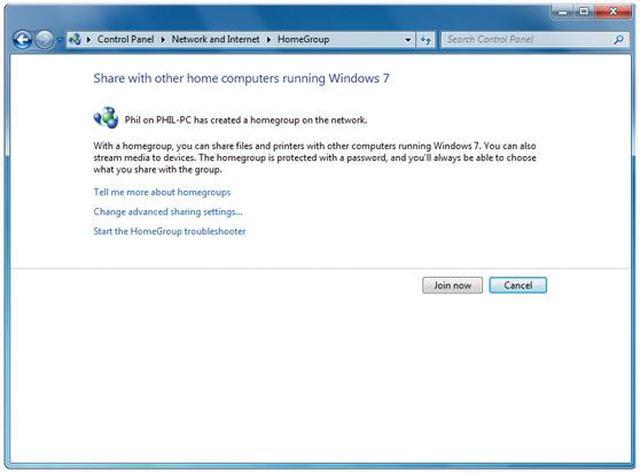
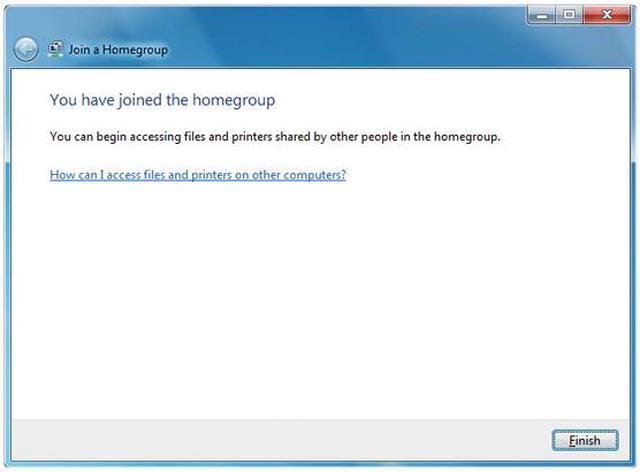
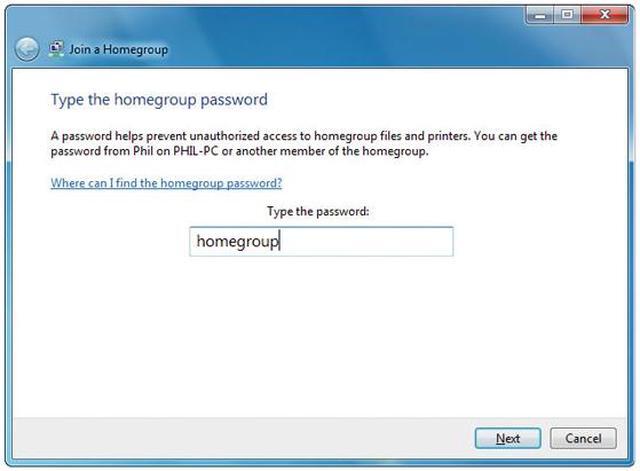
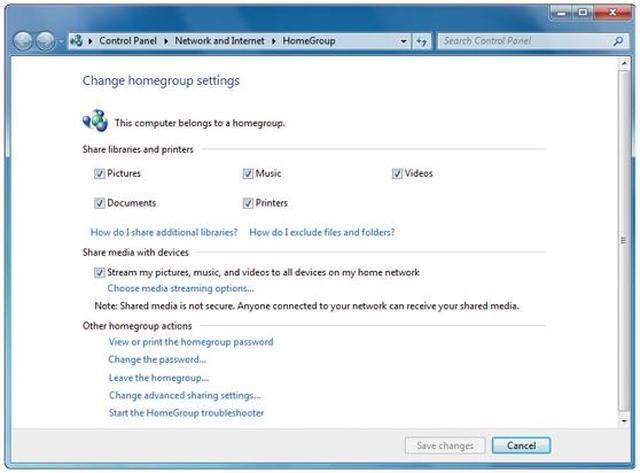
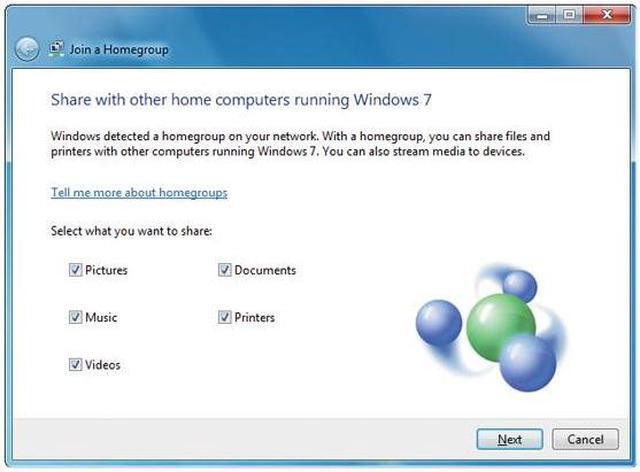
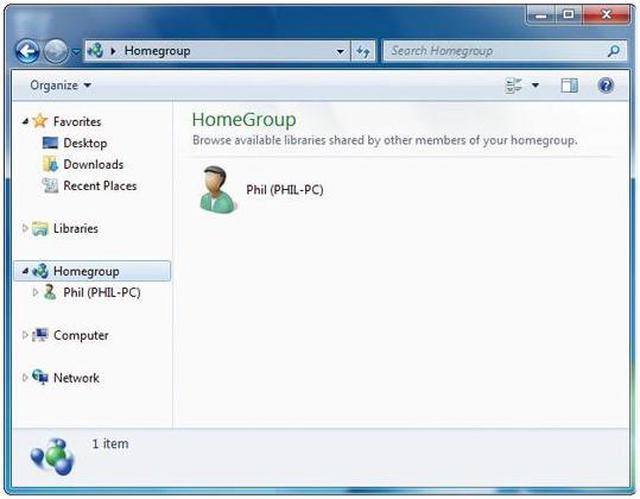
 Share Files across the Various PCs in Your HomeWith HomeGroup, it’s simple to share music, documents, printers, and everything else with the other PCs running Windows 7 throughout your house.
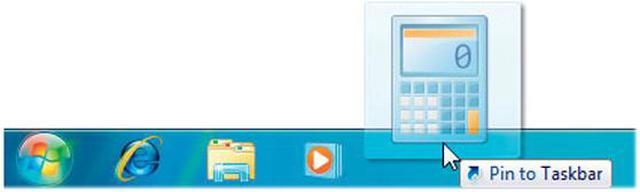
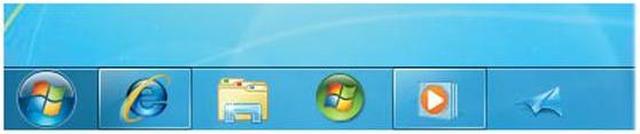
 Pin Any Program to the TaskbarAny program is always just a click away – and you can re-arrange the icons on the taskbar just by clicking and dragging.
 Stream Music Files on Any Network-connected DeviceJust open Windows Media Player, right-click on what you'd like to hear, select Play To, and you'll see a list of devices and PCs on which you can play your music.
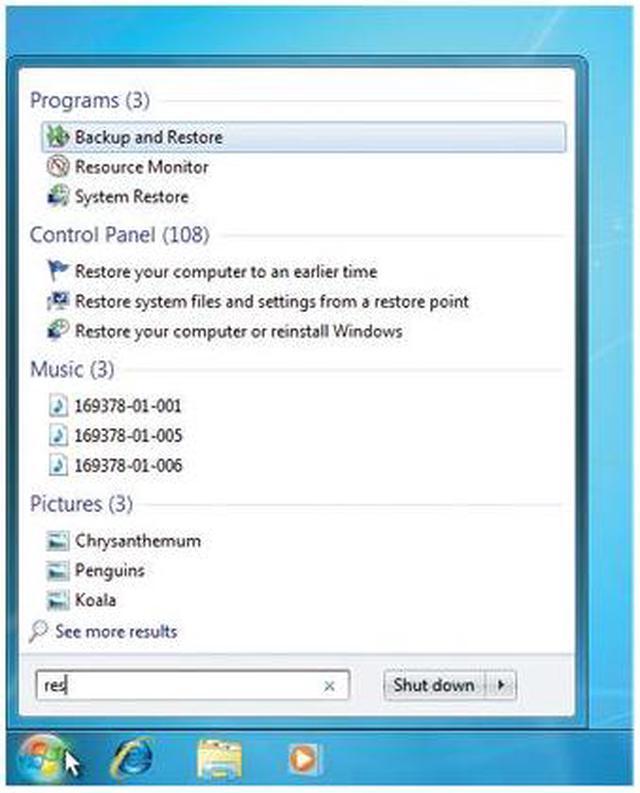
 Find Virtually Anything on Your PCJust click on the Start button, and enter a word or few letters in the name or file you want into the search box, and you’ll get an organized list of results.
 Record TV on Your PCWatch, pause, rewind, and record TV, movies, and other video content with Windows Media Center, updated to manage a single TV guide containing both standard and digital high definition TV shows (additional hardware required).
 Personalize Your DesktopEasily change backgrounds, window colors, and sounds to reflect your personal style. You can even turn your desktop into a slide show of your favorite photos.
 Share Files across the Various PCs in Your HomeWith HomeGroup, it’s simple to share music, documents, printers, and everything else with the other PCs running Windows 7 throughout your house.
 Pin Any Program to the TaskbarAny program is always just a click away – and you can re-arrange the icons on the taskbar just by clicking and dragging.
 Stream Music Files on Any Network-connected DeviceJust open Windows Media Player, right-click on what you'd like to hear, select Play To, and you'll see a list of devices and PCs on which you can play your music.
 Find Virtually Anything on Your PCJust click on the Start button, and enter a word or few letters in the name or file you want into the search box, and you’ll get an organized list of results.
Warranty & Returns
Warranty, Returns, And Additional Information
Return Policies
- Return for refund within: 30 days
- Return for replacement within: 30 days
- This item is covered by Newegg.ca's Standard Return Policy.
- Read full return policy for details.
Manufacturer Contact Info
- Manufacturer Product Page
- Manufacturer Website
- Support Phone: 1-800-642-7676
- Support Website
- View other products from Microsoft
LOADING...
LOADING...