



Skip to: |

Newegg.ca - A great place to buy computers, computer parts, electronics, software, accessories, and DVDs online. With great prices, fast shipping, and top-rated customer service - once you know, you Newegg.

If you are reading this message, Please click this link to reload this page.(Do not use your browser's "Refresh" button). Please email us if you're running the latest version of your browser and you still see this message.

Newegg.ca - Computer Parts, Laptops, Electronics, HDTVs, Digital Cameras and More!

  • | Wish List
  • Help
Home
Home > 
PCs & Laptops > 
Laptop Accessories > 
Internal SSD > 
Kingston HyperX > 
Item#: N82E16820239050

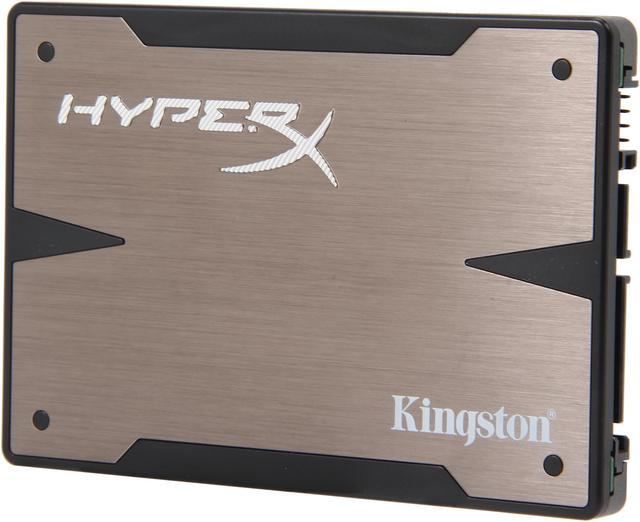
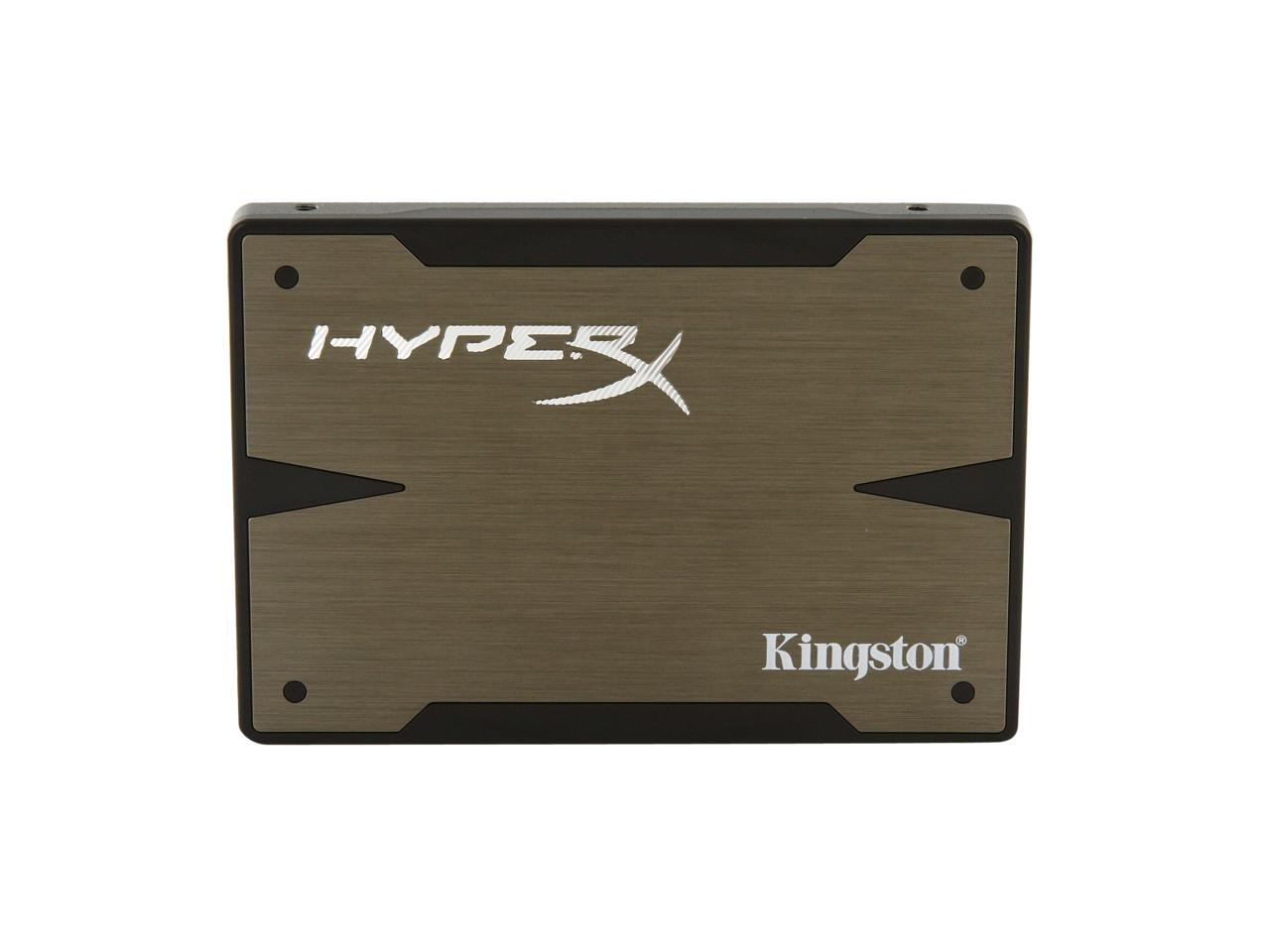
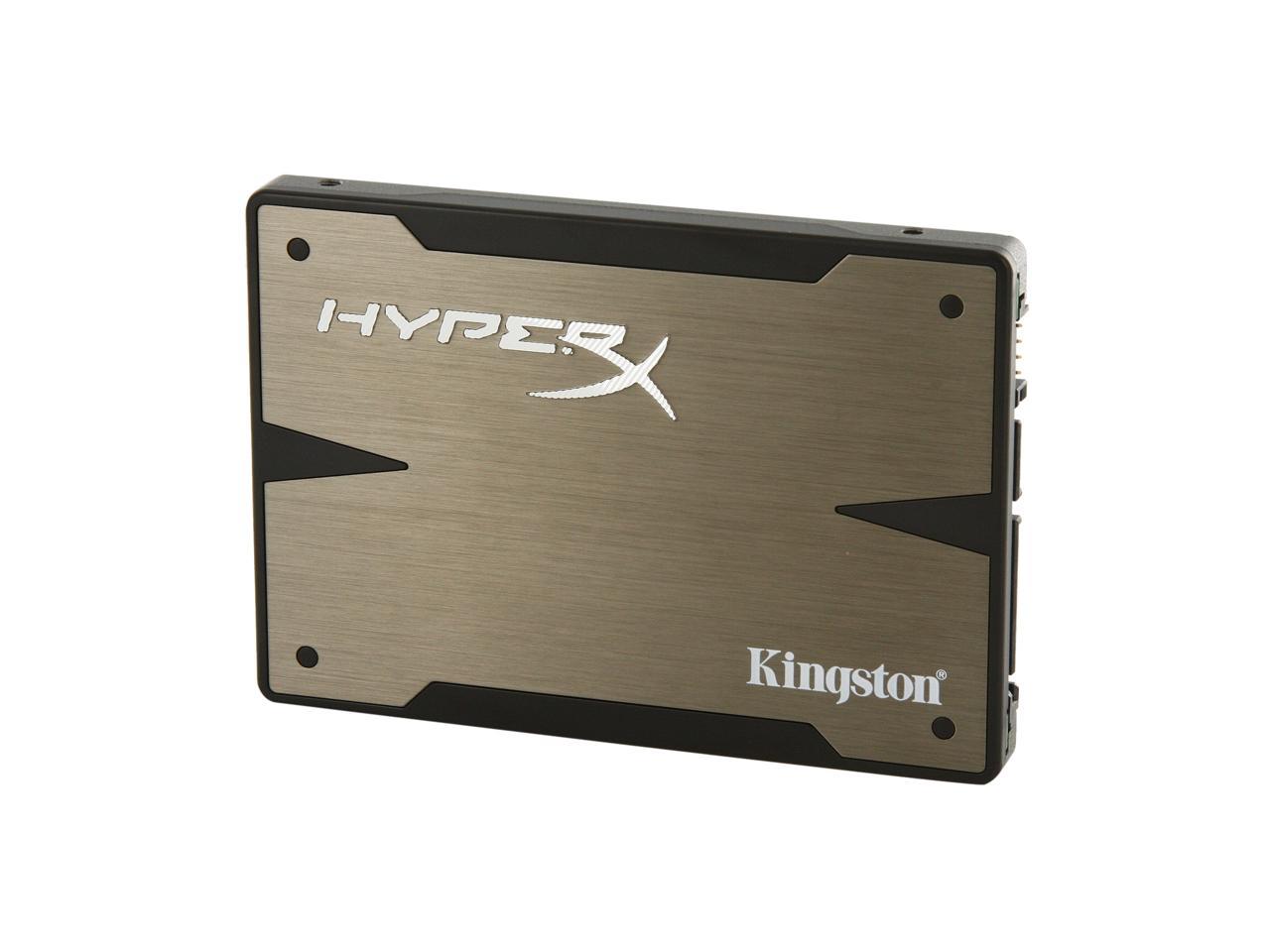
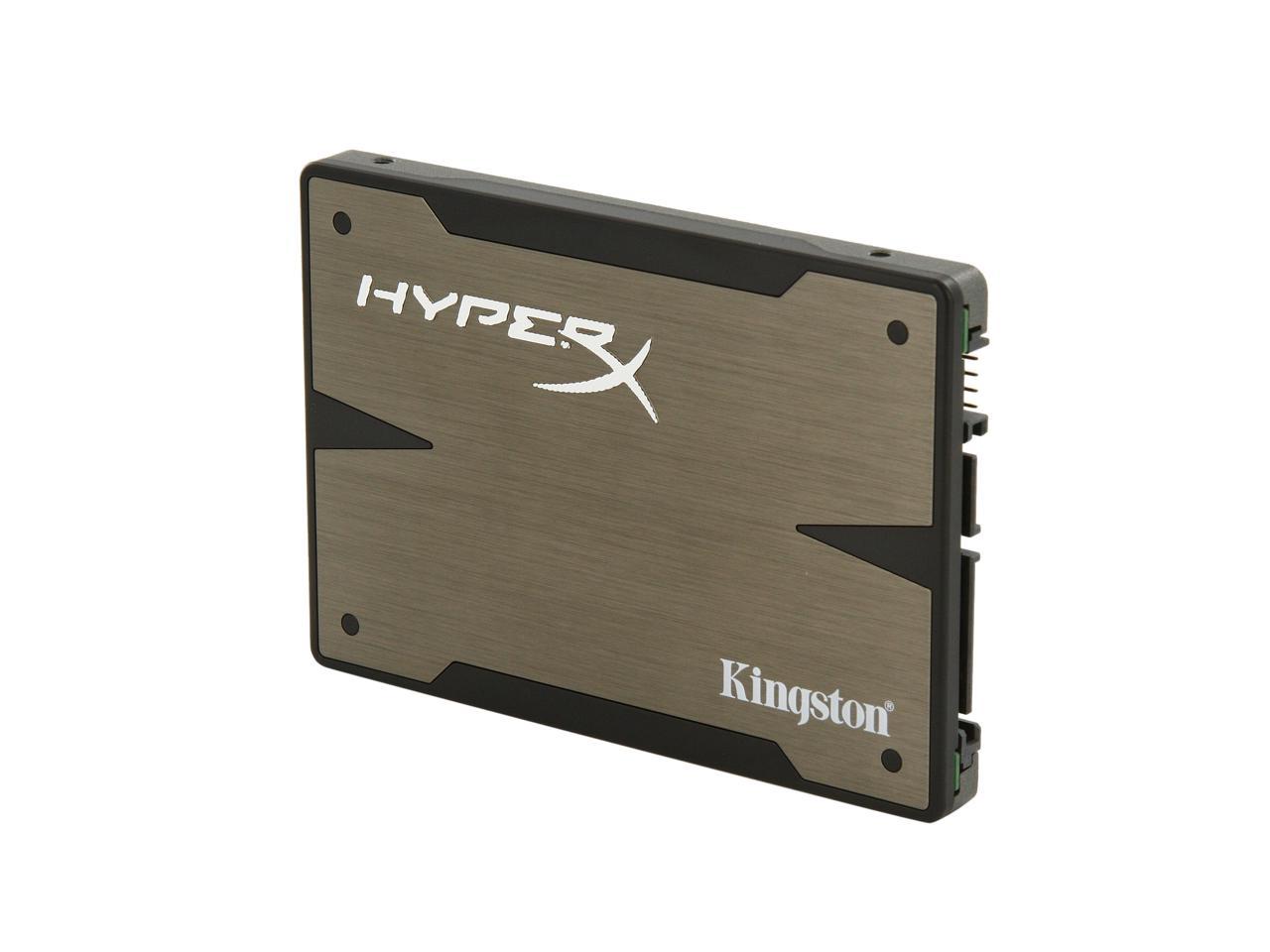
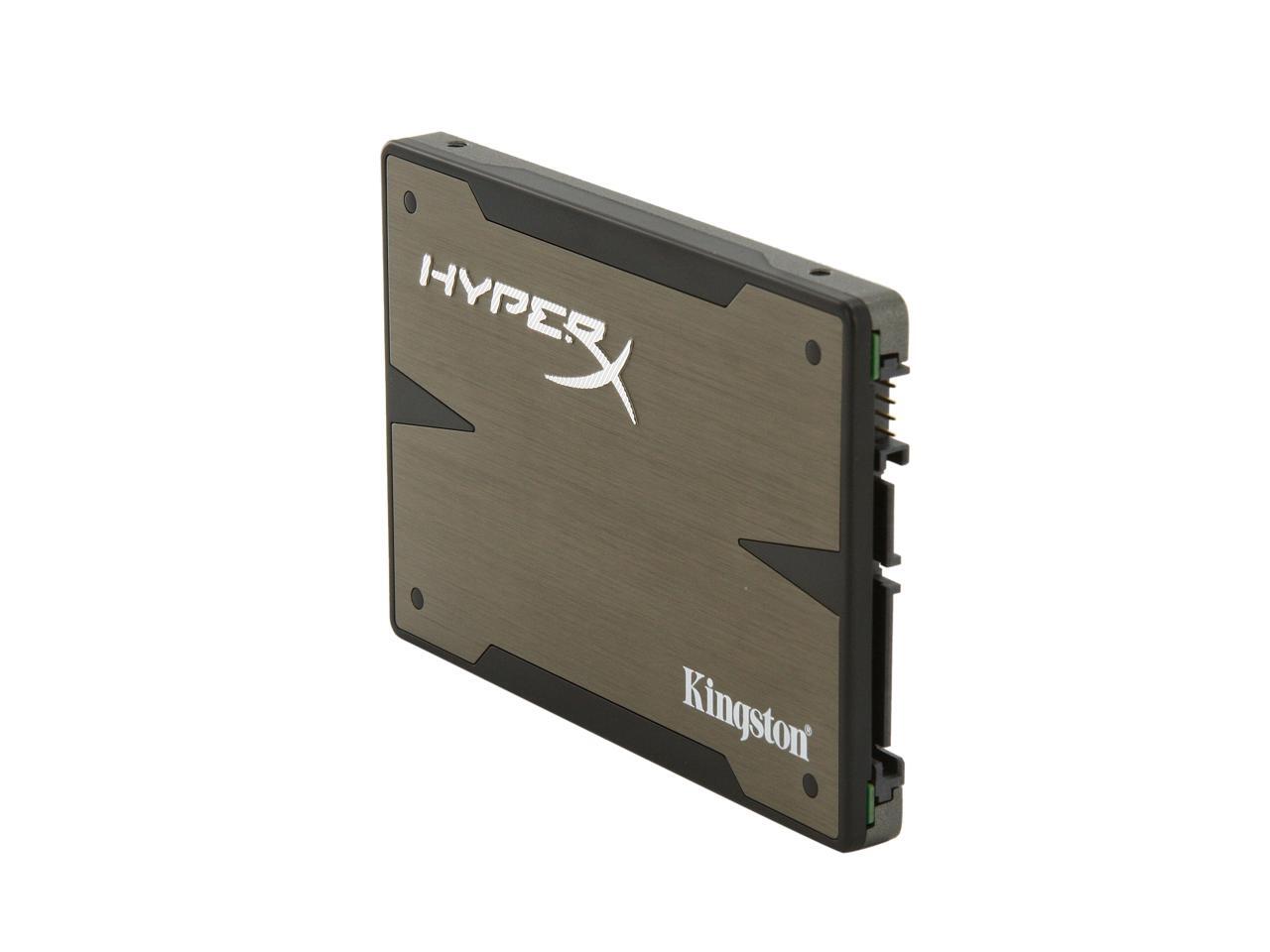
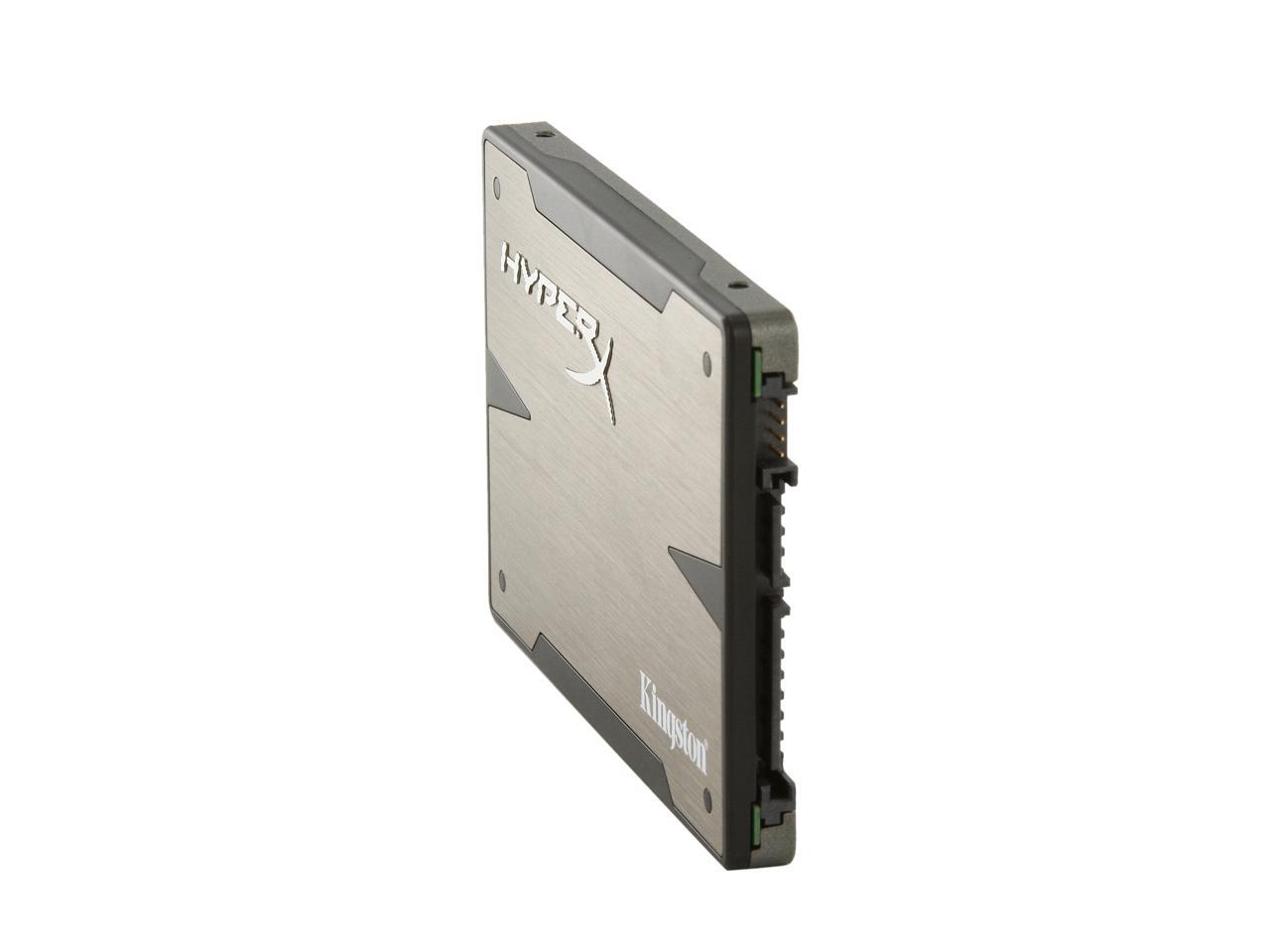
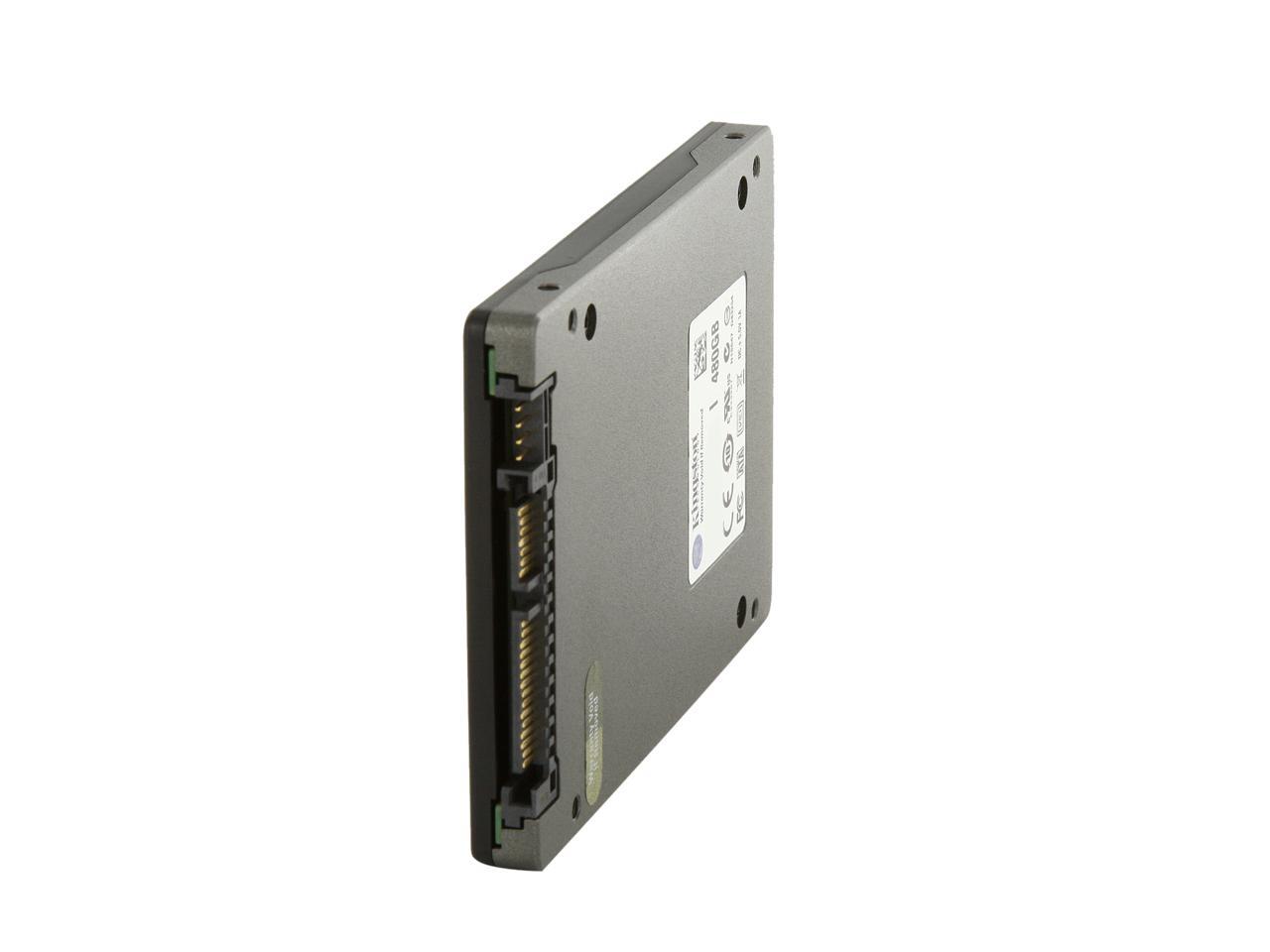
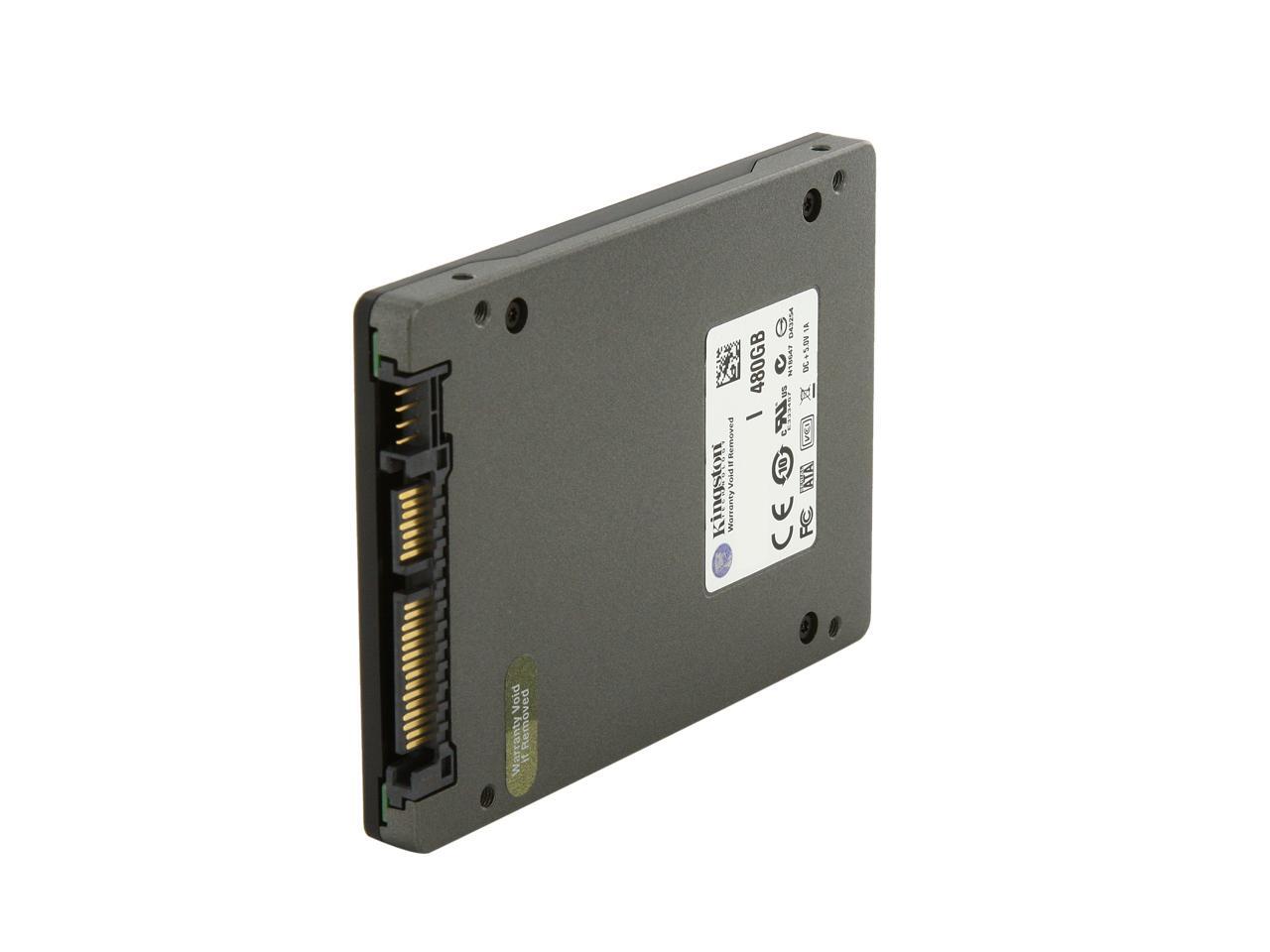
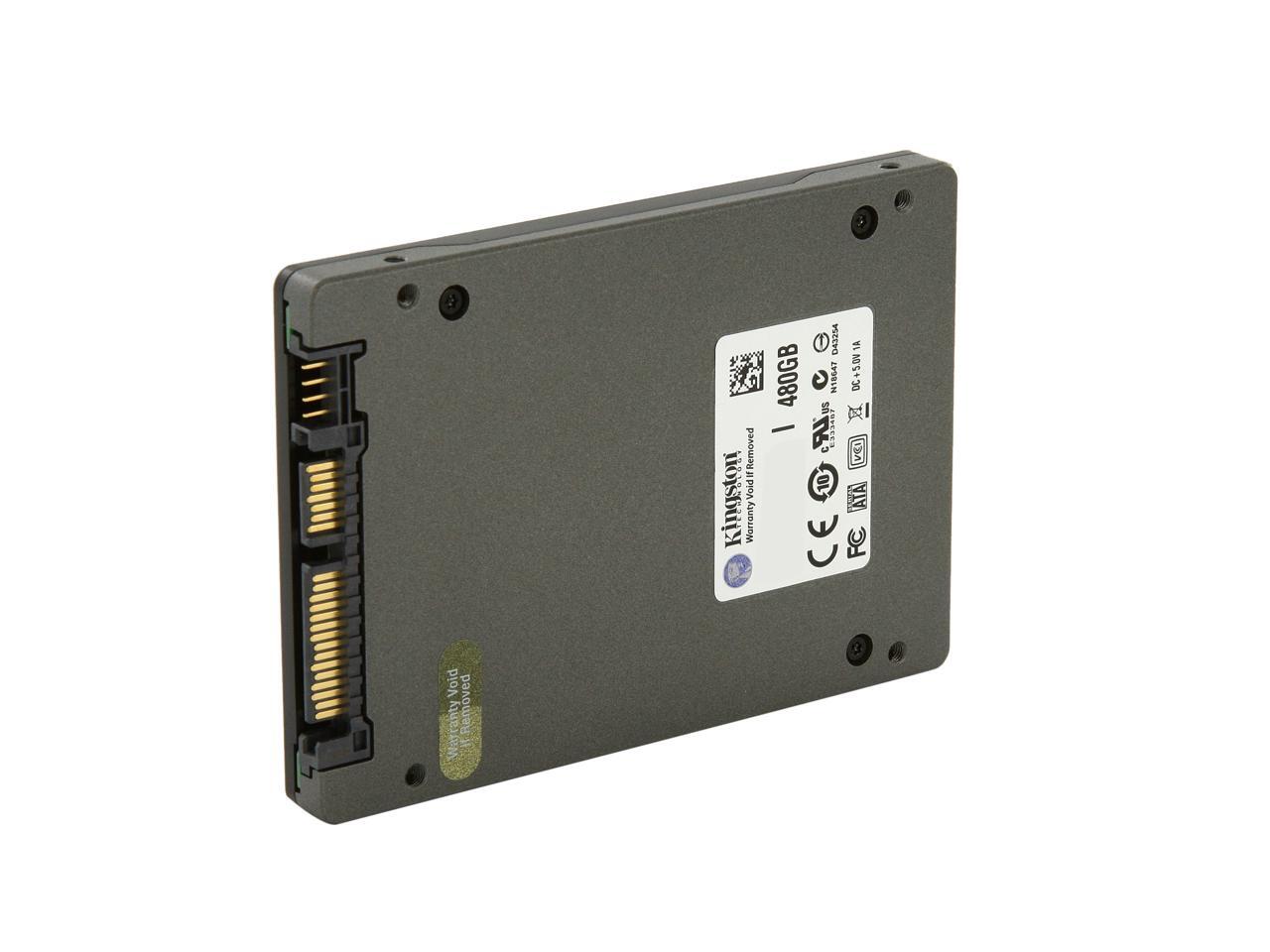
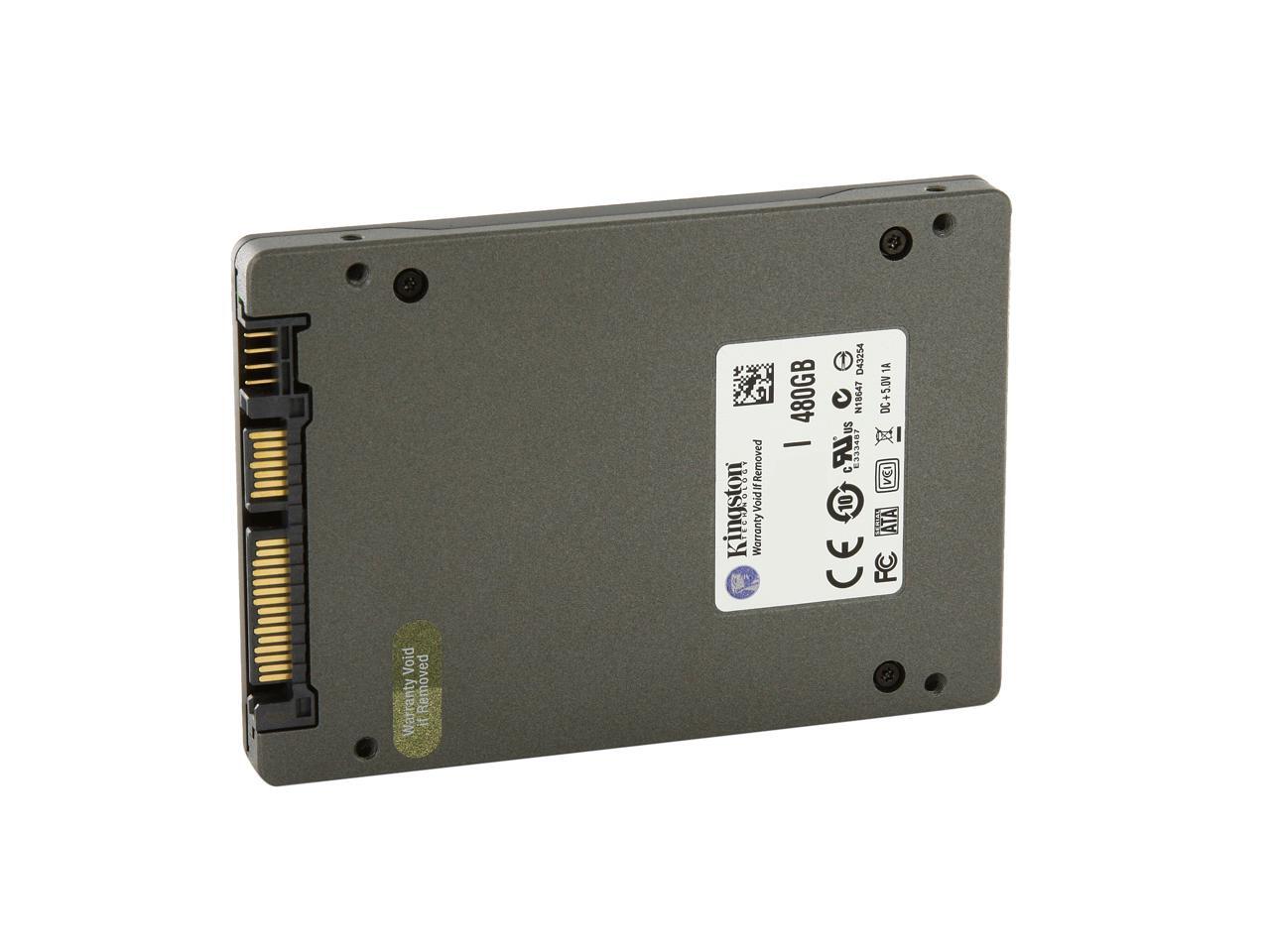
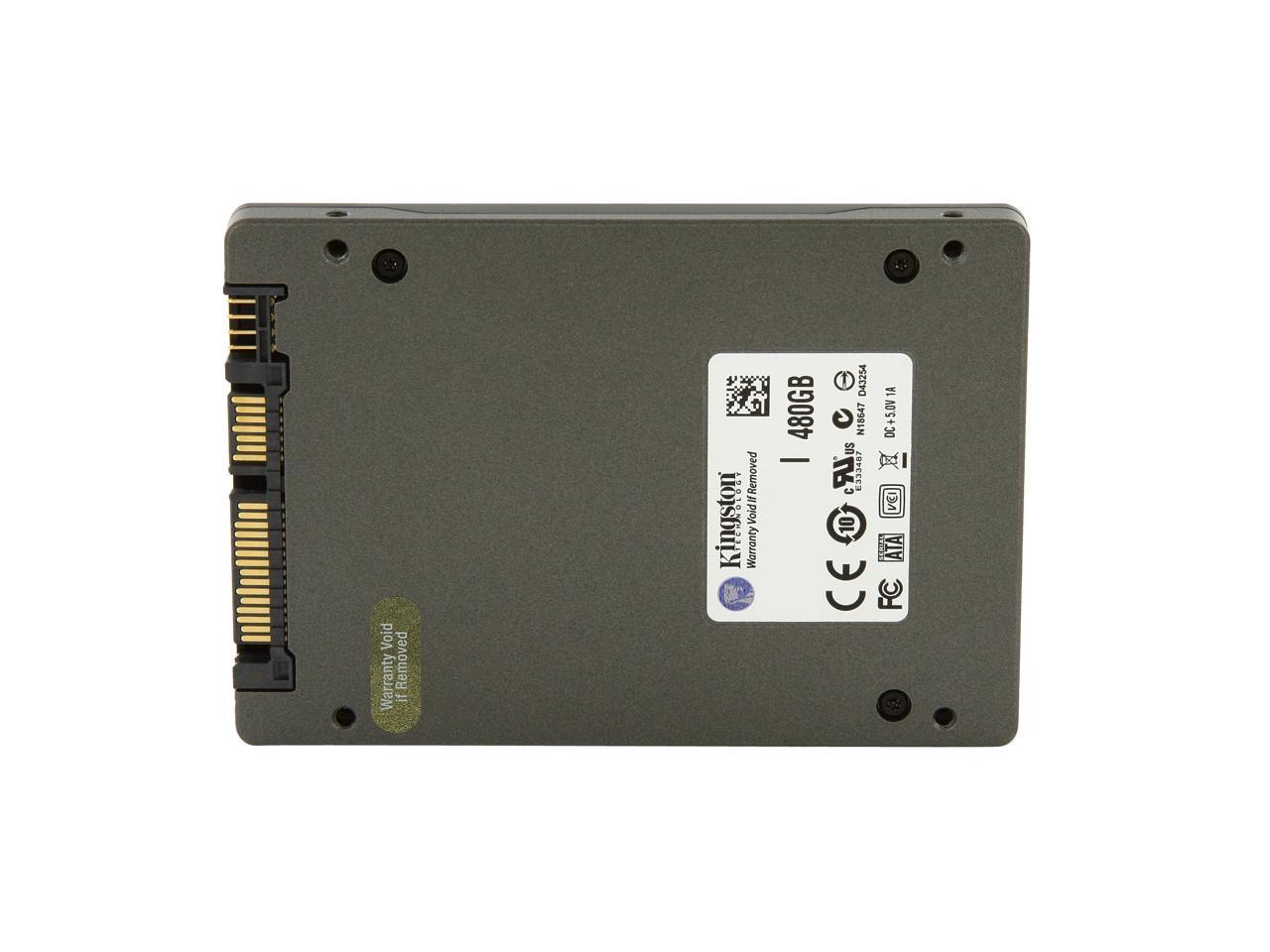
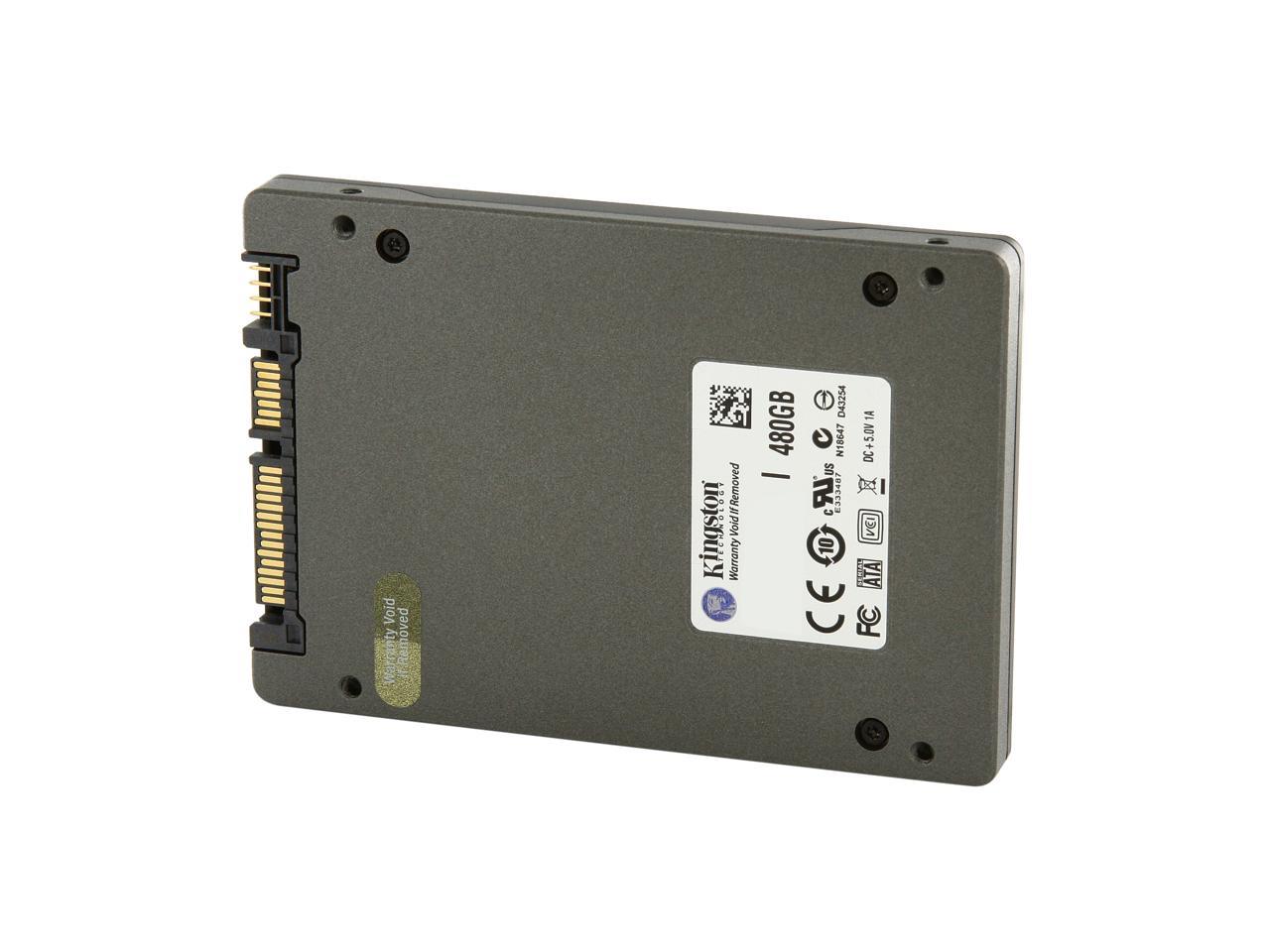
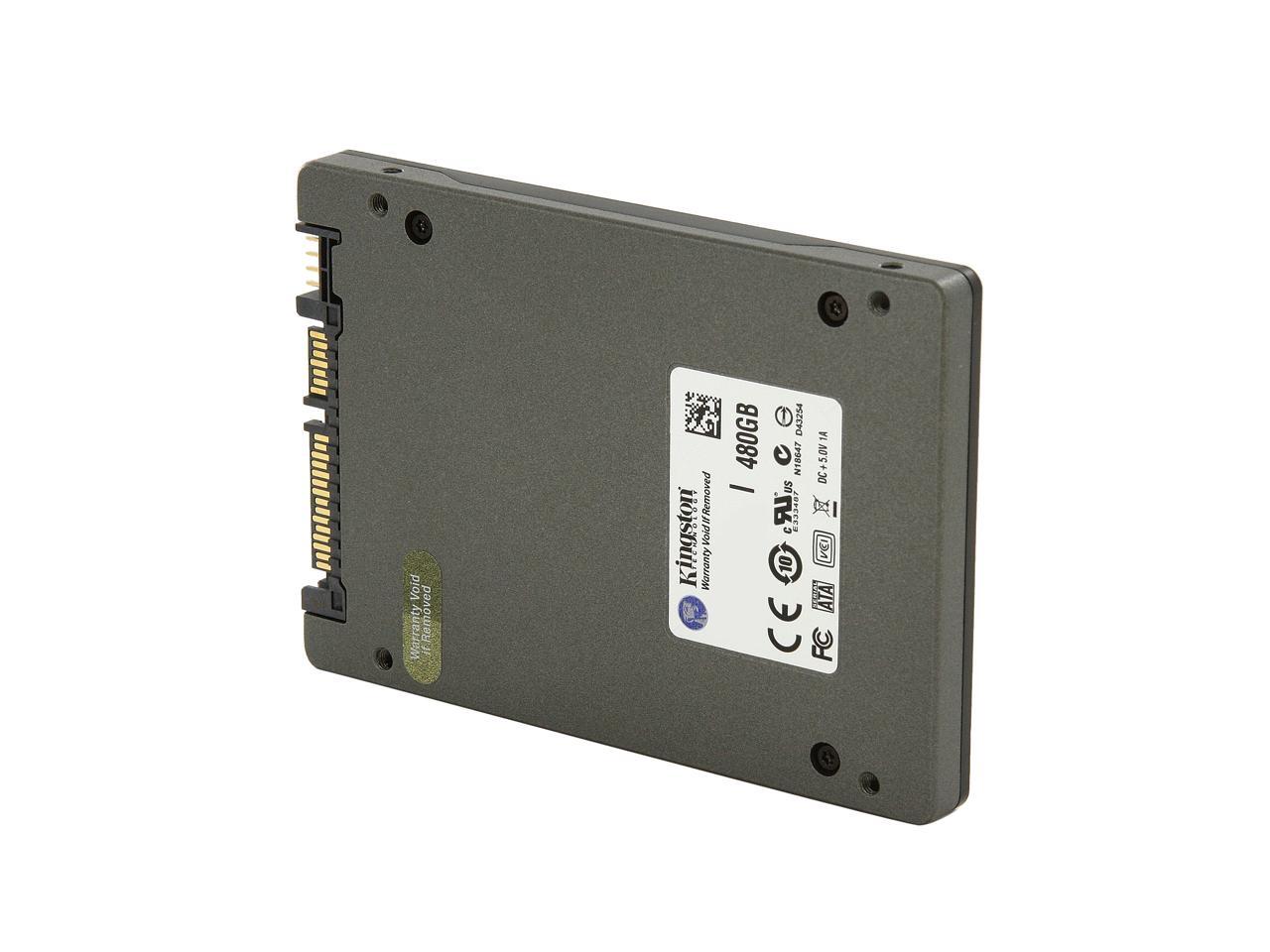
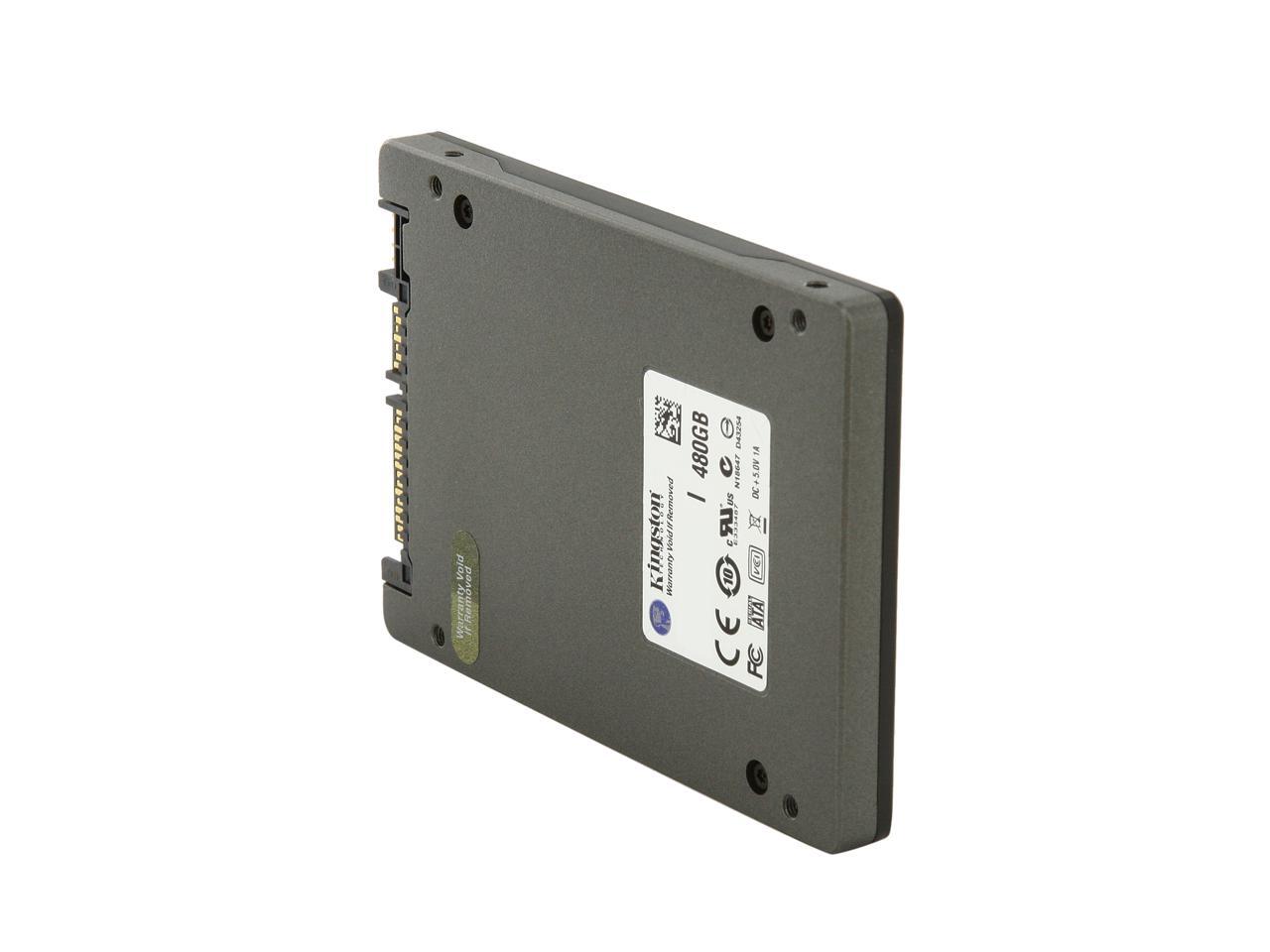
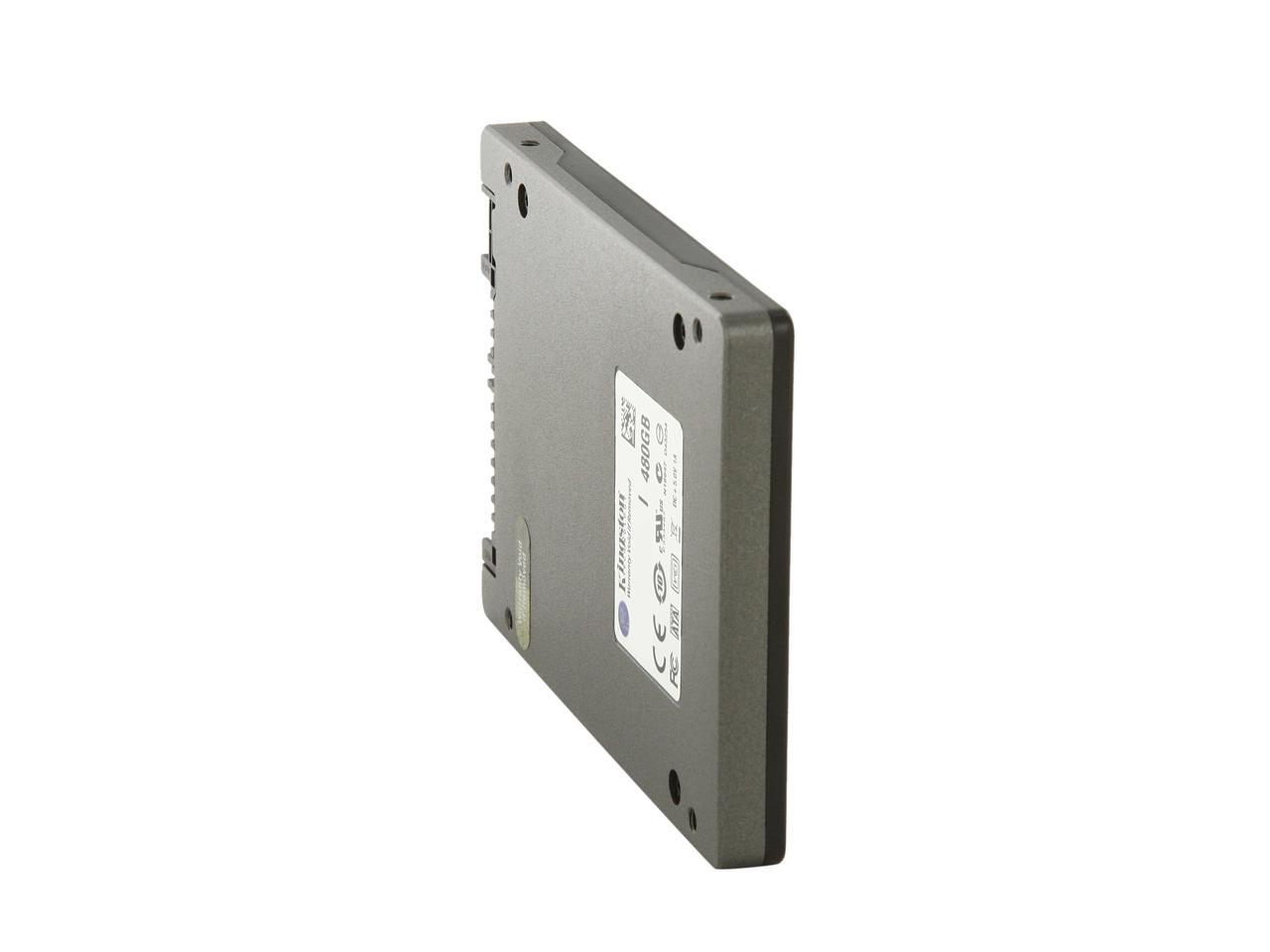
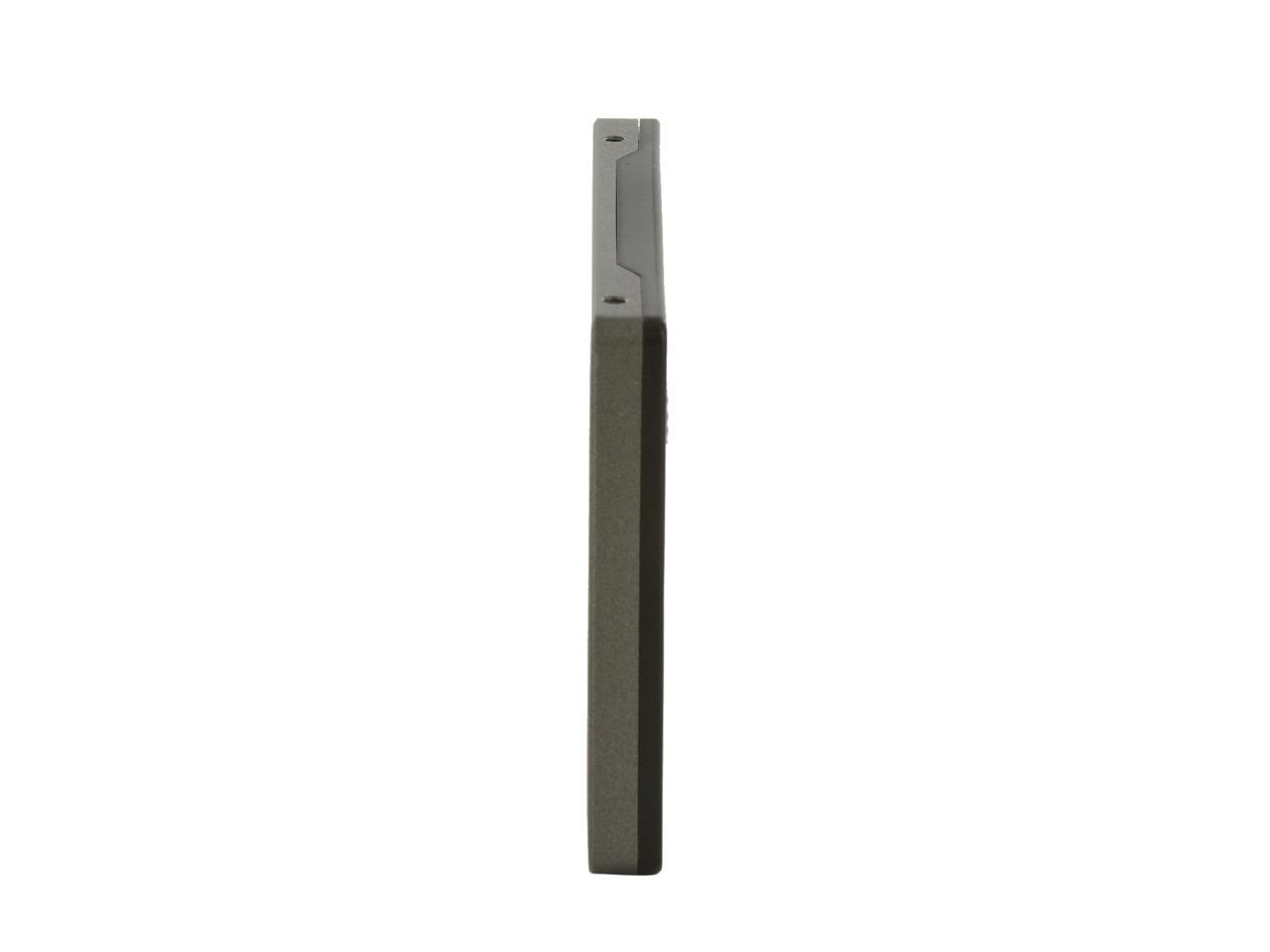
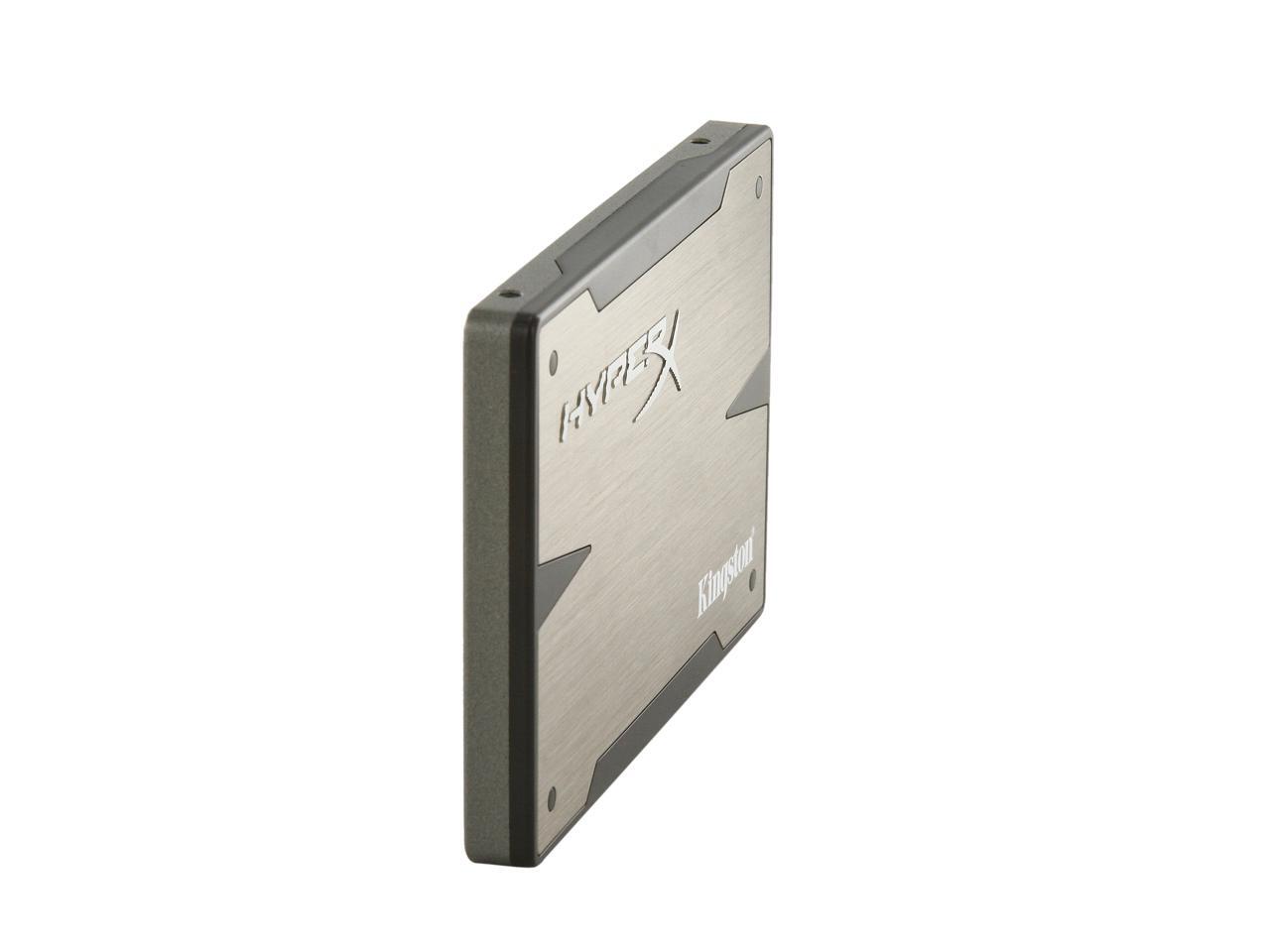
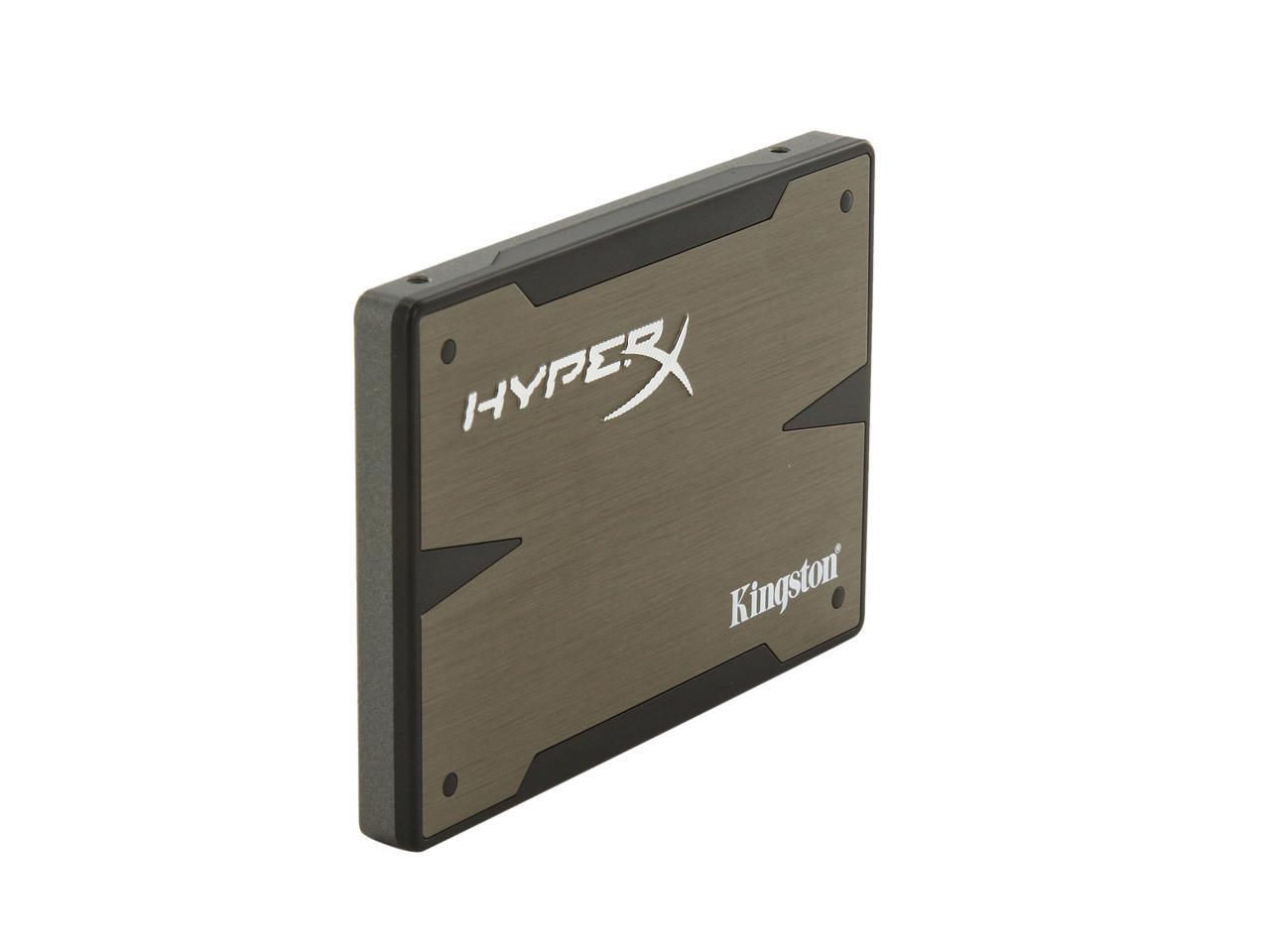
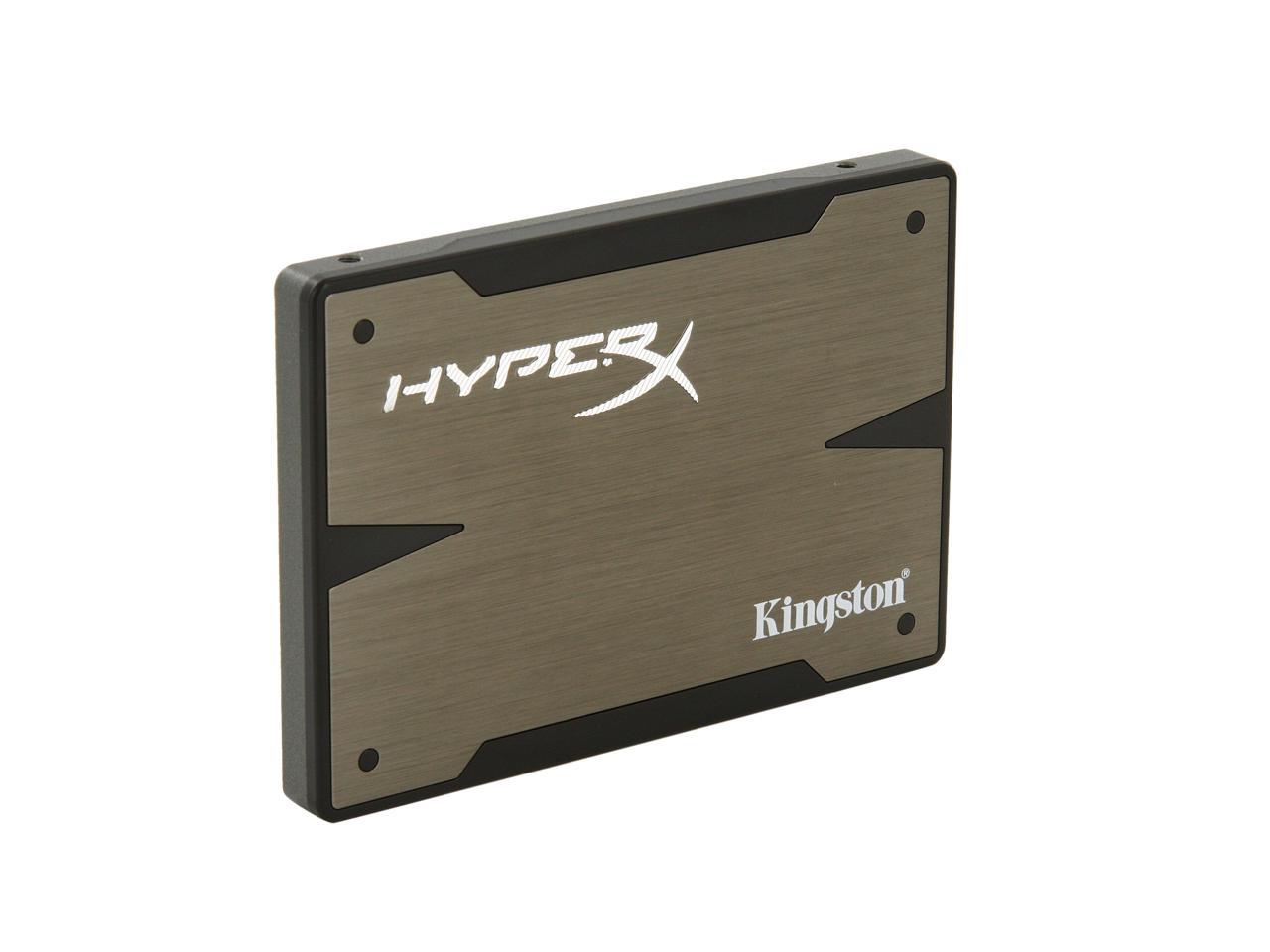
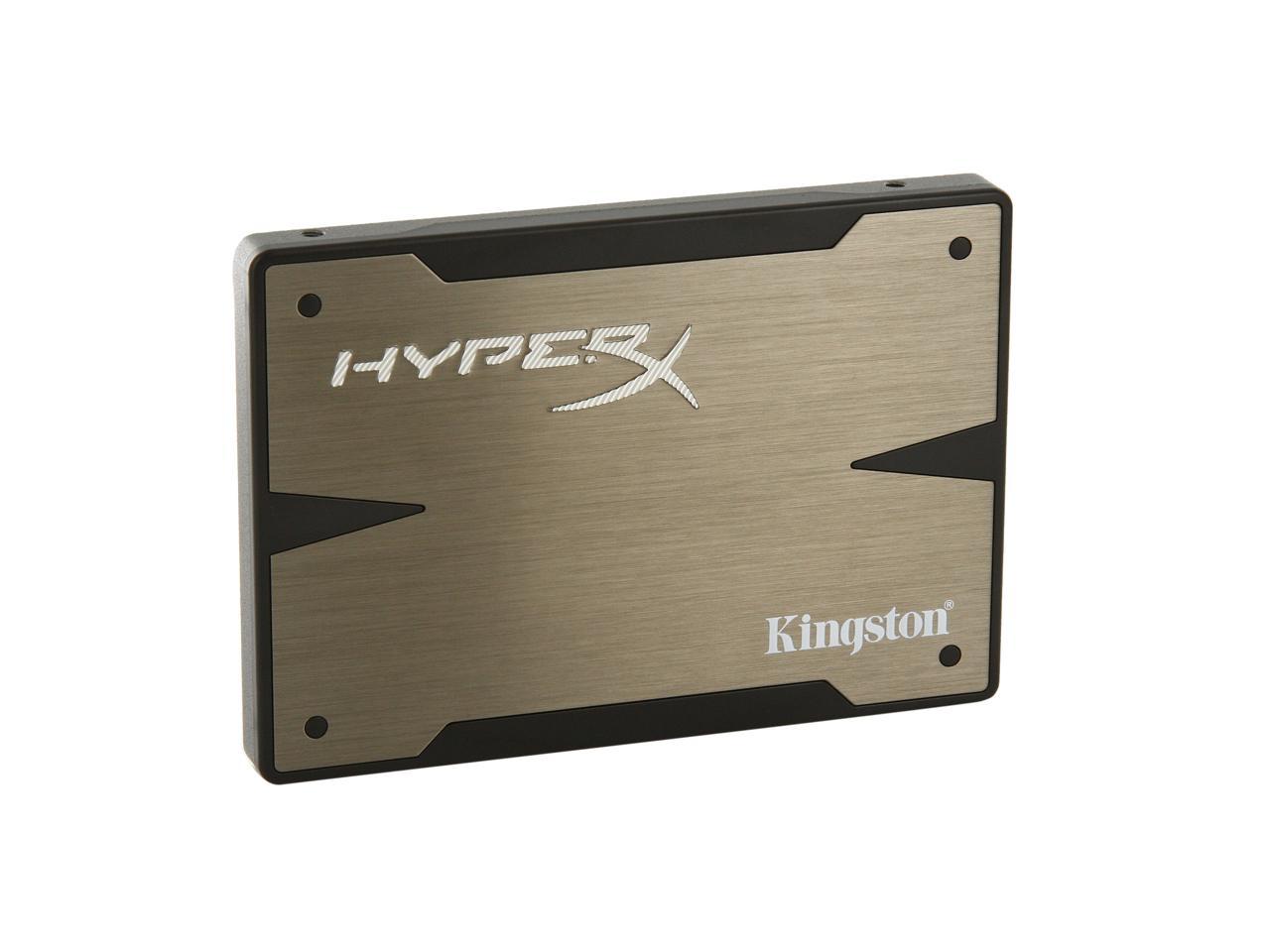
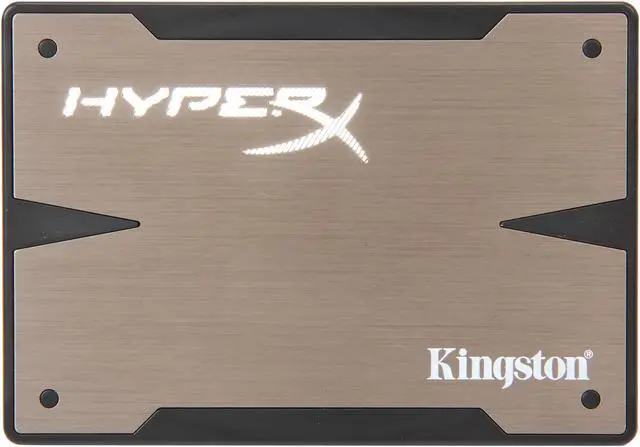
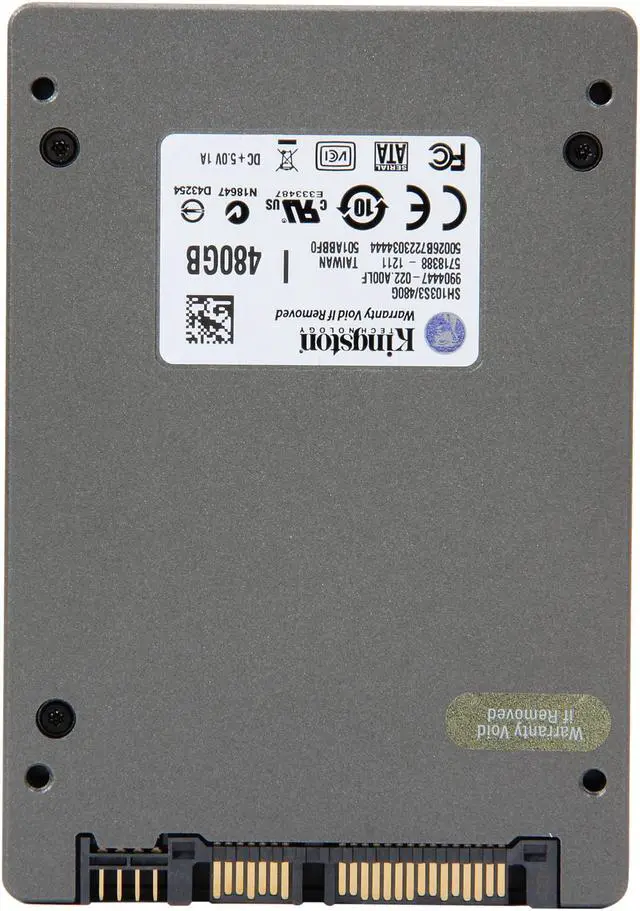
Kingston HyperX 3K SH103S3B/240G 2.5" 240GB SATA III MLC Internal Solid State Drive (SSD) (Upgrade Bundle Kit)

neweggOUT OF STOCK.

  • 2.5"
  • 240GB
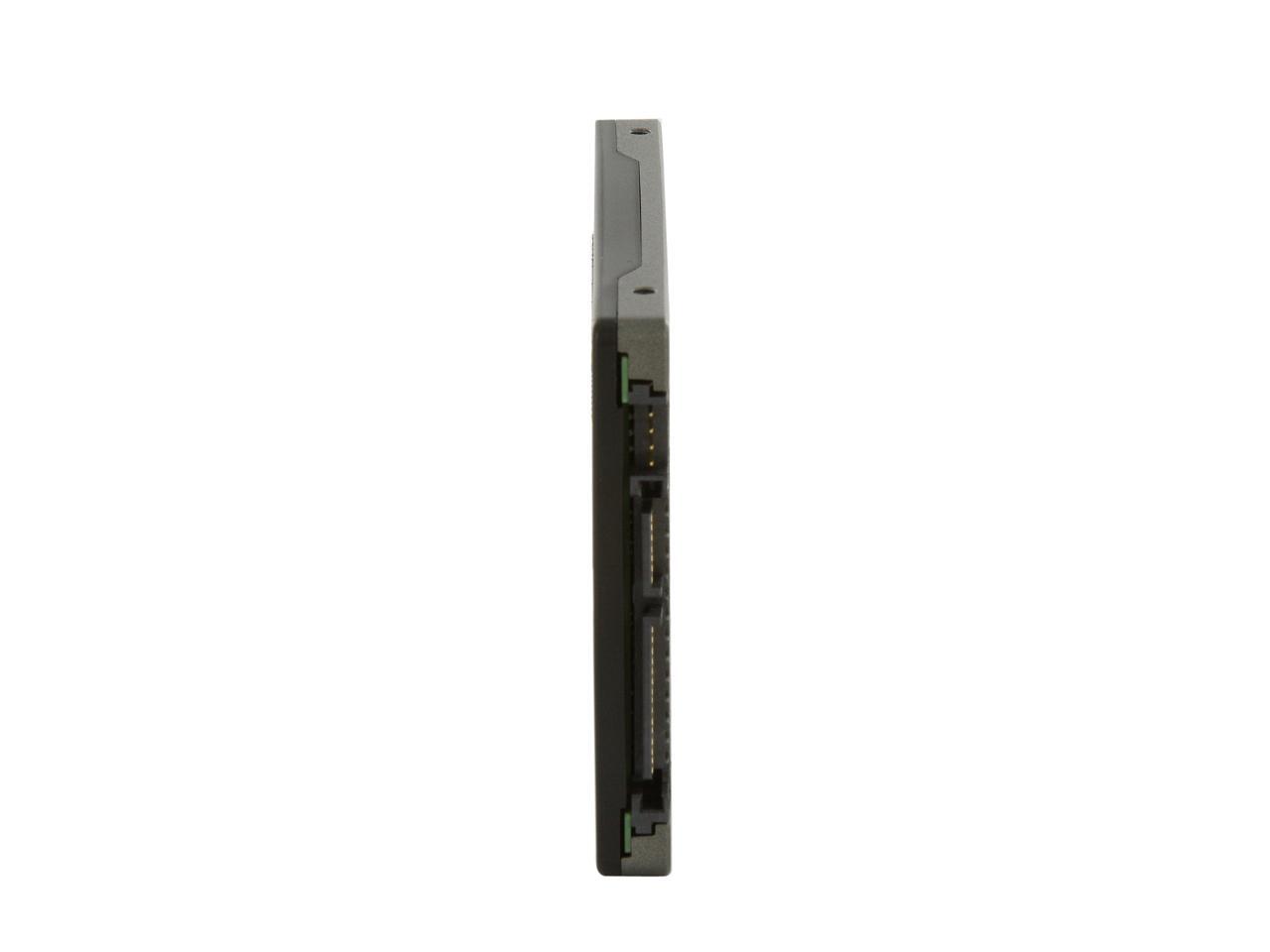
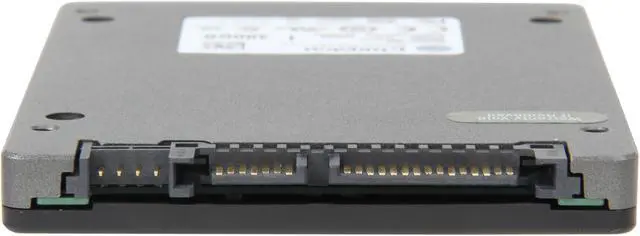
  • SATA III
  • Pin It
  • Email this page
ICON Loading...

HyperX performance at an exceptional price.

Budget-minded gamers and enthusiasts will benefit from the lower price of Kingston’s new HyperX 3K SSD. This solid-state drive combines premium 3000 program-erase cycle Toggle NAND with the second-generation SandForce controller. Its lower price means more users can experience ultra-responsive gaming, multitasking and multimedia computing power. 3K loads games and applications faster, increases frames per second (FPS) for an improved gaming experience and allows for quick transfers and edits of large media files. HyperX 3K provides high-speed SATA Rev. 3.0 (6Gb/s) performance and blazing fast random and sequential read/write speeds. SandForce DuraClass technology provides the latest data integrity protection for ultimate endurance over the entire life of the drive. HyperX 3K SSD comes in a sleek, black and aluminum case design, accentuating the look of any power user’s system.

  • newegg Engineered for Cost-effective performance The Kingston HyperX 3K Solid State Drives are designed and built for cost-effective performance. By leveraging the latest SATA 6Gbps interface and the second generation of SandForce SSD controller (SF-2281) which features the award winning DuraClass Technology, the HyperX 3K 240GB version pushes the limits in both sequential and random data transfer rates with up to 555MB/s read and 510MB/s write, plus incredible sustained 4KB read/write performance of 40,000/57,000 IOPS. This significantly improves your productivity, gaming, multimedia, and overall computing experience. It is backwards compatible with SATA II / 3Gbps. (Rated speeds may vary slightly depending on the benchmark used, drivers, windows version, bios version and file size.)
  • newegg SSD Benefits Unlike traditional hard disk drives, SSDs have no moving parts, resulting in a quiet, cool, highly reliable storage solution that also offers faster application loading and system responsiveness. And for laptops and netbooks, the lower power needs of SSD’s translate to extended battery life. Higher performance with more durability means you can be truly mobile with confidence.
  • newegg TRIM Support The Kingston HyperX 3K offers native TRIM support featured in Windows 7 and Windows Server 2008 R2. Designed to maintain the performance of SSD at an optimal level over the lifetime of the drive, TRIM functions by actively deleting invalid data from the SSD’s memory cells to ensure that write operations perform at full speed. Since a memory block must be erased before it can be re-programmed, TRIM improves performance by pro-actively erasing pages containing invalid data, allowing the SSD to write new data without first having to perform a time-consuming erase command.
  • newegg S.M.A.R.T. Technology The Kingston HyperX 3K adopts Self-Monitoring, Analysis and Reporting Technology (S.M.A.R.T.) Technology which enables the PC to predict the future failure. Through the SMART system, the solid state drive incorporates a suite of advanced diagnostics that monitor the internal operations of a drive and provide an early warning for many types of potential problems. When a potential problem is detected, the solid state drive can be replaced before any data is lost or damaged.
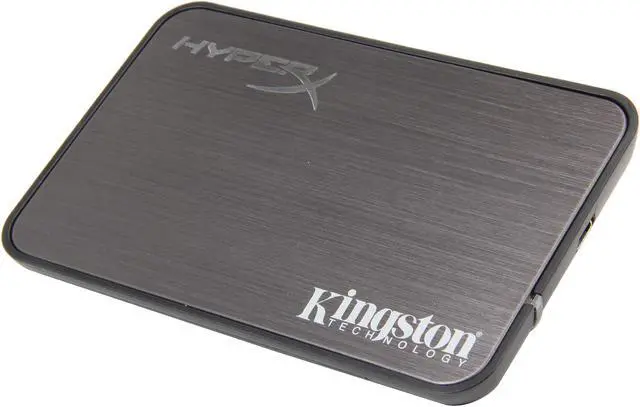
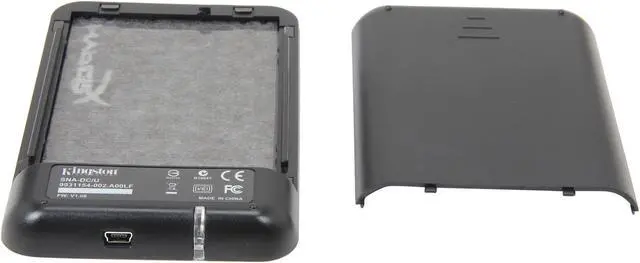
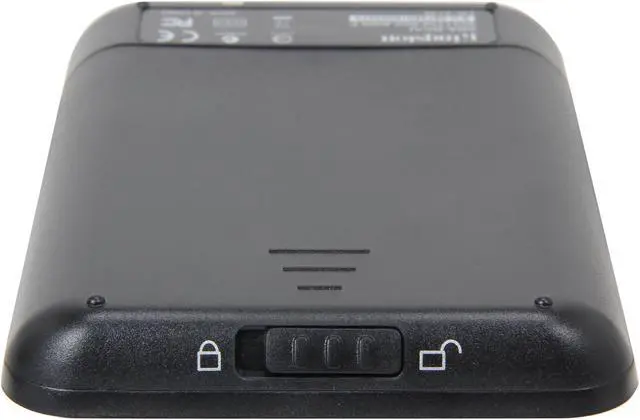
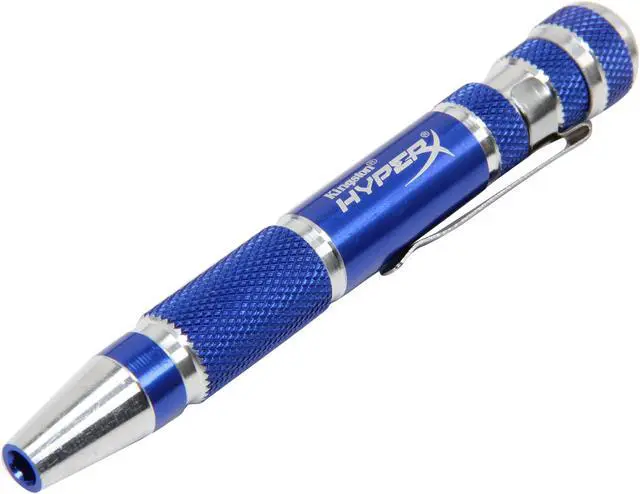
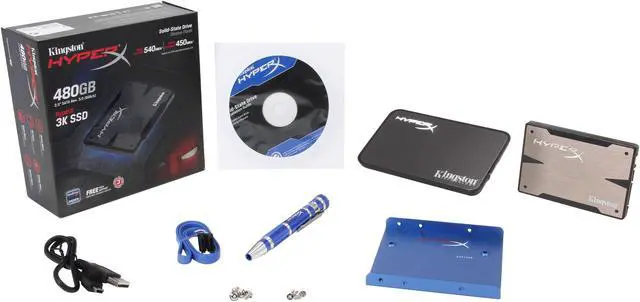
  • newegg 3.5” bracket included The HyperX 3K solid state drive features a standard 2.5-inch form factor for compatibility with notebooks and select desktops. The Kingston HyperX 3K upgrade bundle kit also includes 2.5” USB enclosure, SATA data cable, multi-bit screwdriver, hard drive cloning software, installation guide, mounting screws and a 2.5-inch to 3.5-inch mounting bracket for compatibility with standard hard drive mounting.

Learn more about the Kingston HyperX SH103S3B/240G

General

Brand
Kingston
Series
HyperX 3K
Model
SH103S3B/240G
Device Type
Internal Solid State Drive (SSD) (Upgrade Bundle Kit)
Used For
Consumer

Physical

Form Factor
2.5"
Capacity
240GB
Memory Components
MLC
Interface
SATA III
Controller
SandForce
Width
69.85mm
Depth
100mm
Height
9.5mm
Weight
97g

Performance

Max Sequential Read
Up to 555 MB/s
Max Sequential Write
Up to 510 MB/s
4KB Random Read
Up to 86,000 IOPS
4KB Random Write
Up to 60,000 IOPS
MTBF
1,000,000 hours

Features

Features
Sustained Random 4K R/W: 40,000/57,000 IOPS

Applications
- Decreased load times of high-resolution PC games
- Increased frame rates per second for a better gaming experience
- Faster transfers of large media files
- Multitasking
- AutoCAD
- Movie downloads, transfers and syncs

Environmental

Power Consumption (Idle)
0.46W
Power Consumption (Active)
2.11W
Operating Temperature
0°C ~ +70°C
Storage Temperature
-40°C ~ +85°C
Max Shock Resistance
1500G
Max Vibration Resistance
Vibration operating 2.17G
Vibration non-operating 20G

Package Content

Package Content
2.5" SSD
2.5" USB Enclosure
3.5" bracket and mounting screws
SATA data cable
Hard drive cloning software4 and installation guide
Multi-bit Screwdriver

Quick Info

Warranty

  • Limited Warranty period (parts): 3 years
  • Limited Warranty period (labor): 3 years


Customer Reviews of the Kingston HyperX SH103S3B/240G

Do you own this product? Write a Review

Filter Results

Go
  • Tenfooterpipi
  • 5/8/2013 11:20:28 AM
  • Tech Level: Average
  • Ownership: 1 week to 1 month
  • Verified Owner

4 out of 5 eggsGreat Starter Kit - One Flawed Screwdriver

Pros: Everything you need and more, its included. Instructions are on a PDF inside the disc, screws that actually work and some spare one, connections and all are included. Awesome value, and the process is easy, even for someone who has never swapped a HD before and even less a SSD. I have Fujitsu T901 Hybrid Laptop, and it was compatible with this one. Mad Props for USB caddy for the spare HD, you can use like portable HD. Awesome.

Cons: The one thing you really need - SCREWDRIVER. It comes with two bits, but when they attach, they're pretty flimsy and they seemed to be connected magnetically, when you need to swapped them. However, they are rather loose, and they provide somewhat weaker torque when it comes to loosen the screws, and Fujitsu - well - they make their laptops and their connections near impossible to get them out without a fight. So be warned. Other than the actual physical installation, everything is a breeze.

Other Thoughts: I think this is great for beginners, all you need is there. Of course, not quite the most perfect kit out there, but for someone who never opened his laptop other than putting another RAM value, this is a must get for anyone wanting all the great benefits of a SSD, and believe me, you see the performance boost. It just falls short on screwdriver, which is a bit of a shame, so be warned, but it shouldn't detract from acquiring this great kit.

Did you find this review helpful? Yes No

  • N/A
  • 4/27/2013 6:45:23 AM
  • Tech Level: High
  • Ownership: more than 1 year

5 out of 5 eggsAwesome!!!

Pros: Installed it on my DELL XPS I7 laptop. Rates 7.9 on the Windows Experience Index where the DESKTOP class I7 rates a 7.2. I have had other SSD's but this one, by far, is the best. You will not be disappointed. (Side Note) I have purchased other Kingston SSD's which didn't have as good of performance and one that was defective. Kingston's customer service was very professional and got me a replacement part quick!!!

Cons: Price, but still worth it!

Did you find this review helpful? Yes No

  • N/A
  • 4/16/2013 9:35:01 AM
  • Tech Level: High
  • Ownership: 1 week to 1 month

5 out of 5 eggsRE: silly reveiws

Pros: good drive but you don't need it for a tower pc....the review below dosnt even own the drive....the FACT is you just don't need this for a tower...even the bare drive comes with the 2.5 to 3.5 plate to mount it.....ever thing in the rest of the kit is only for LAPTOPS....how many towers come with a 2.5 drive it(why would you need a 2.5 usb case with tower harddrives?) and any one that's smart would NOT clone there install but reinstall from scratch

Cons: IF YOU BUY THIS FOR A TOWER YOUR STUPID.....waste of money for a tower build unless you have the need for a 2.5 usb 2.0 harddrive case

Other Thoughts: I have used 20 of these kits for work and having the usb case is the bomb......being able to reinstall without taking discs with you has saved use at least 20k in the last 2 years(all the stuff we needed was on the made up usb harddrive and nothing was lost after getting viruses on the work laptops

1 out of 11 people found this review helpful. Did you? Yes No

  • N/A
  • 4/10/2013 9:13:23 PM
  • Tech Level: High
  • Ownership: 1 month to 1 year

5 out of 5 eggsGreat Drive despite the silly reviews

Pros: The drive is very solid and stands up to the published specs for read and write speeds. The Sandforce controller is a good balance between performance and price.

Cons: Not a con for this product, but a con for some of the reviews. Many are saying it's a "laptop kit - not for towers". Huh? It's a 2.5 inch drive folks. It comes with a tray so you can mount it in a larger bay/regular tower pc. Why waste our time with a review if you don't know what you're talking about?

Other Thoughts: Good bang for the buck. If you've never had an SSD, this is a great intro, and Kingston's Meantime failure rates and durability are better than average.

5 out of 6 people found this review helpful. Did you? Yes No

  • Rob
  • 3/25/2013 3:17:34 PM
  • Tech Level: High
  • Ownership: 1 month to 1 year
  • Verified Owner

5 out of 5 eggsPerfect!

Pros: Been using this for about 8 months now as my primary C drive with Windows 7 and not a single problem or speed reduction. Games and Windows all load in half the time.

Mounting rail with screws was a nice addition.

The included clone software is actually an Acronis/Linux boot disc. It worked like magic on this and another SSD I used it on. Not a single problem and I didn't have to spend an entire day rebuilding my OS.

Cons: None.

Other Thoughts: My controllers are still SATA2, but speeds are awesome:

Transferred 19,200 files using 50.1gb

It burst at 160mb/s
Then bounced between 97mb/s and 108mb/s
And finally averaged around 104mb/s
Took about 9min to copy.

1 out of 2 people found this review helpful. Did you? Yes No

  • N/A
  • 3/8/2013 12:10:51 AM
  • Tech Level: High
  • Ownership: 1 month to 1 year
  • Verified Owner

5 out of 5 eggsLAPTOP KIT not for towers

Pros: fast drive and is the right size for a laptop drive....all parts in the kit are very well made.....the best kit you can get for a laptop upgrade....included usb case is nice to use with the harddrive your taking out of the laptop....if you do it right you can keep the recovery install on your old harddrive and run it from the included case plus use the old windows install space for storage(follow the steps in other thoughts) i got mine for 189

Cons: the software is nice but importing the old install has ALLWAYS given me problems down the road(it is advised that you do a fresh install) even if you use the software just to import the recovery partition.....portable case is NOT USB 3.0 its only usb 2.0...so you out of luck if you wanted to use this kit as a one stop solution for a portable ssd drive....just to let people know...not really a con BUT it could be to somebody(thay did this so it could be used as a boot harddrive) SMART VERY SMART

Other Thoughts: this the best way i found to use this kit(i have installed over 10 of these now)...this will let you keep the recovery partition and be able to use the space windows was installed on as storage space(you must keep the old WORKING harddrive for this to work)
1)save all you files that you need to a portable harddrive(not the ssd drive or current laptop drive)just in case!!
2) take out the harddrive in the laptop and install it in the portable harddrive case that came with this kit..
3)install the ssd drive in the laptop
4)plug everything (even the laptop to the wall outlet) and set the laptop to boot from the usb drive
5)start the recovery section(refer to your manaul on how to start it) it will be diffirent for every maker
6)after it started select custom install and set it to install on the ssd drive
7)after it restarts 5 or 6 times windows sould be installed IF all is well you sould be able to unplug the usb case and still have windows boot(if you did it wrong windows will not boot with the usb case unplugged) run it agine if that happens...
8)now and ONLY after windows has fully installed you can format JUST the old windows space on the old laptop harddrive(google format from disk manger)then ONLY format the old windows install space"it sould be the biggest space on the drive list"...(DO NOT FORMAT THE HOLE HARDDRIVE) this way the old boot loader will be saved and so will the recovery install.....now you sould have what ever space windows was installed on as storage and have a hidden partition of around 4to10gb on the harddrive that the recovery section is taking up

now you can save all your stuff and know you can recover you laptop any where at any time with out having to take install discs with you... PERFECTION and really a great kit

2 out of 6 people found this review helpful. Did you? Yes No

  • Hank
  • 3/3/2013 11:41:24 AM
  • Tech Level: Somewhat High
  • Ownership: more than 1 year
  • Verified Owner

5 out of 5 eggsExtremely Nice

Pros: So very, very fast: boot time is amazingly quick. Twenty seconds at the most. The bundled hardware and software makes switching from an HDD to an SSD a real snap. The HyperX has worked flawlessly thus far.

Cons: I honestly cannot complain about anything except space management, which is simply to say I wish I could have afforded more than 240GBs.

Other Thoughts: As SSD prices continue to fall, there are fewer and fewer reasons not to purchase one.

Did you find this review helpful? Yes No

  • N/A
  • 2/23/2013 9:57:40 PM
  • Tech Level: High
  • Ownership: 1 week to 1 month

5 out of 5 eggsHAPPY HAPPY JOY JOY

Pros: i have this one as a scratch disc for CS6 and game install drive(os is on the 120gb version of this drive)...fast fast and more fast...makes CS6 fly....game levels load in under 3 sec. in BL2, BF3 CY2....harddrive case will work with ANY laptop sata drive, really used the 6gb sata cable that came with it(its a first) screw driver is nice and will be used...software even clones ide drives....only payed 179 for it

Cons: none great kit.... BUT nit picking... included usb case is only usb 2.0( i know its ONLY there to clone the drive from a laptop and then let you use the old harddrive you pulled from it as a storage drive) if you didnt know.... thats what its really for and its a really well made case...i have dropped mine 3 times on concrate and the 5 yearold laptop drive still works!!! BUT you just wouldnt use it with the SSD drive it came with (to warn the people that would think this is the right kit to make a portable ssd drive)

Other Thoughts: YOU DONT NEED THIS KIT UNLESS YOUR CHANGING OUT A LAPTOP DRIVE i got it because it was selling for 179

Did you find this review helpful? Yes No

  • dirty
  • 2/22/2013 6:53:41 AM
  • Tech Level: Average
  • Ownership: 1 month to 1 year
  • Verified Owner

5 out of 5 eggs:D

Pros: With msi z77 and i73770k this thing is unbelivably fast. Got it for my brothers build, i was impressed by my 90gb hyperx, but bigger is better!!!! Regular hard drive seems faster because windows doesnt have to use it.

Cons: Not really a con, but i broke off the plastic part of the sata power connector on my 90gb and thought i bricked it. I checked a sata ref for a pinout and hardwired(soldered) it into my power supply. Works like a charm. It didnt break easily. Im impressed with the durabiliy.

Other Thoughts: This ssd is probly why my bro is so impressed with his new machine!!!!

0 out of 1 people found this review helpful. Did you? Yes No

  • Crowley
  • 2/5/2013 1:23:28 PM
  • Tech Level: Somewhat High
  • Ownership: 1 week to 1 month
  • Verified Owner

5 out of 5 eggsGreat Drive

Pros: Great included bundle for the price, fast performing drive, easy cloning software via Acronis.

Cons: None

Other Thoughts: So far so good with this drive.

Did you find this review helpful? Yes No

ICON Loading...
  • $249.99
  • $235.99
  • Save: $14.00 (6%)
  • $9.99 Shipping
Are you an E-Blast Insider? Subscribe Newegg e-Blast

Buzz

Fast, fast, FAST!!!

5 out of 5 eggs
I had been eying this drive for a while and finally caught it on sale elsewhere. Thus far, I couldn't be happier.

This ...
— LF 9/4/2012

Awesome Drive

5 out of 5 eggs
Great value especially when on sale. Works great in my Acer TimelineX laptop. It saves on battery and windows boots in under ...
— 8/14/2012


Home
Home > 
PCs & Laptops > 
Laptop Accessories > 
Internal SSD > 
Kingston HyperX > 
Item#: N82E16820239050
LOADING... LOADING...
Shop by Region: United States | Canada | China
Follow us:   RSS Feeds Youtube
VeriSign Reliability Seal1 PaypalVerify GoldenSeal InteracThis site protected by Trustwave's Trusted Commerce program Inc500

Policy & Agreement | Privacy Policy

 © 2000-2013 Newegg Inc.  As used herein, “Newegg.ca” means Newegg Canada Inc. unless the context specifically refers to the www.newegg.ca web address.
If the Adobe Reader does not appear when you click on a link for a PDF file, you can download Adobe Reader from the Adobe web site. nassau