Skip to: |

Newegg.ca - A great place to buy computers, computer parts, electronics, software, accessories, and DVDs online. With great prices, fast shipping, and top-rated customer service - once you know, you Newegg.

If you are reading this message, Please click this link to reload this page.(Do not use your browser's "Refresh" button). Please email us if you're running the latest version of your browser and you still see this message.

Newegg.ca - Computer Parts, Laptops, Electronics, HDTVs, Digital Cameras and More!

  • | Wish List
  • Help

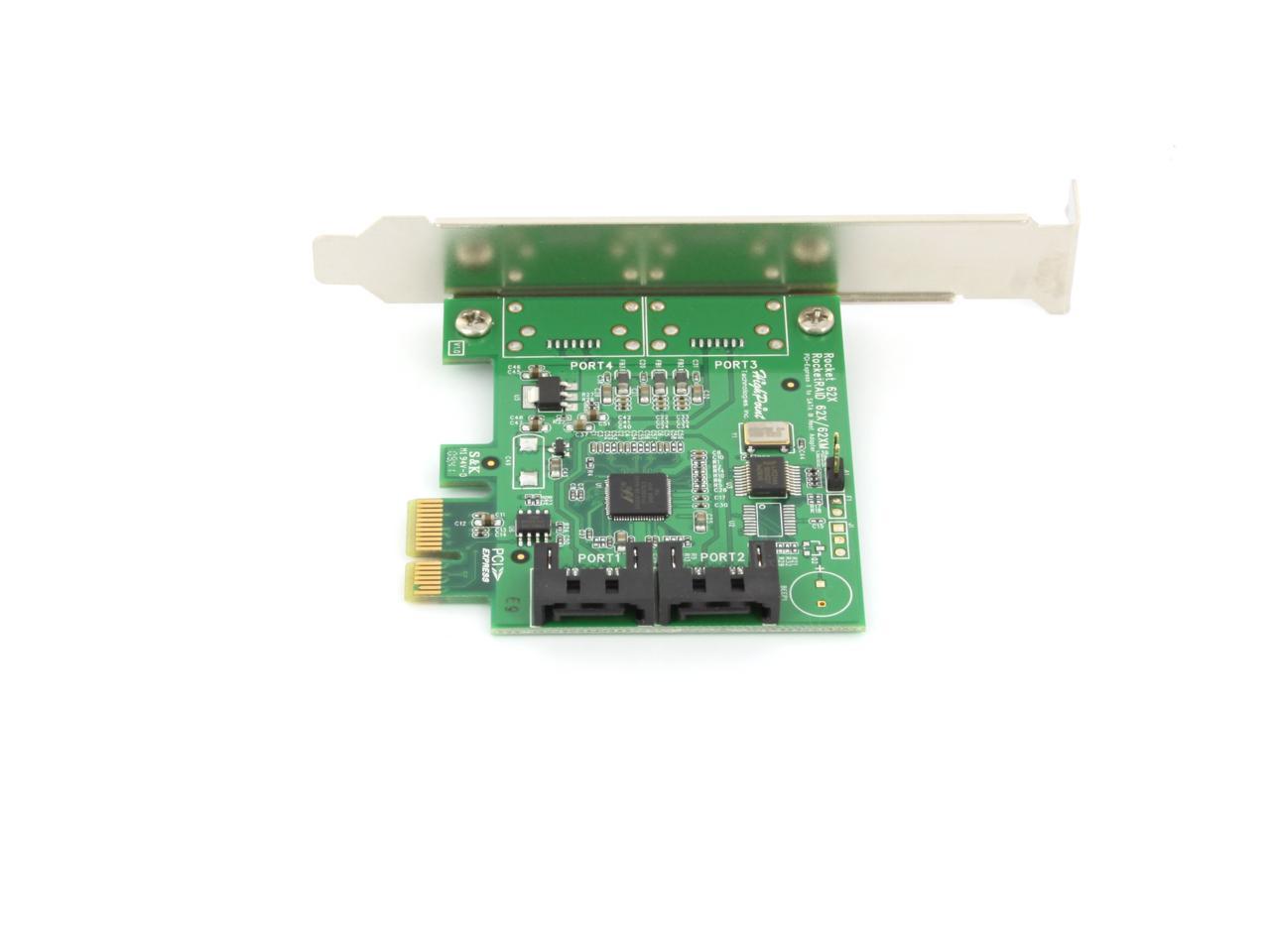
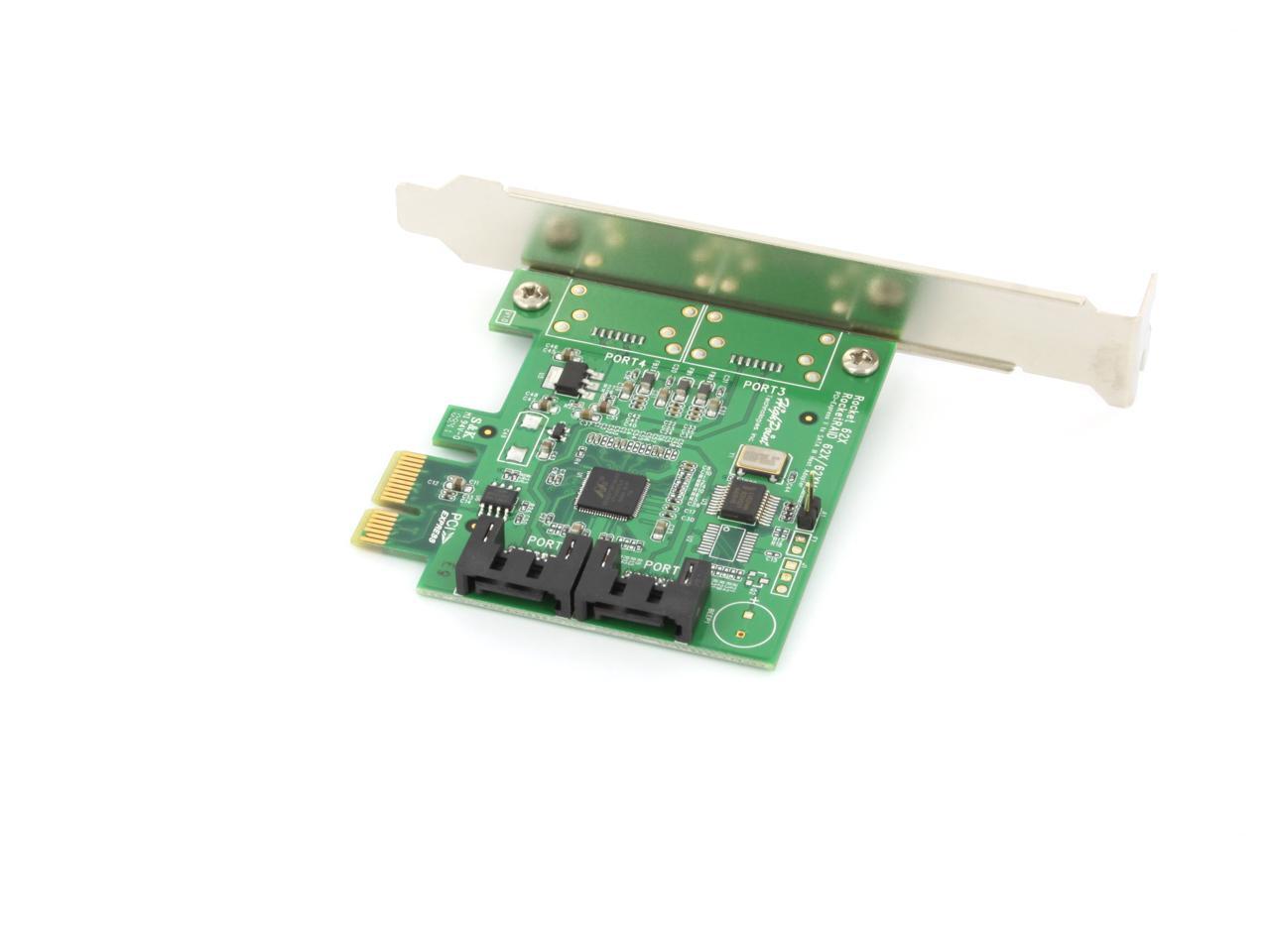
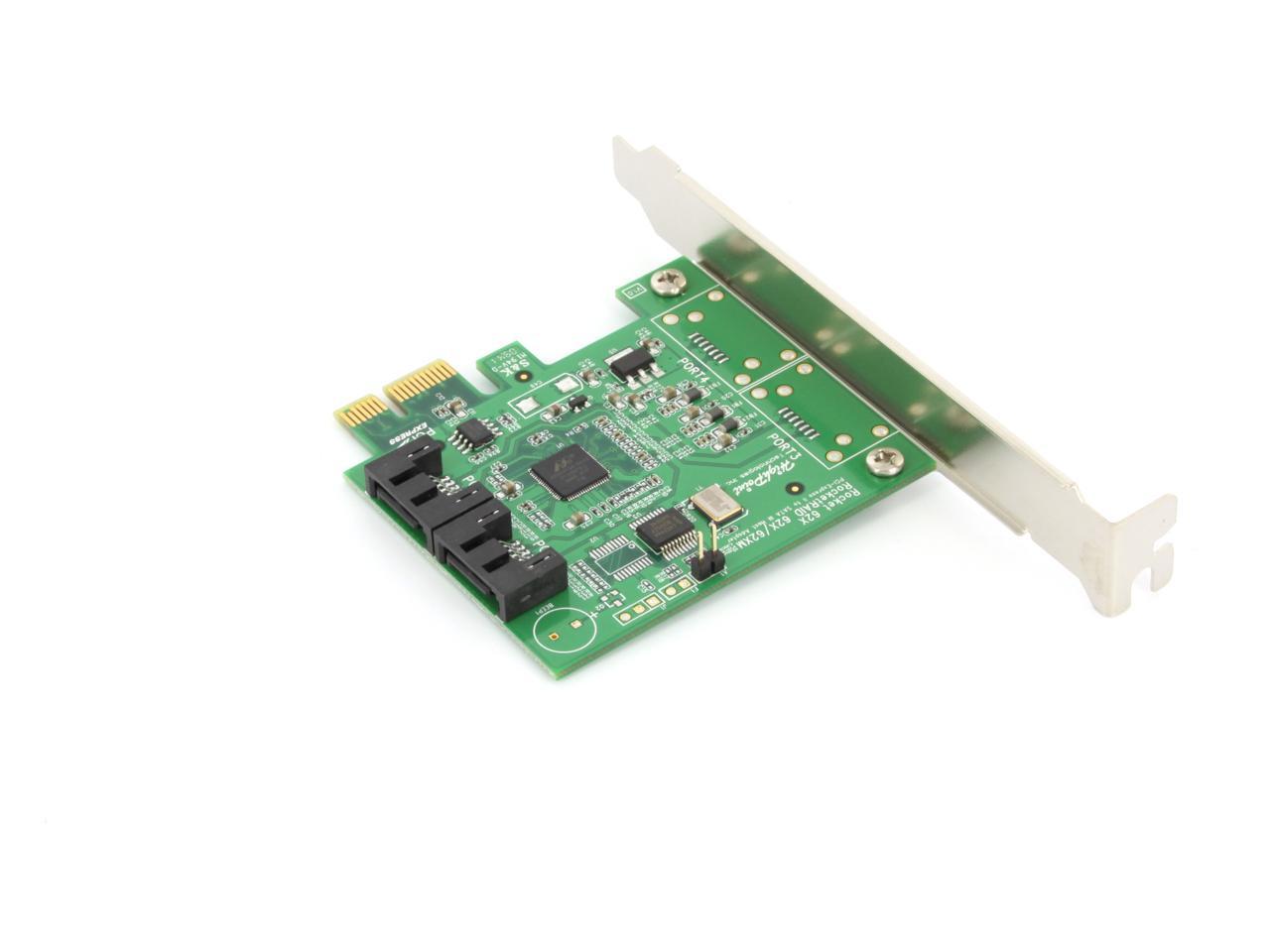
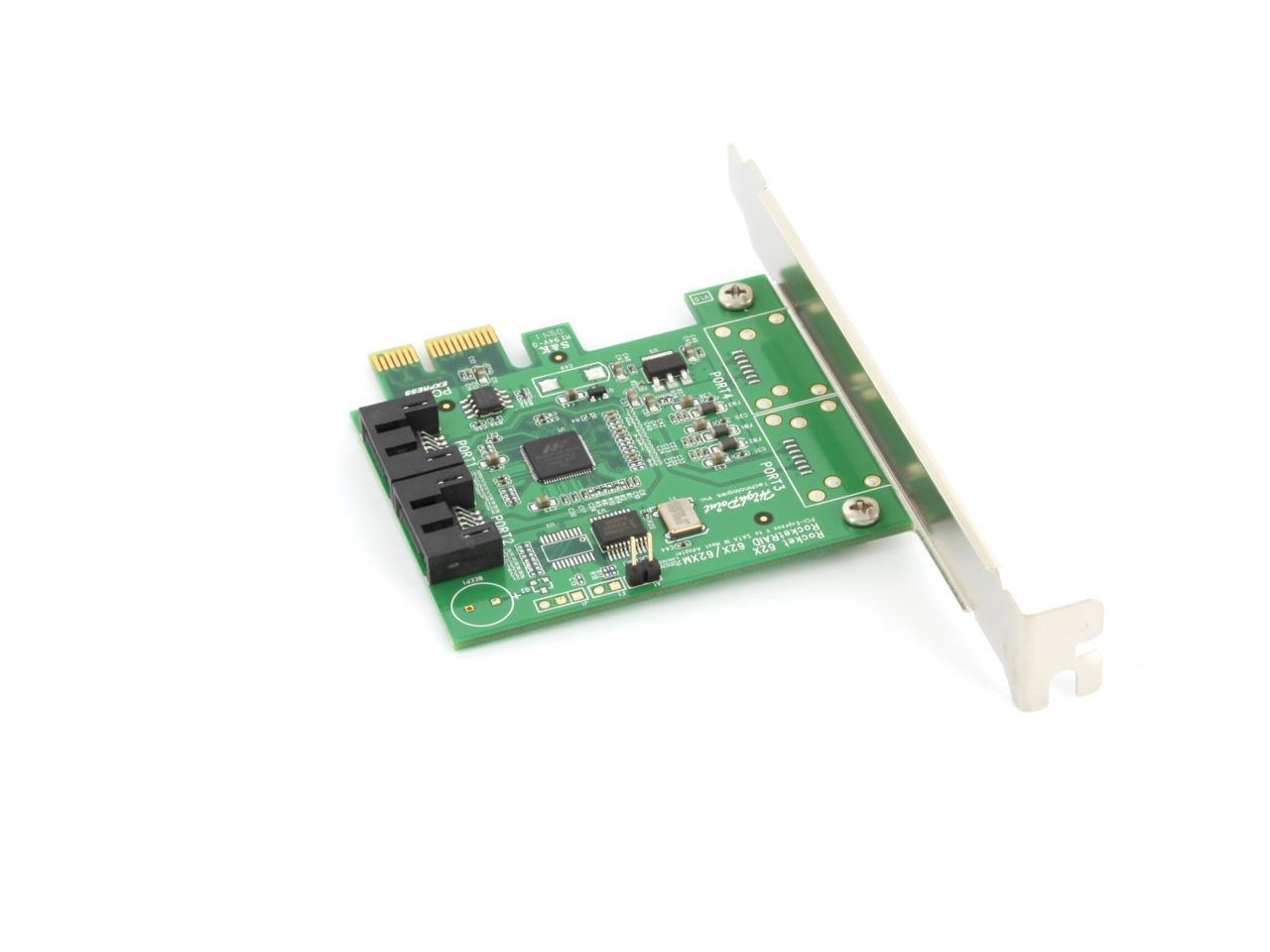
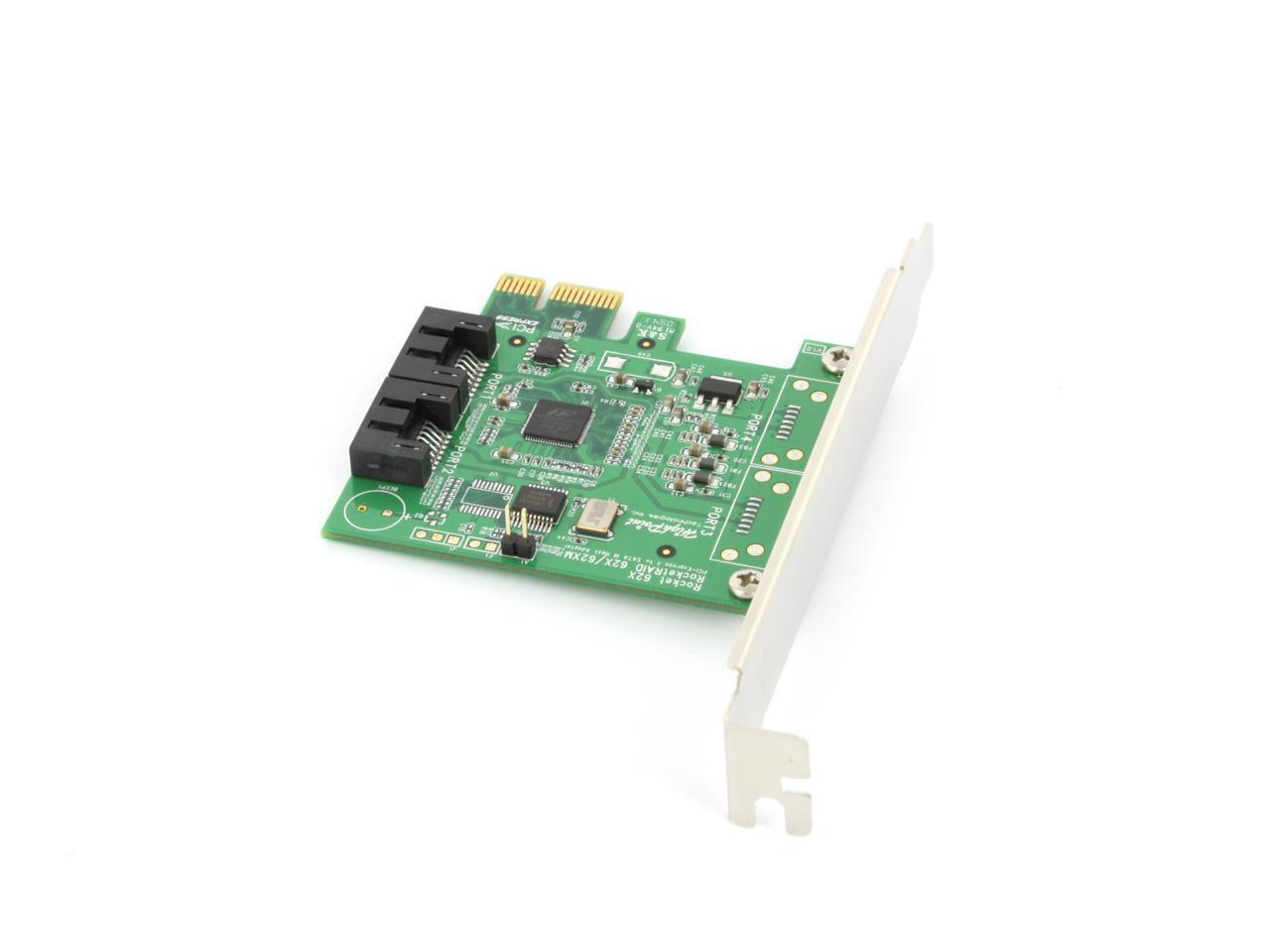
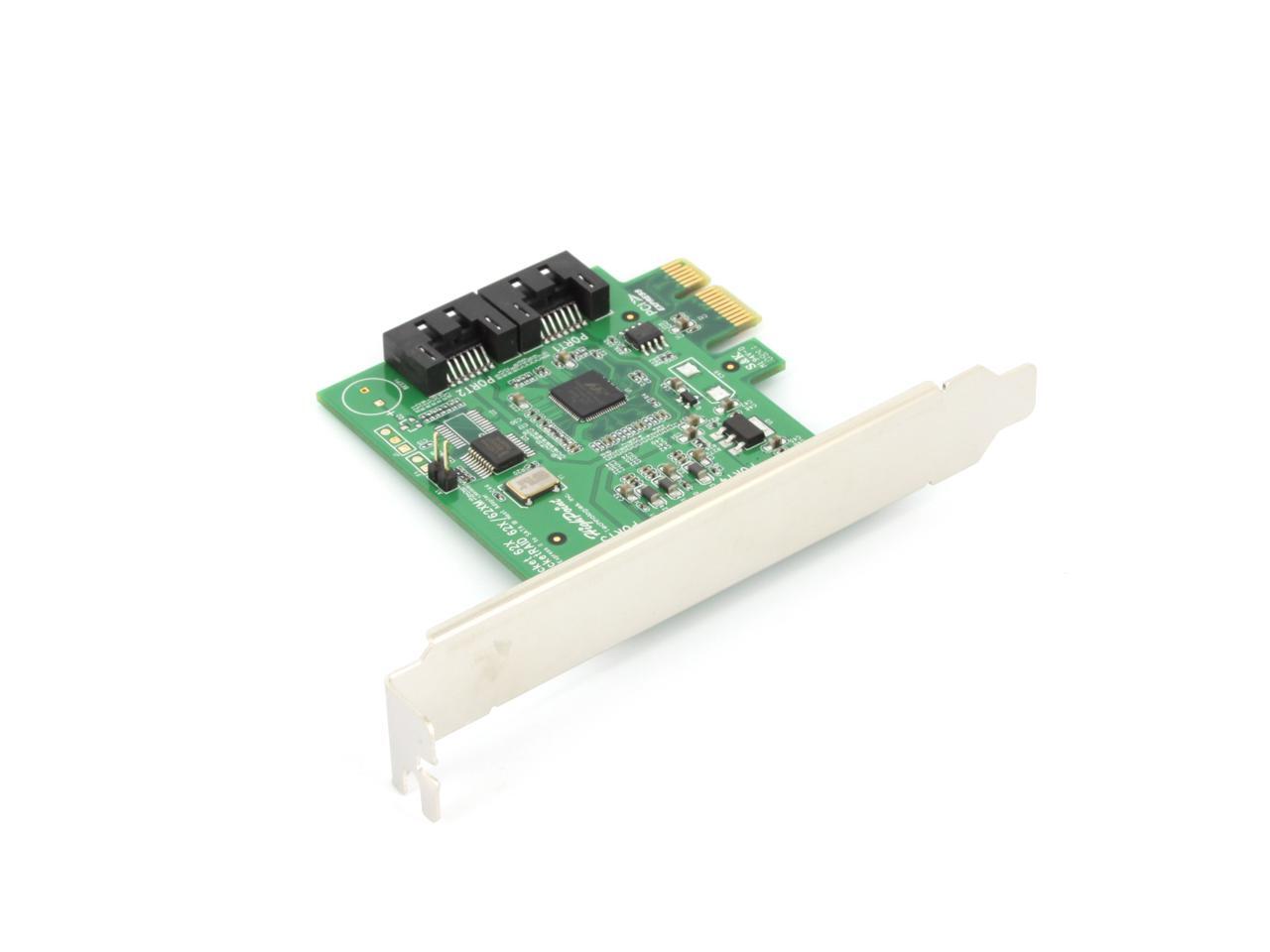
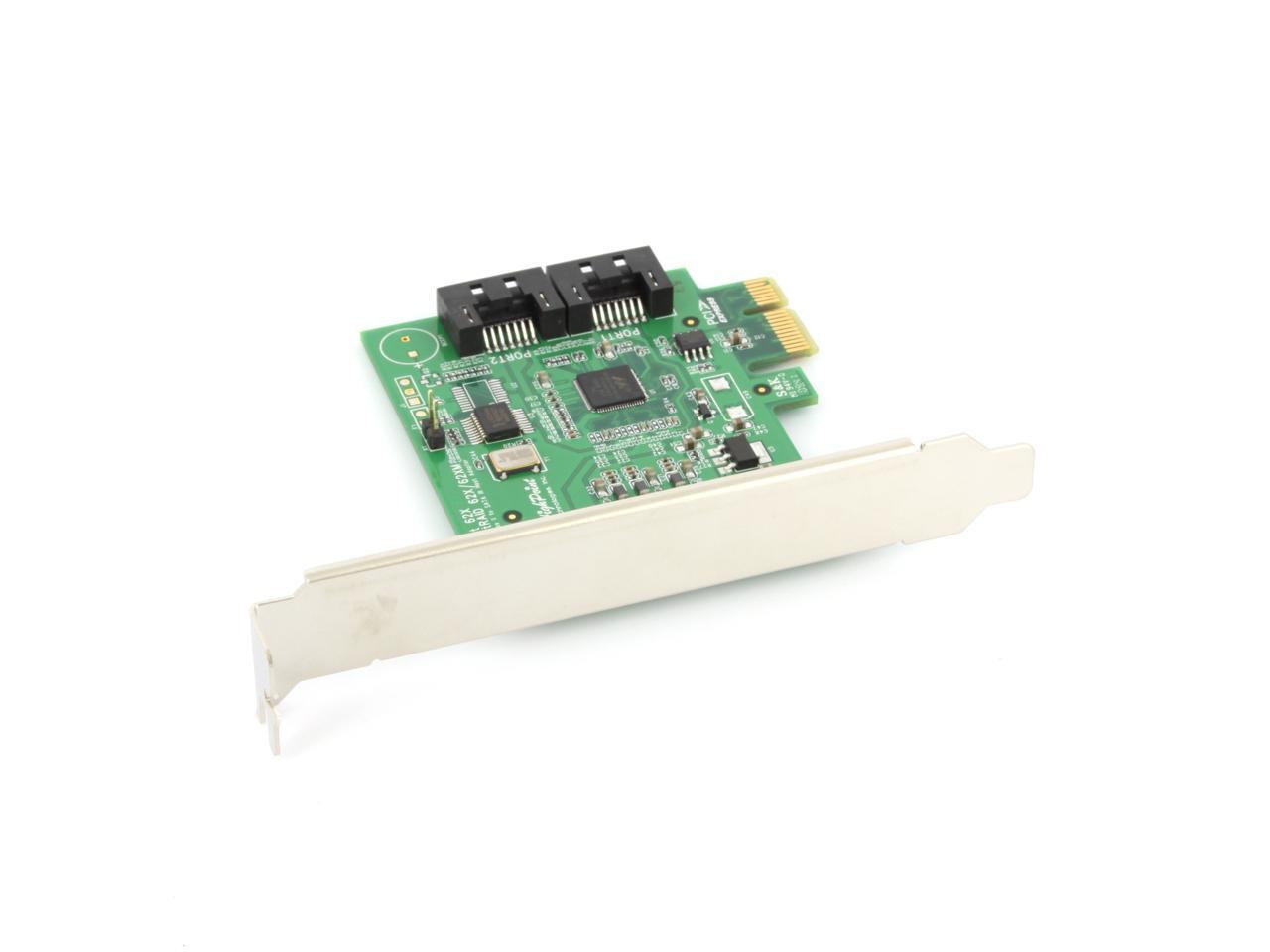
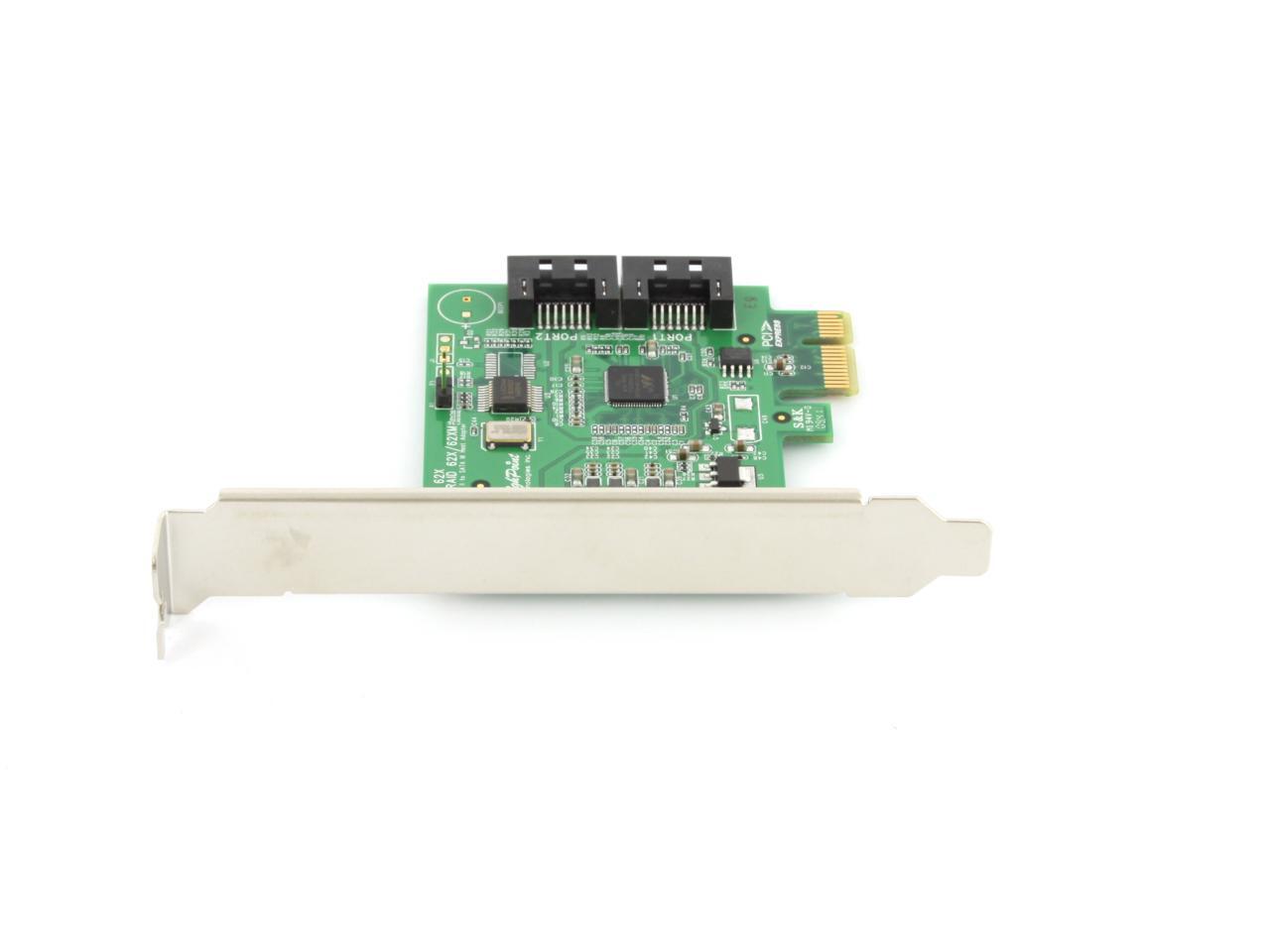
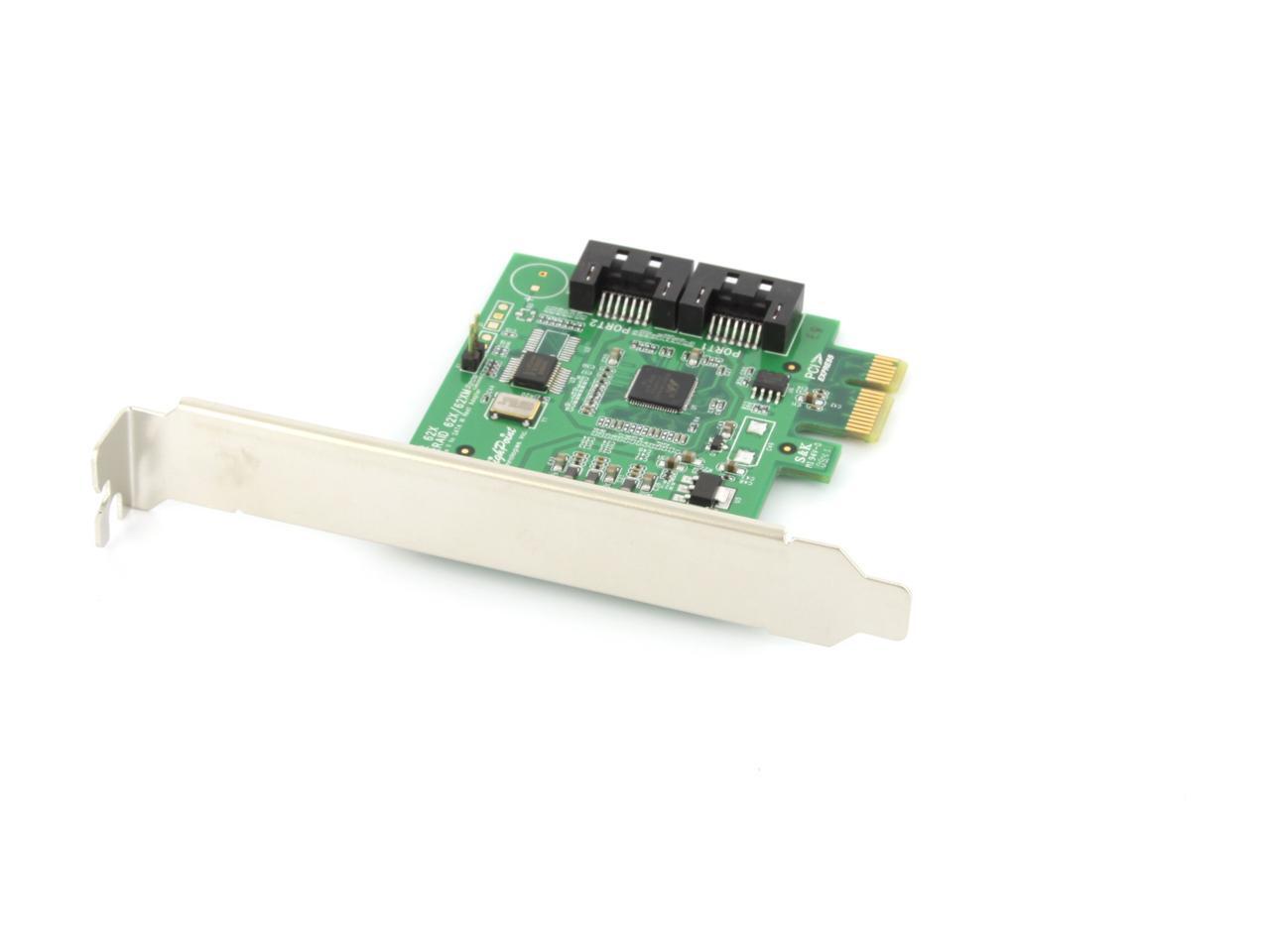
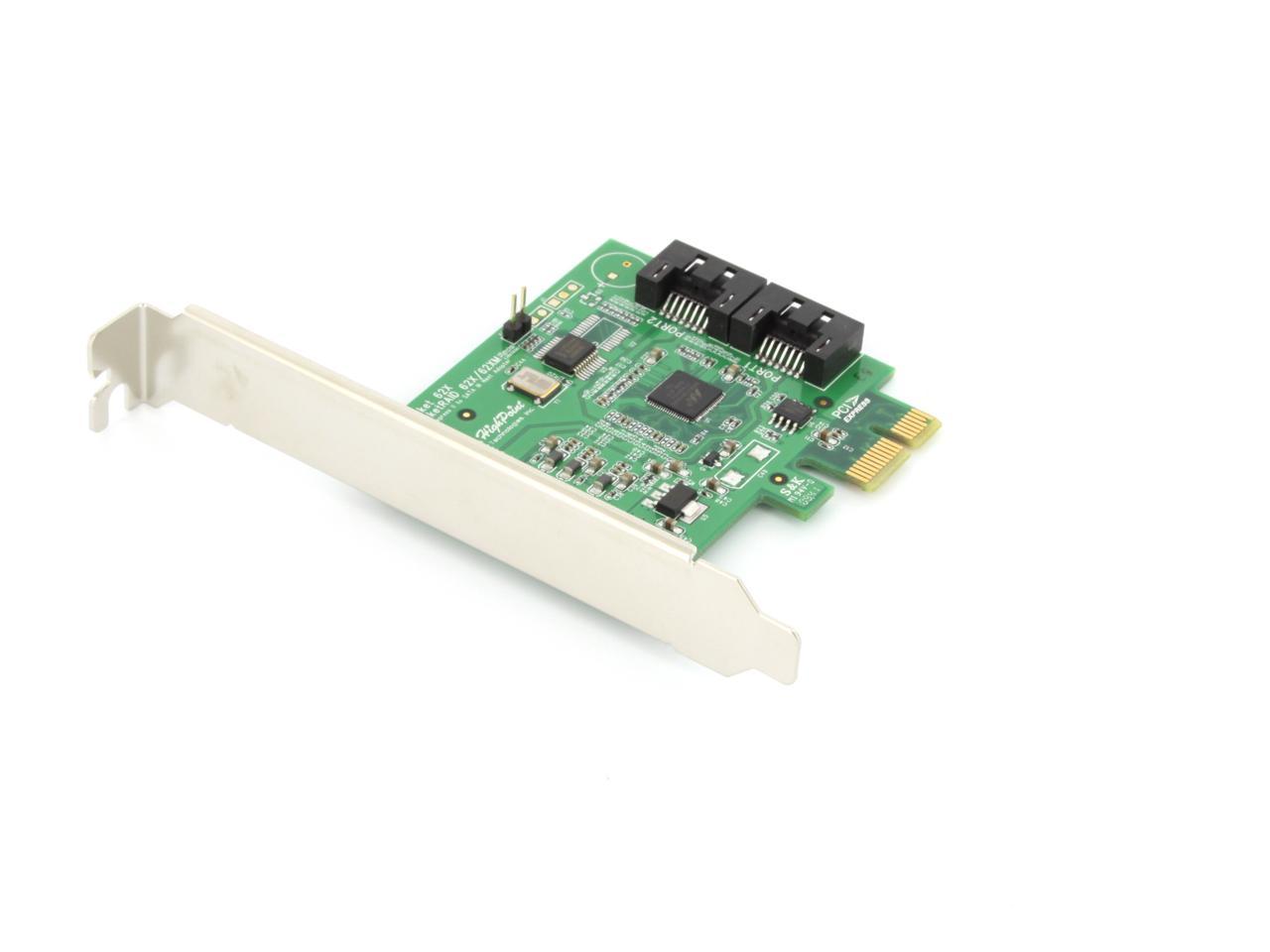
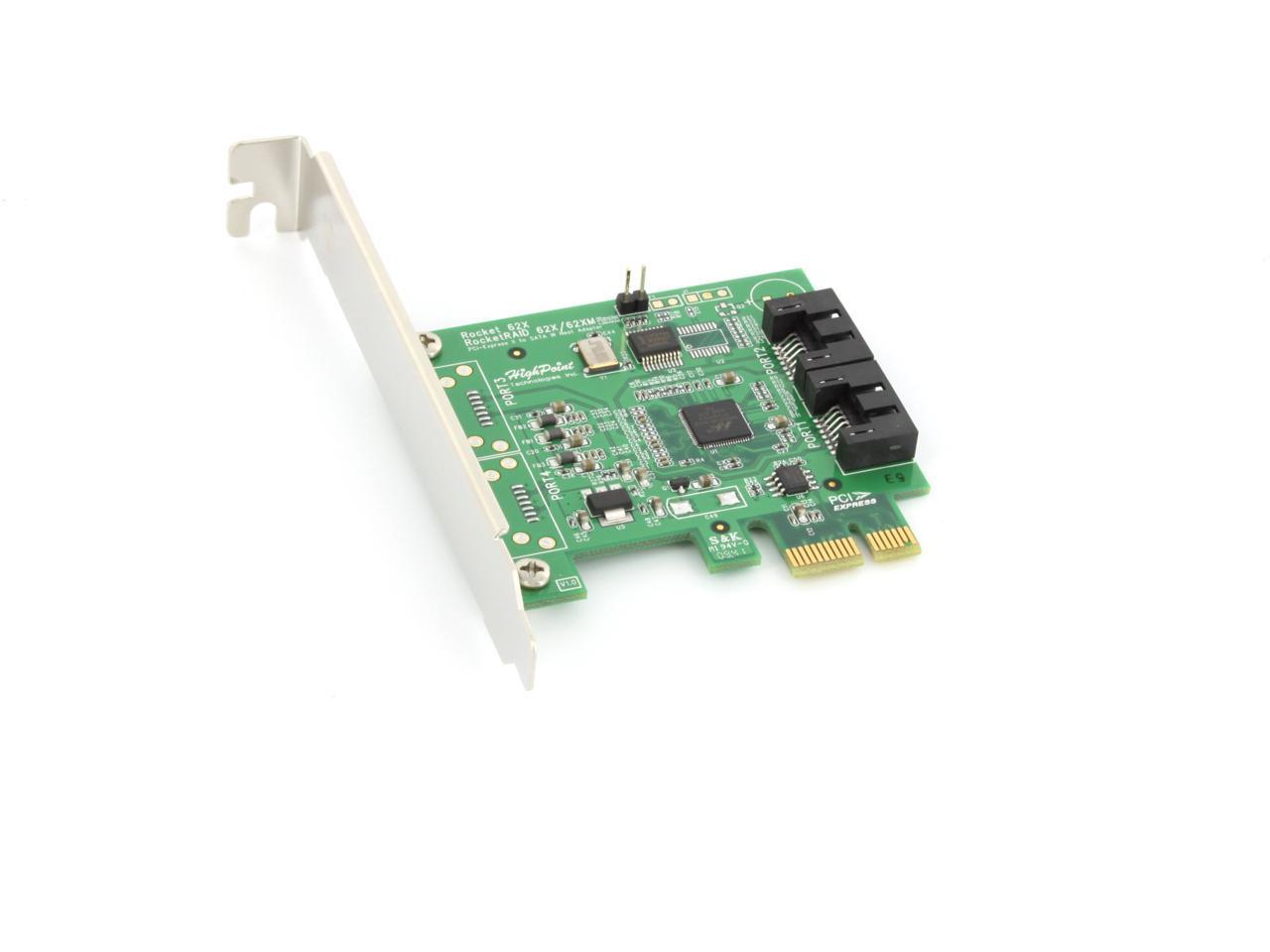
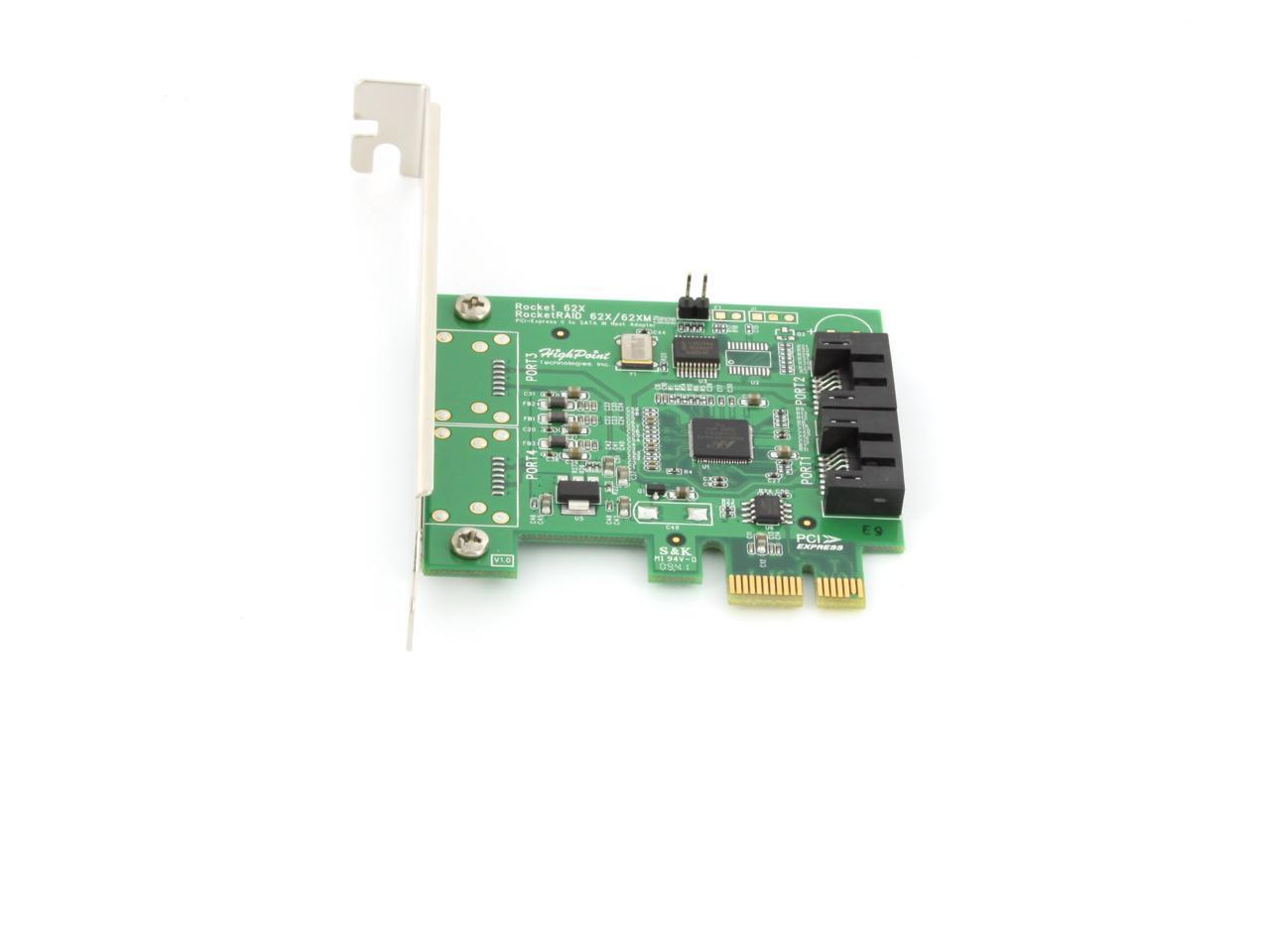
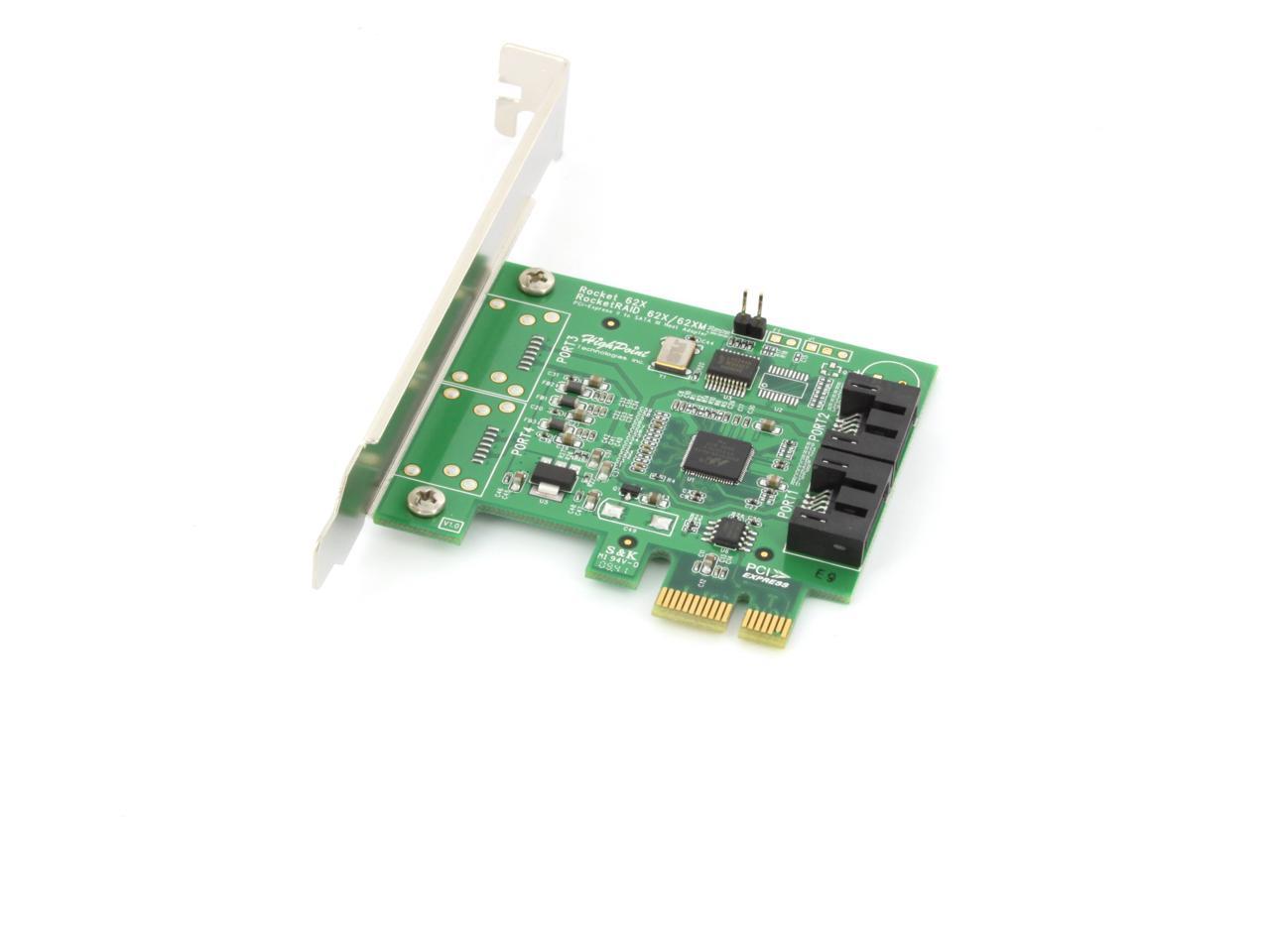
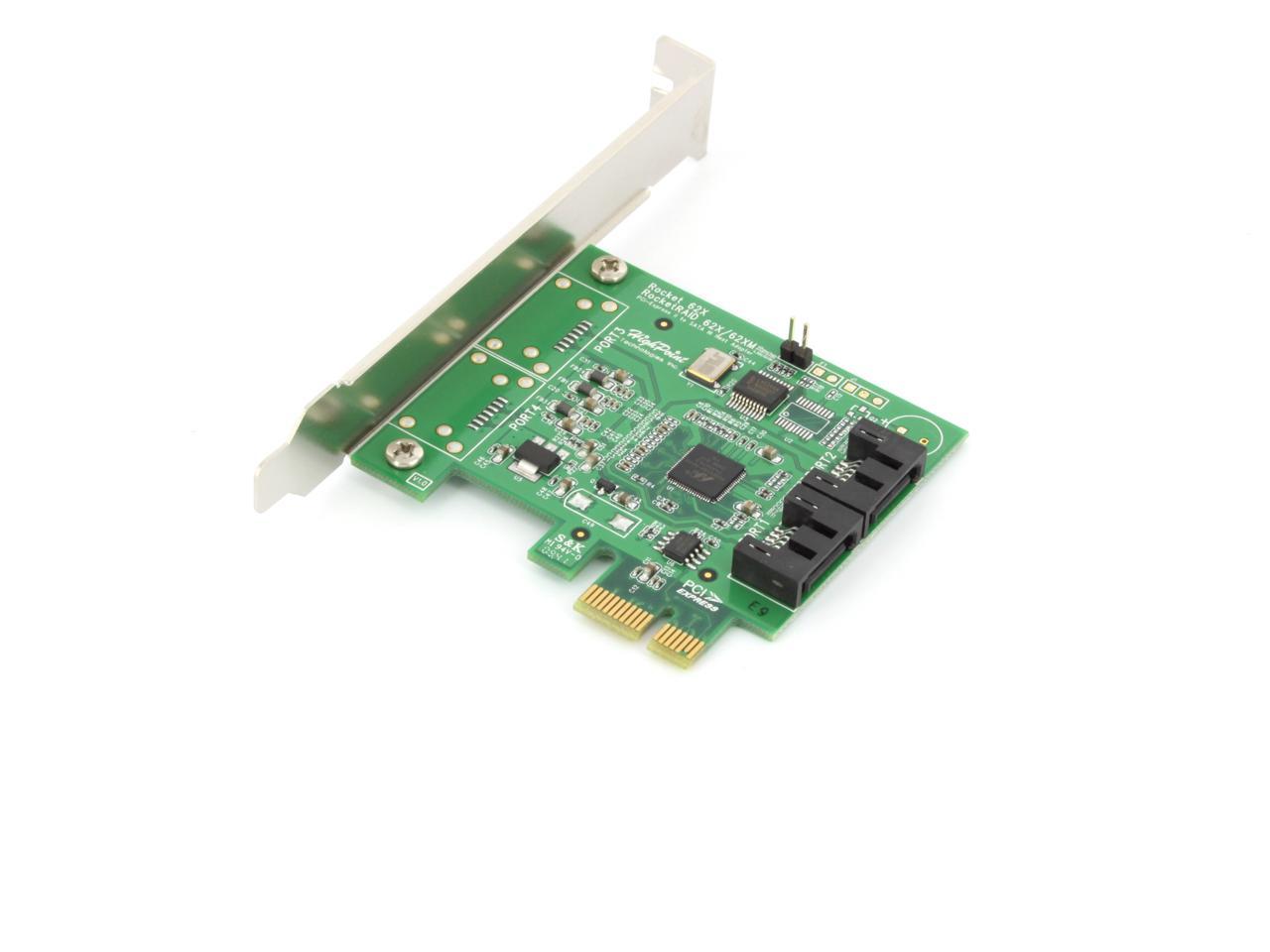
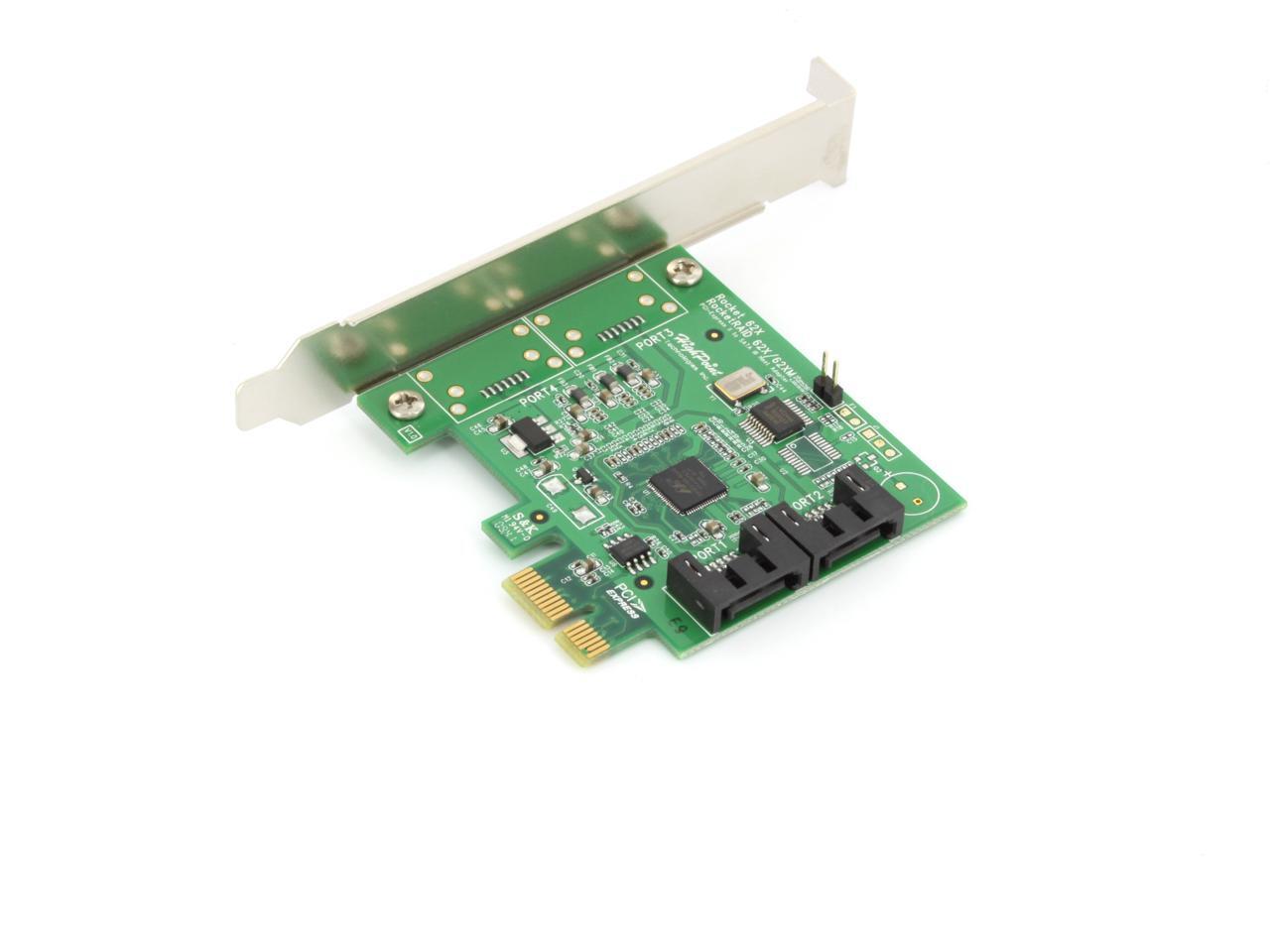
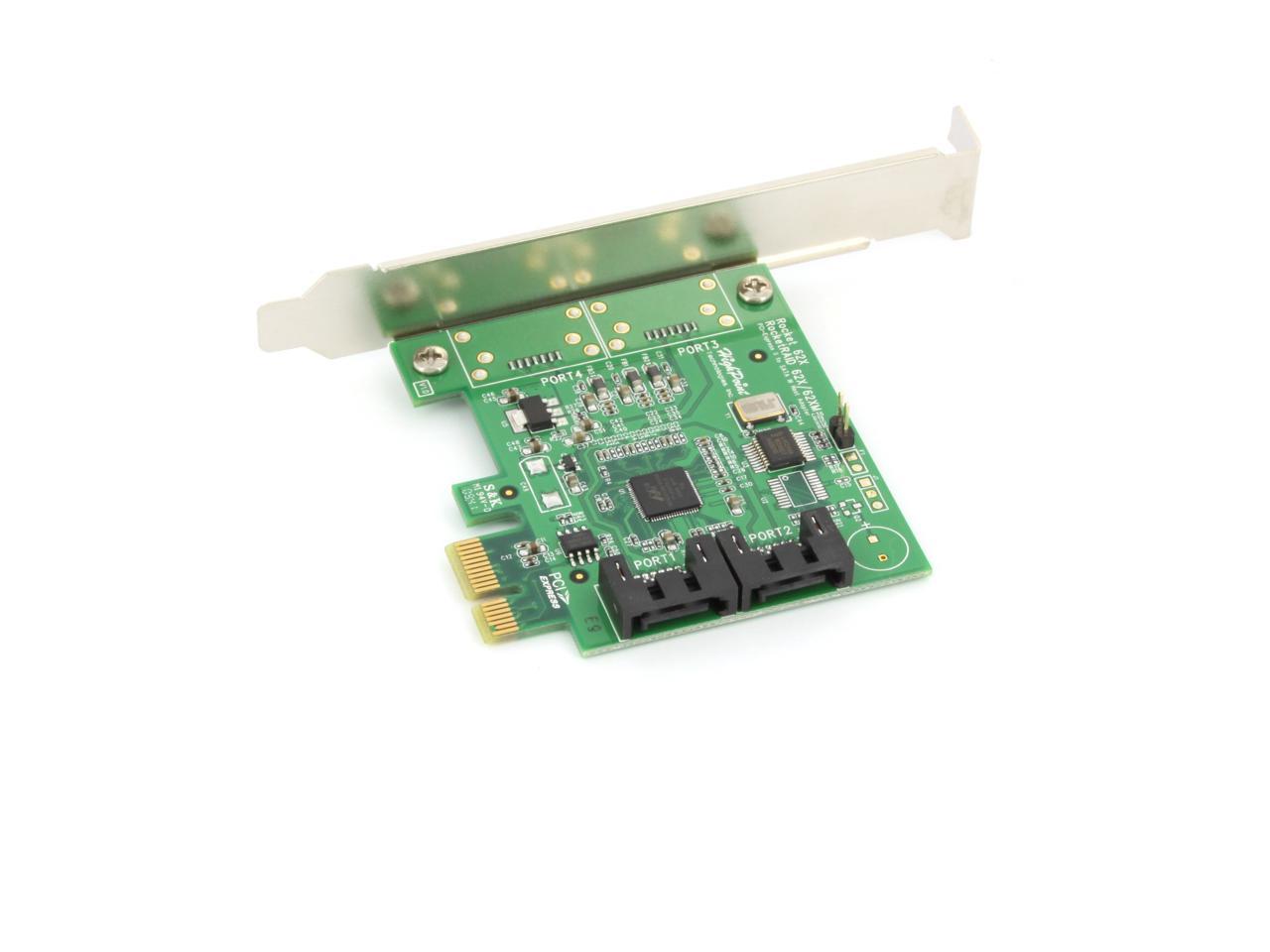
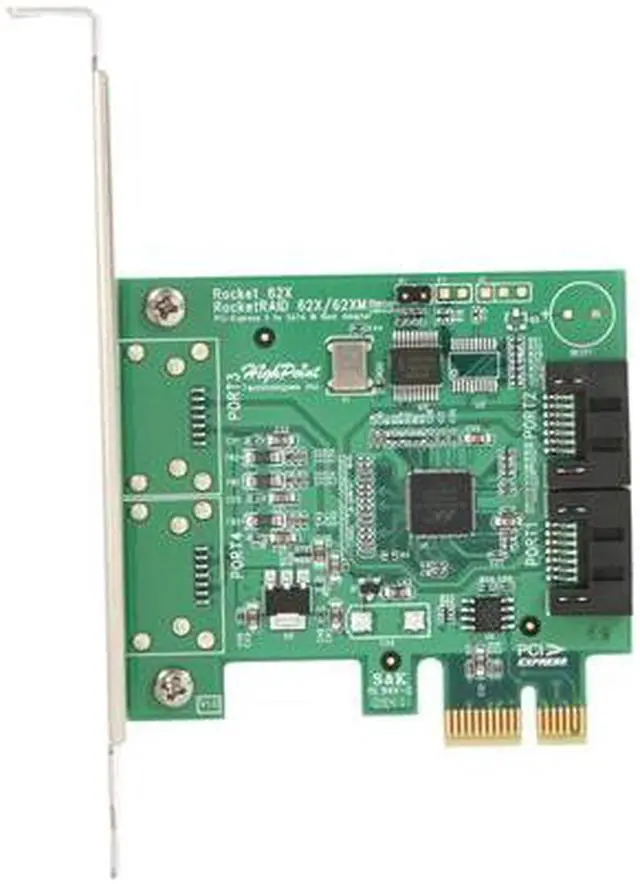
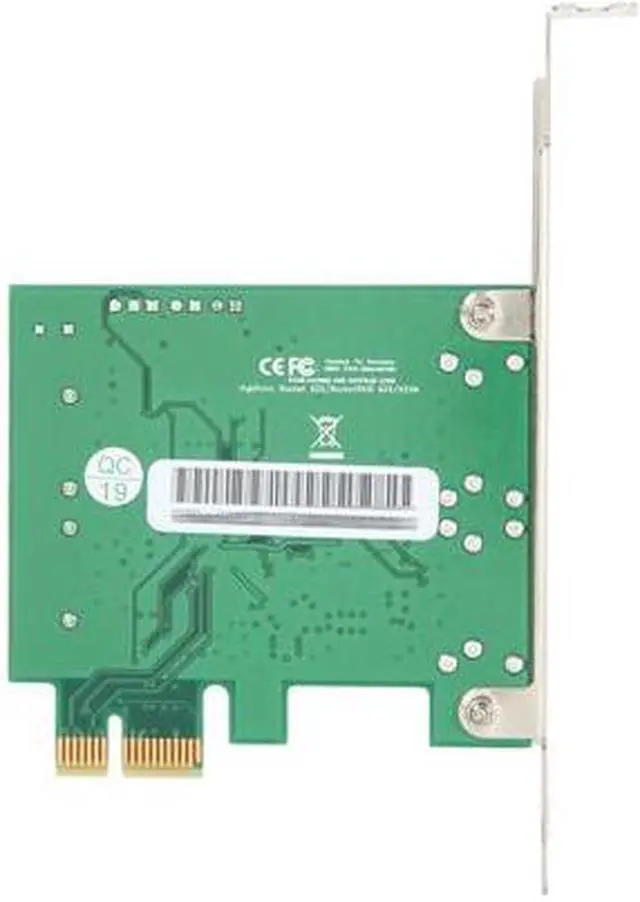
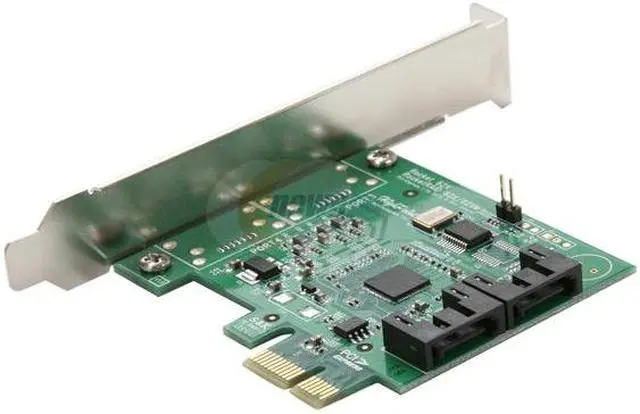
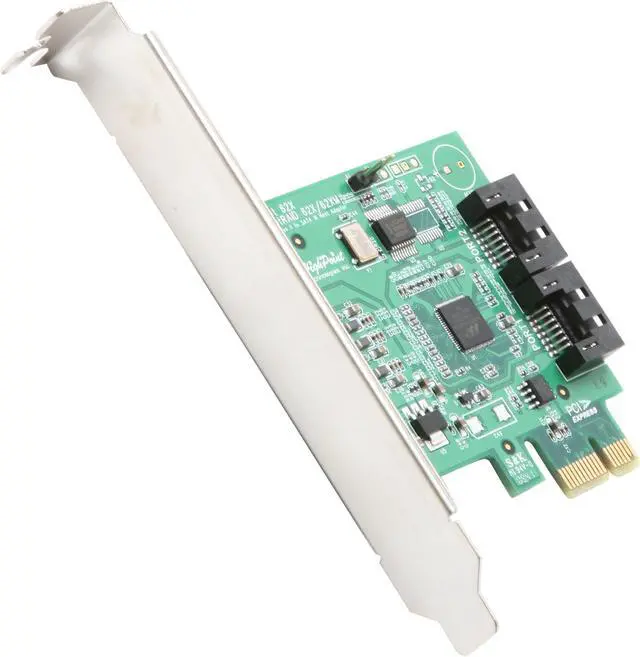
HighPoint Rocket 620 PCI-Express 2.0 x1 SATA III (6.0Gb/s) Controller Card

  • SATA 6.0Gb/s (2 internal ports)
  • PCI-Express 2.0 x1
  • Pin It
  • Email this page
ICON Loading...

The Rocket 600 series are the industry’s first SATA 6Gb/s host adapter based on PCI-Express 2.0 technology. The Rocket 600 series delivers the next generation of SATA performance with robust SATA connectivity.

The Rocket 600 series are the internal and external low-cost SATA 6Gb/s host adapters. They are fully industry standard AHCI (Advanced Host Controller Interface) compliant and deliver Out-of-Box Ready installation for numerous operating systems. The Rocket 600 series is backward compatible to PCI-Express 1.0 technology and SATA 3Gb/s and 1.5Gb/s devices. They use the same cable and connectors as previous SATA generations to ease integration.

  • newegg SATA 6 Gb/s Compliant The HighPoint Rocket 620 features next-generation SATA Revision 3.0 compliant internal SATA ports to provide 6 Gb/s data transfer rates for optimal performance, efficiency, convenience and flexibility.
  • newegg PCI Express 2.0 Interface The PCI Express 2.0 interface provides double the bandwidth of the existing PCI Express 1.0 interface and delivers at least 500MB/s of throughput for enhanced performance.

Learn more about the HighPoint Technologies, Inc. Rocket 620

Model

Brand
HighPoint
Model
Rocket 620

Specifications

Type
SATA III (6.0Gb/s)
Internal Connectors
2 x SATA 6.0Gb/s
Interface
PCI-Express 2.0 x1
Transfer Rate
Up to 600 MB/sec
Operating Systems Supported
Windows Vista, Windows 7, Linux with kernel 2.6.19 and above and FreeBSD
Dimensions
2.66" x 2.84"

Features

Features
PCI-Express 2.0 (Compatible with PCI-Express 1.0).

Industry Standard AHCI Compliant.

Plug-n-Play Ready.

Bootable support.

Hot Plug.

Compatible with SATA HDD, SSD, etc.

Power Efficient – Going Green Saves Green.

Packaging

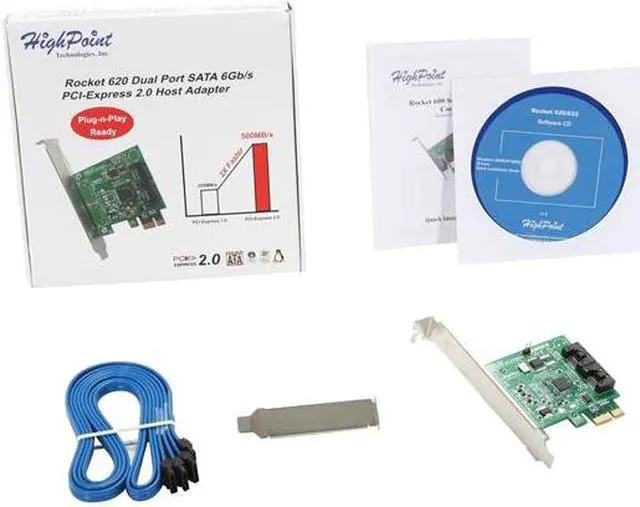
Package Contents
Rocket 620 controller
Quick Installation Guide Software CD for (Windows 2000/XP/2003)
(2) SATA Cables

Manufacturer Warranty

Parts
1 year limited
Labor
1 year limited

Quick Info

Warranty

  • Limited Warranty period (parts): 1 year
  • Limited Warranty period (labor): 1 year


Customer Reviews of the HighPoint Technologies, Inc. Rocket 620

Do you own this product? Write a Review

Filter Results

Go
  • Gloria
  • 5/20/2013 8:01:26 AM
  • Tech Level: Average
  • Ownership: 1 week to 1 month
  • Verified Owner

3 out of 5 eggsHighPoint Rocket 620A

Pros: Great Card!! The SATA Controllers on my Motherboard gave out and this Low Cost Host Adapter brought back to LIFE!!

Cons: I'm rating this as 3 eggs for keeping me happy so far. Start-up worked great but After a month the start-up has completely SLOWED down!!!

Other Thoughts: Highpoint really sticks with customer SERVICE!!! No phone service!! Just online support you have to wait for their respond!!! Meanwhile, I need to buy a second one for backup and don't know if I should go with a different one for these reasons? Any suggestions?

Did you find this review helpful? Yes No

  • N/A
  • 5/20/2013 6:38:40 AM
  • Tech Level: Somewhat High
  • Ownership: 1 day to 1 week
  • Verified Owner

2 out of 5 eggsDOA & Not Windows 8 compatible

Pros: Nice and cheap

Cons: I believe it was DOA. Tried it on a Windows 8 and Windows 7 system and neither would "see" it at all. Also it seems this lacks Windows 8 drivers. Even the chipset Marvell has no drivers for W8 either, so it was doomed to not work for me from the get go, shame on my for not researching this further regarding OS compatibility.

Other Thoughts: Newegg accepted the return of the product.

Did you find this review helpful? Yes No

  • c e
  • 5/17/2013 12:09:33 PM
  • Tech Level: Somewhat High
  • Ownership: less than 1 day

1 out of 5 eggsdoes not work

Pros: none

Cons: does not work, no phone support (call the number on the manual, they will tell you), online support only after REGISTRATION!!!!

Did you find this review helpful? Yes No

  • starvinmarvin
  • 5/1/2013 2:46:06 PM
  • Tech Level: Average
  • Ownership: more than 1 year

5 out of 5 eggsMedium Speed at Low Cost

Pros: Easy install if you do it right !
Provides two SATA III ports.

Sequential Read speed on SATA III SSD increased from ~280MB/Sec. to ~385MB/Sec.

4K random and 4K QD32 speeds also increased significantly. This may the greatest benefit of using an inexpensive add-on controller.

70% cheaper than faster controller cards.

Cons: To use this for your Windows or other operating system the install requires extra steps. See Other Thoughts below ....

Adds an extra 15 seconds to boot-up time.

Sequential Write speed decreased about 20% (but could never detect it in normal use).

Other Thoughts: Quick Install Guide says plug it in, connect a drive, boot up the computer, install driver, then re-boot and the controller is ready for use. All true except if you connect the drive containing your operating system at the beginning then your computer won't boot up - error, error, ERROR.
The best way to install this requires a couple of extra steps. At first, just plug in the card - don't connect a drive ! Boot up, install the driver, then re-start the computer. After it boots up and is ready to use then shut it down once more. Now, while it's shut down, remove the power cord and connect your chosen drive or drives to the controller card. Now you can boot up and all should be well. If you want to be extra careful you could connect only the drive containing Windows and disconnect all other drives from the motherboard temporarily. When you boot up the computer, the controller card will be working and it will see only one drive with Windows on it. After that, you may shut down again and reconnect all other drives. I don't think temporarily disconnecting all other drives is necessary, but a friend who has a similar add-on controller card said he avoided problems with his dual-boot system by connecting only one drive to begin with. Since we use Sleep mode most of the time the extra boot time required while this card attempts to scan all drives (maybe looking for RAID arrays?) is not much of a drawback for us. The Marvell 9128 controller has been criticised by some because it doesn't achieve full SATA III speed. All of these inexpensive controller cards require a PCI-e x1 slot which has only one "lane" of bandwidth which is simply not sufficient for full SATA III speed. To achieve full speed requires at least two lanes of bandwidth and that means using a controller card that connects to a PCI-e x4 slot (or bigger). Those cards cost around $89 to $299. So, the only real criticism for these inexpensive cards is the failure to mention that, although they are SATA III, they don't provide full bandwidth/full speed. And that seems like a legitimate gripe aimed at all brands and models at this level.

2 out of 2 people found this review helpful. Did you? Yes No

  • N/A
  • 4/20/2013 3:18:45 PM
  • Tech Level: High
  • Ownership: 1 day to 1 week

1 out of 5 eggsDo not buy

Pros: If it worked

Cons: Always used adaptec cards but figured I'd try a different manufacture. I installed this card in my server for two more drives in raid 0. I thought this was going to be a IOP based raid card well it wasn't. You only have the option to configure a software raid within windows.(Disk Management) I installed the driver on their website and configured the two hdd's for raid 0 (mirrored) dynamic disks. One had data the other did not. I waited for it to re-sync to the other drive and it failed after 10 minutes. I reformated both drives for MBR partition scheme NTFS reconverted to dynamic disks setup the mirror and started to copy all my data to one disk. It failed again. I went to their website for the latest raid bios version, backed up the old bios in dos, and reflashed to the new version. (successful) I tried configuring it again but it had failed. I tried all of my pcie slots and it still failed. I then connected the two drives to intels onboard ICH7 chipset, setup the same configuration and its been working for 3 months. I ended up contacting highpoint through their web based portal and they could not help since I already troublshooted it to the point where they had nothing else to say. They told me they will test more and get back with me. It has been 3 months and I haven't heard back from them. I actually ended up returning the defective card to newegg for a refund.

Other Thoughts: I was using windows 7 Ultimate 64 bit. I would stay away from this raid card.

0 out of 1 people found this review helpful. Did you? Yes No

  • N/A
  • 3/16/2013 8:12:53 PM
  • Tech Level: High
  • Ownership: more than 1 year
  • Verified Owner

1 out of 5 eggsDoesn't work very well

Pros: relatively cheap.

Cons: Hard drives attached would intermittently fail to be read. Raid array would fail due to one of the drives failing to be recognized occasionally. Drives would click when attached to card, have tested multiple drives with multiple cables. Only constant was the card.

1 out of 1 people found this review helpful. Did you? Yes No

  • Randbuck
  • 3/13/2013 9:23:29 PM
  • Tech Level: Somewhat High
  • Ownership: 1 month to 1 year
  • Verified Owner

5 out of 5 eggsSurprisingly good

Pros: Simple to install. Plug and play with Win 7 and Fedora 17 dual boot. No additional drivers required. Bootable. Recognized the HDD and SDD drives attached as IDE by my 2008 mobo bios and selectable as bootable drives.

Cons: Adds 3-4 secs of during boot time, but it's ok. I can live with that.

Other Thoughts: Got this on sale for $12.99. Hoping the price would go down that low again and will buy another one.

Did you find this review helpful? Yes No

  • N/A
  • 3/6/2013 3:38:41 PM
  • Tech Level: Somewhat High
  • Ownership: 1 week to 1 month
  • Verified Owner

5 out of 5 eggsWorks well with unraid

Pros: I bought this as a cheap way to get another couple of drives into a budget unraid build. I installed it on older motherboard that I stripped out of an HP Desktop. It was recognized just fine and works fine. I haven't checked the speed, so can't speak to that, but it works well for what I needed.

Cons: None so far.

Did you find this review helpful? Yes No

  • Leo H
  • 3/5/2013 10:59:04 PM
  • Tech Level: High
  • Ownership: 1 month to 1 year
  • Verified Owner

5 out of 5 eggsWhere"s my Rebate?

Pros: Hint: Gigabyte PCIe block charts show how the PCIe slots work for max performance. Go to Gigabyte website and download any mobo with your chipset & processor. PCIE ( 1.0 ) or (2.0 ) bus makes a huge difference. Top PCIe is 16 lanes for Video.

Cons: Pcie 1.0 isn't as fast! Use the top most PCI X 4 (small single slots) below the Video; will borrow 4 lanes from slots below it.

Other Thoughts: Always something with that company. They want their commercial hands in the public computing bank, but treat users like ants and back shelf response. NOTE: March 2013 issue, Volume 13 Issue 3 of CPU Magazine has great reference with State Of The Art Standards article on the PCIe seesaw.

0 out of 1 people found this review helpful. Did you? Yes No

  • RT
  • 3/2/2013 12:52:36 PM
  • Tech Level: Average
  • Ownership: 1 month to 1 year
  • Verified Owner

4 out of 5 eggs

Pros: WORKS PUT IN SATA 2 MB SPED UP SATA 3 SSD DRIVE BY 50-70% DEFINATLY HAPPY WITH PUCHASE ! HELD ME FOR AWILE BEFORE UPRADING MOTHER BOURD.

Cons: IF YOU HAVE IN 16 PCIE SLOT AND UP YOURE PCIE SPEED TO MUCH IT WILL QUIT WORKINGAND WILL NOT RESSET . JUST TURN OFF COMPUTER TAKE CARD OUT RESET YOUR PCIE IN BIOS REINSERT CARD THEN WORKS AGAIN..

0 out of 1 people found this review helpful. Did you? Yes No

ICON Loading...
  • $39.99
  • $29.99
  • Save: $10.00 (25%)
  • $9.99 Shipping
 
Are you an E-Blast Insider? Subscribe Newegg e-Blast

Buzz

HighPoint Rocket 620 Sata III 3

5 out of 5 eggs
Using it as a boot card for Vista OS. Used 2 x 1TB WD Hard drives connected to it and they showed up as JBOD (two separate ...
— Good but lacking... 1/8/2010

SATA 6.0Gb/s on the cheap

5 out of 5 eggs
A low cost SATA controller that supports SATA 6Gb/s along with PCI-E 2.0, I ran a bandwidth test with a WD Black 1TB ...
— Ooomph 12/29/2009


LOADING... LOADING...
Shop by Region: United States | Canada | China
Follow us:   RSS Feeds Youtube
VeriSign Reliability Seal1 PaypalVerify GoldenSeal InteracThis site protected by Trustwave's Trusted Commerce program Inc500

Policy & Agreement | Privacy Policy

 © 2000-2013 Newegg Inc.  As used herein, “Newegg.ca” means Newegg Canada Inc. unless the context specifically refers to the www.newegg.ca web address.
If the Adobe Reader does not appear when you click on a link for a PDF file, you can download Adobe Reader from the Adobe web site. nassau