
Your Browsing History


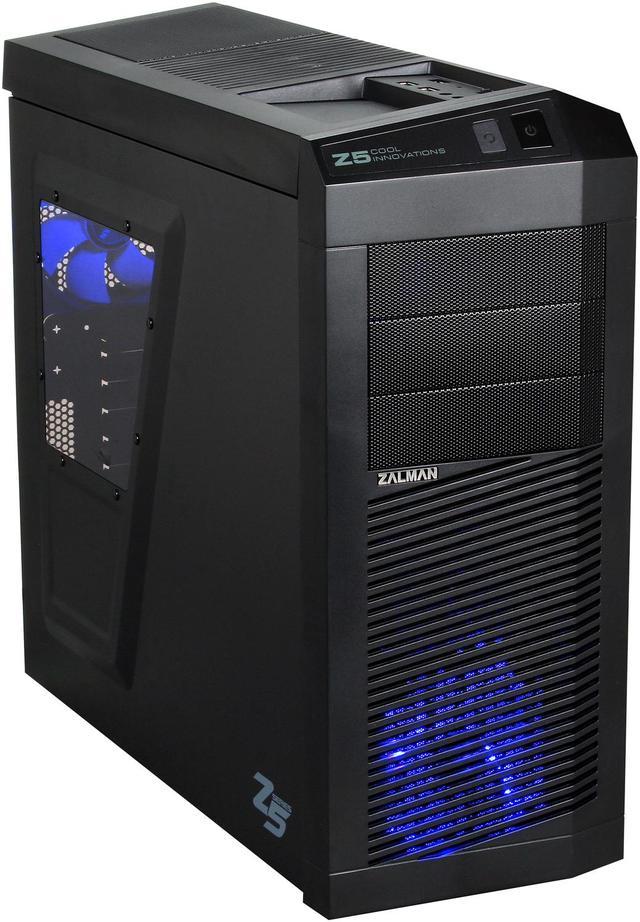
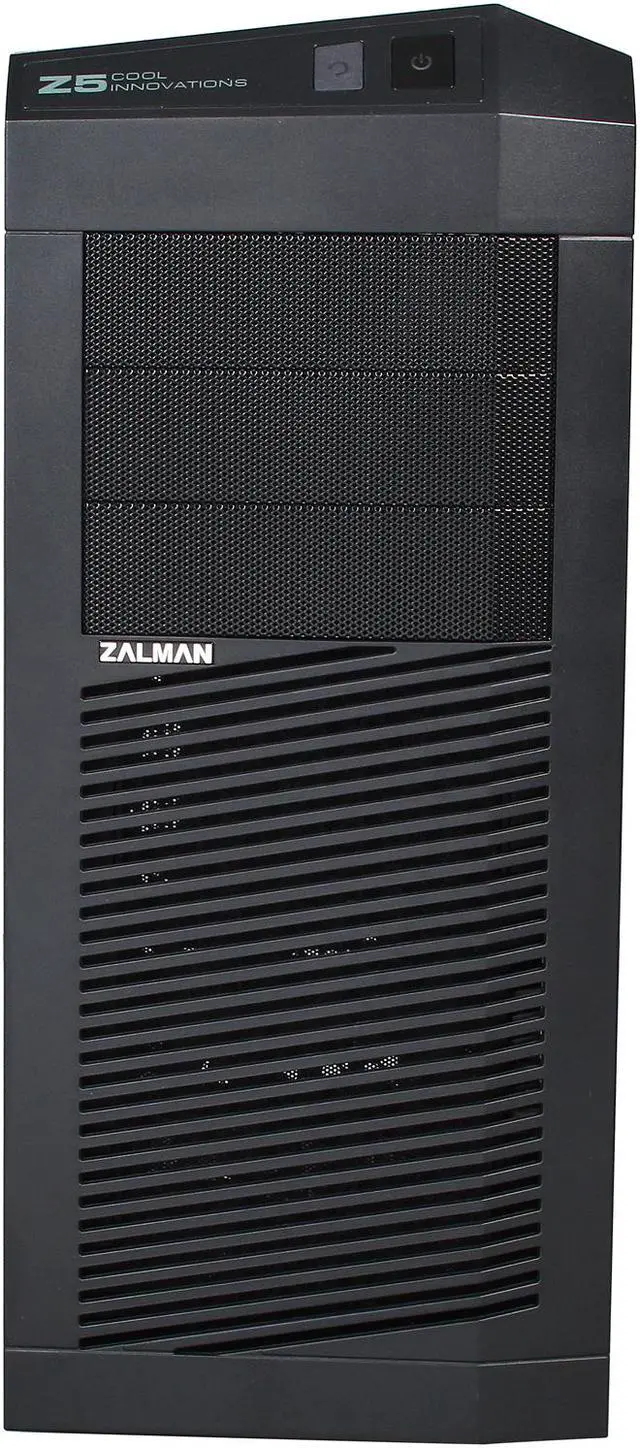
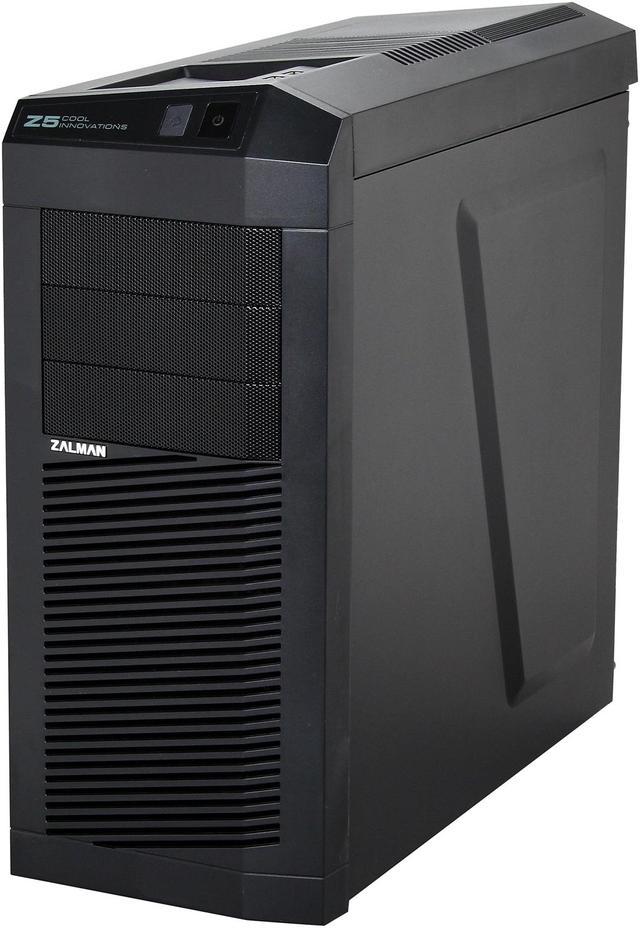
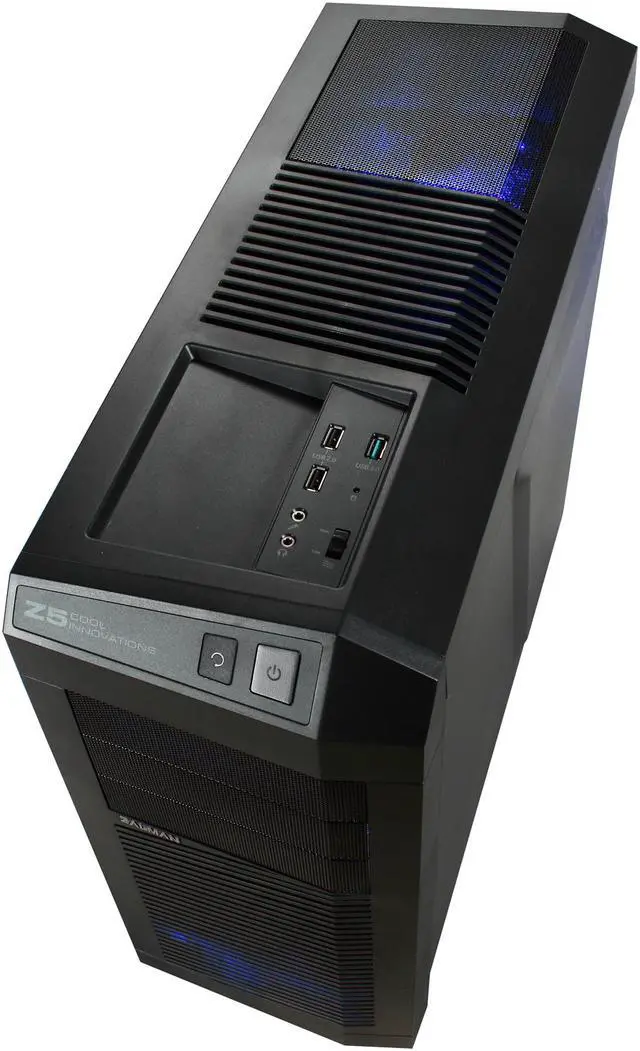
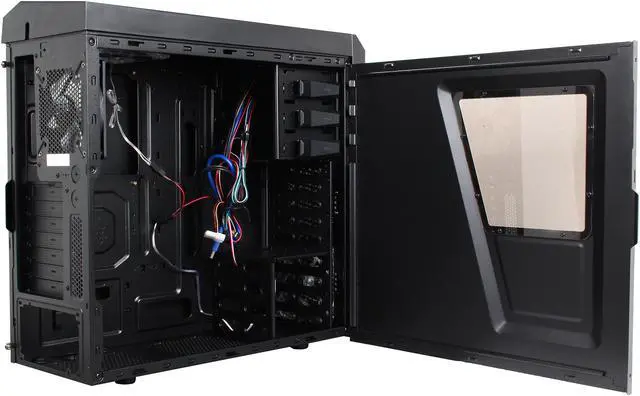
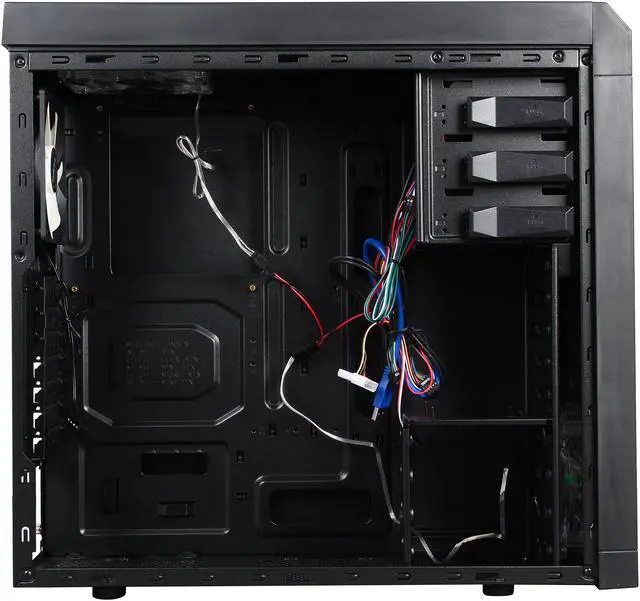
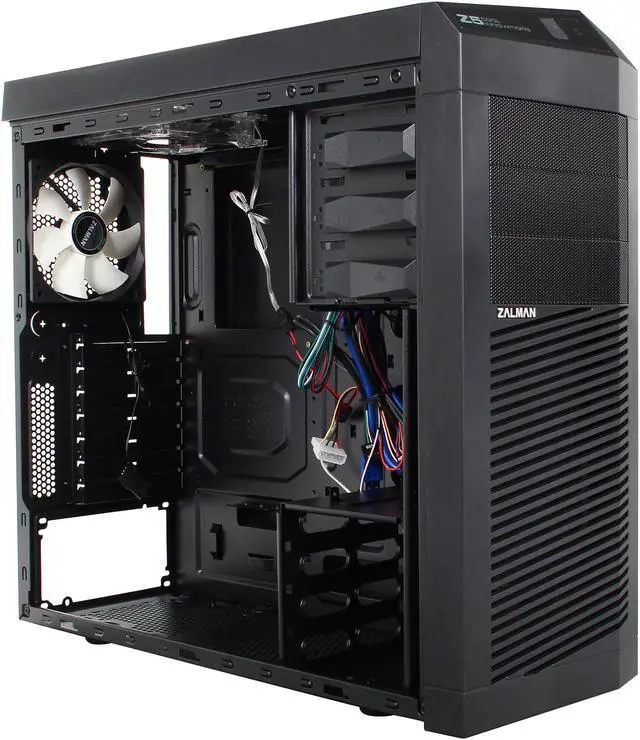
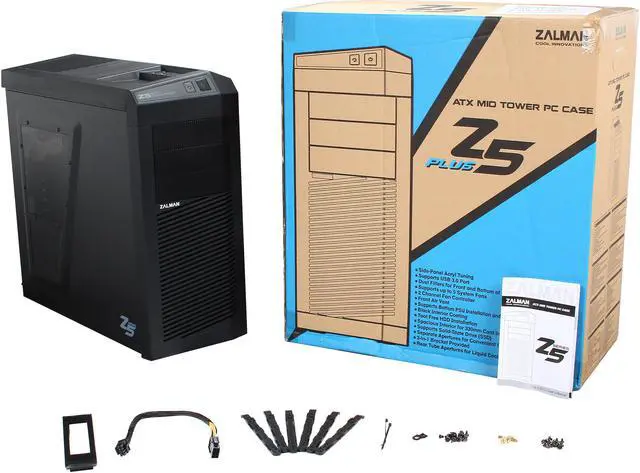


The Zalman Z5 Plus Mid Tower Case features a luxurious interior, with black coating as a finishing touch. With its supreme cooling system, all of your components stay cool, even when the battle heats up! This case provides ample space to accommodate all your components. The tool-less design and safe edge molding ensure easy and safe installation. The handy I/O panel makes communication between your PC and your peripherals extremely easy.
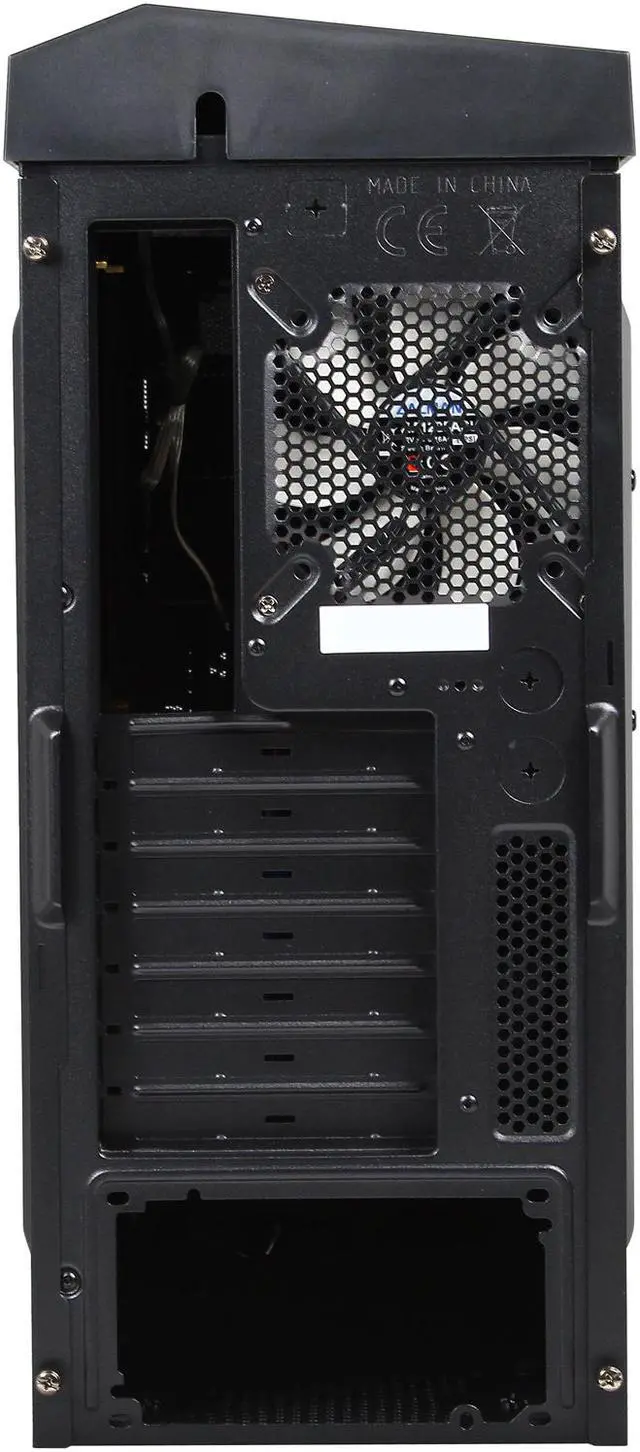
 Advanced cooling solutionThe Z5 Plus Case features an advanced thermal design from the inside out. Up to five fans (two 120mm Blue LED top fans*, one 120mm rear fan, one 120mm bottom fan, and one 120mm Blue LED front fan) can be mounted to cool down your components. The bottom PSU installation support ensures effective cooling for the PSU and the interior of the case. The front and top vents are designed aerodynamically for efficient cool air intake. In addition, tube apertures are provided at the rear of the case for convenient water cooling setup and maintenance. (*One fan is included, one is optional.)
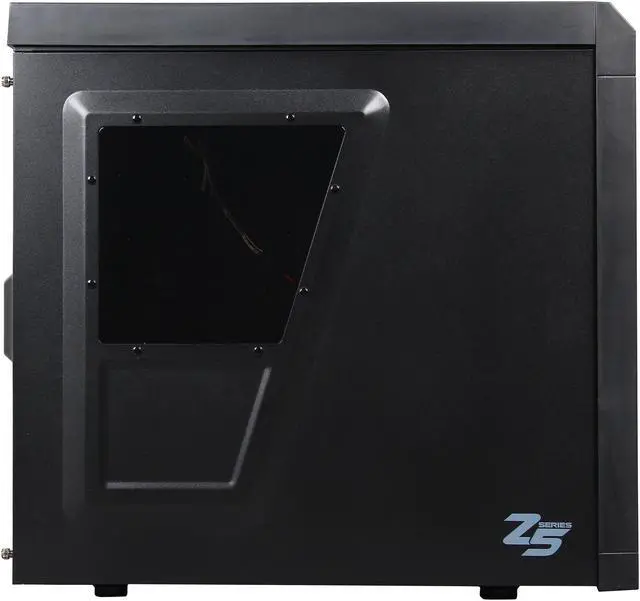
 Look inside!Side Acryl tuning lets you see the interior of your system.
 Easy and safe to installThe tool-free design allows you to install HDDs quickly and easily. A separate aperture for the CPU cooler is provided for convenient installation, without having to remove the motherboard from the case. In addition, the safe edge molding makes for a more secure installation environment.
 Spacious InteriorThe Z5 Plus offers a spacious interior for all your components. It provides seven PCI extension slots. Without the side guide, a 330mm-high performance VGA card can be installed. The two-in-one adapter tray is provided for installing an FDD/3.5-inch HDD, while space is provided on the bottom of the case for the installation of an additional 2.5-inch HDD/SSD.
 Convenient top interfacesThe USB 3.0 and USB 2.0 ports, fan controller, audio socket, and power and rest buttons are set on the top for convenience. You can place a smart phone or an external hard drive on the stand next to the USB port for convenient charging and connection.
 Noise- and dust-freeAnti-slip rubber, at the bottom of the case and the PSU, eliminates vibration sound. Dust filters at the bottom prevent dust from entering.

